what innernet is, the three parts it is made of, and what you will have done by the end of this walk.
the fundamentals · step 1 of 5
meet innernet
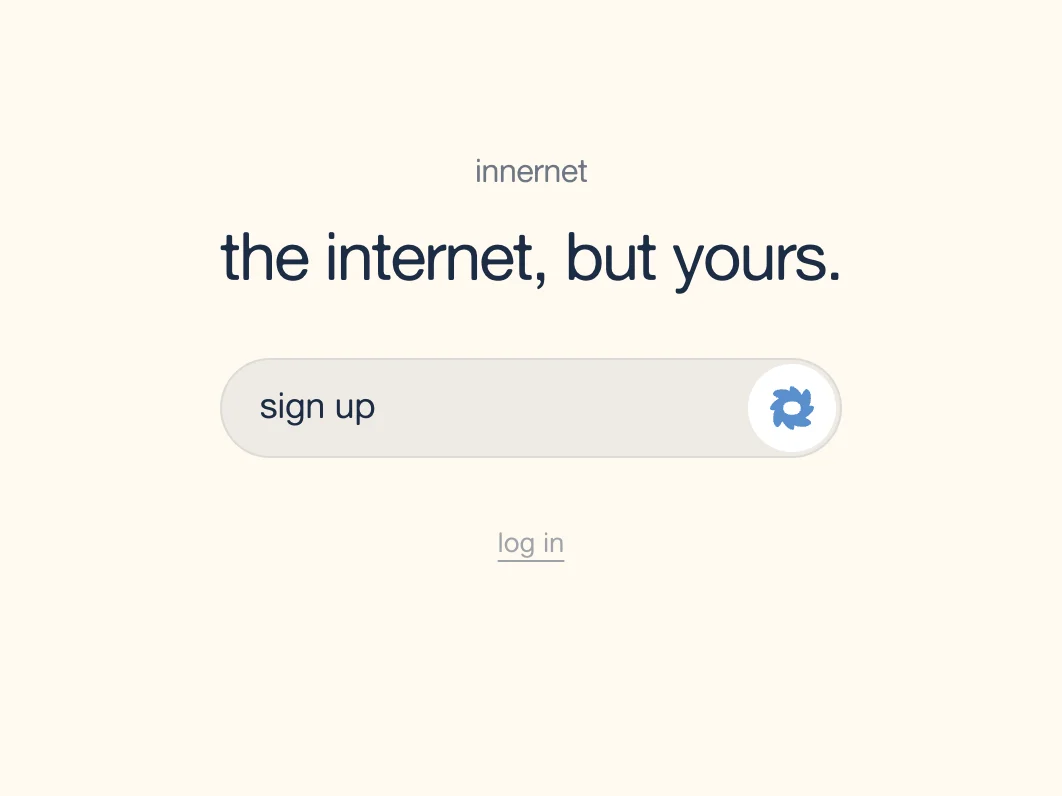
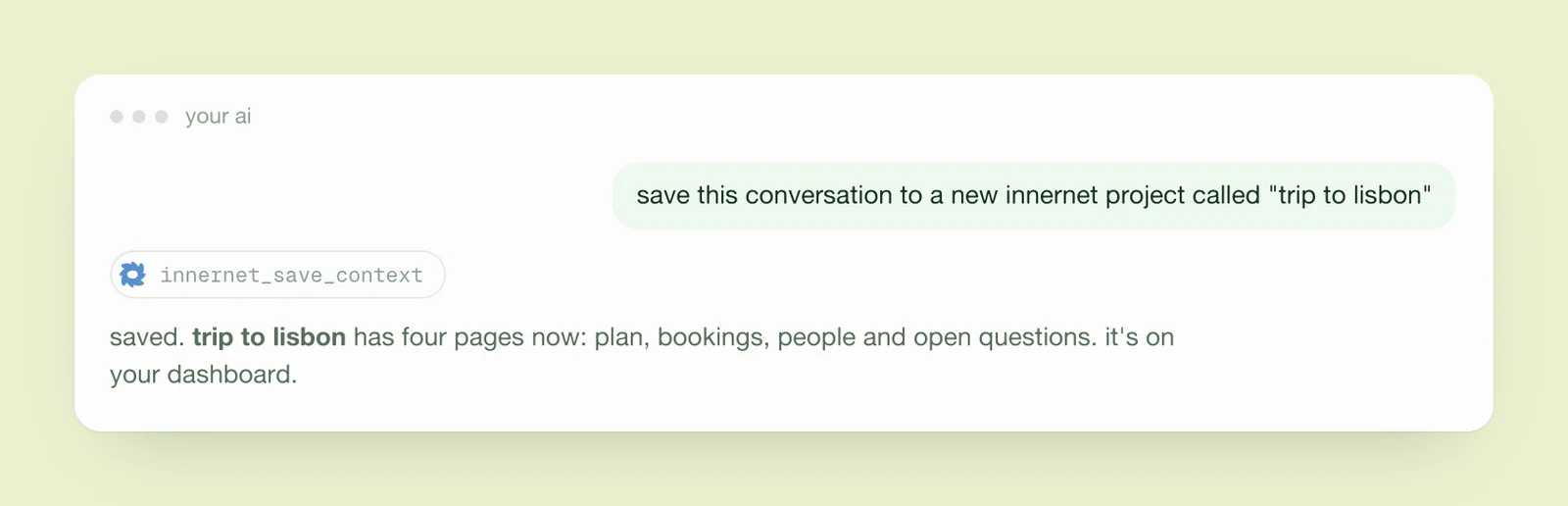
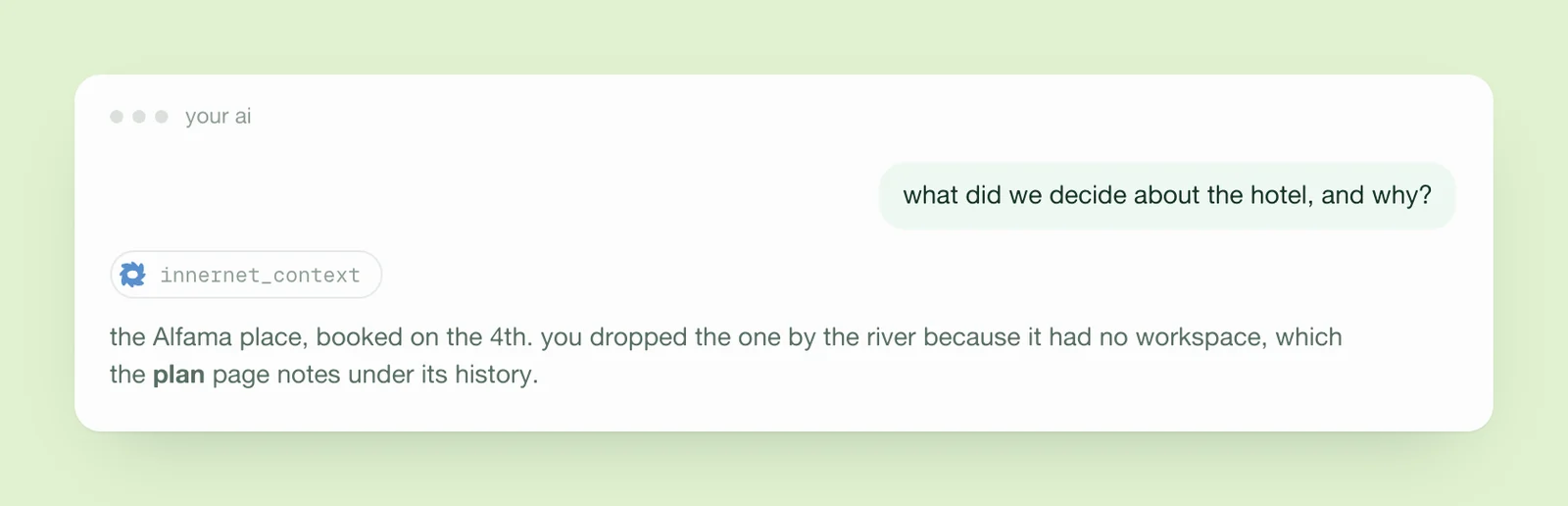
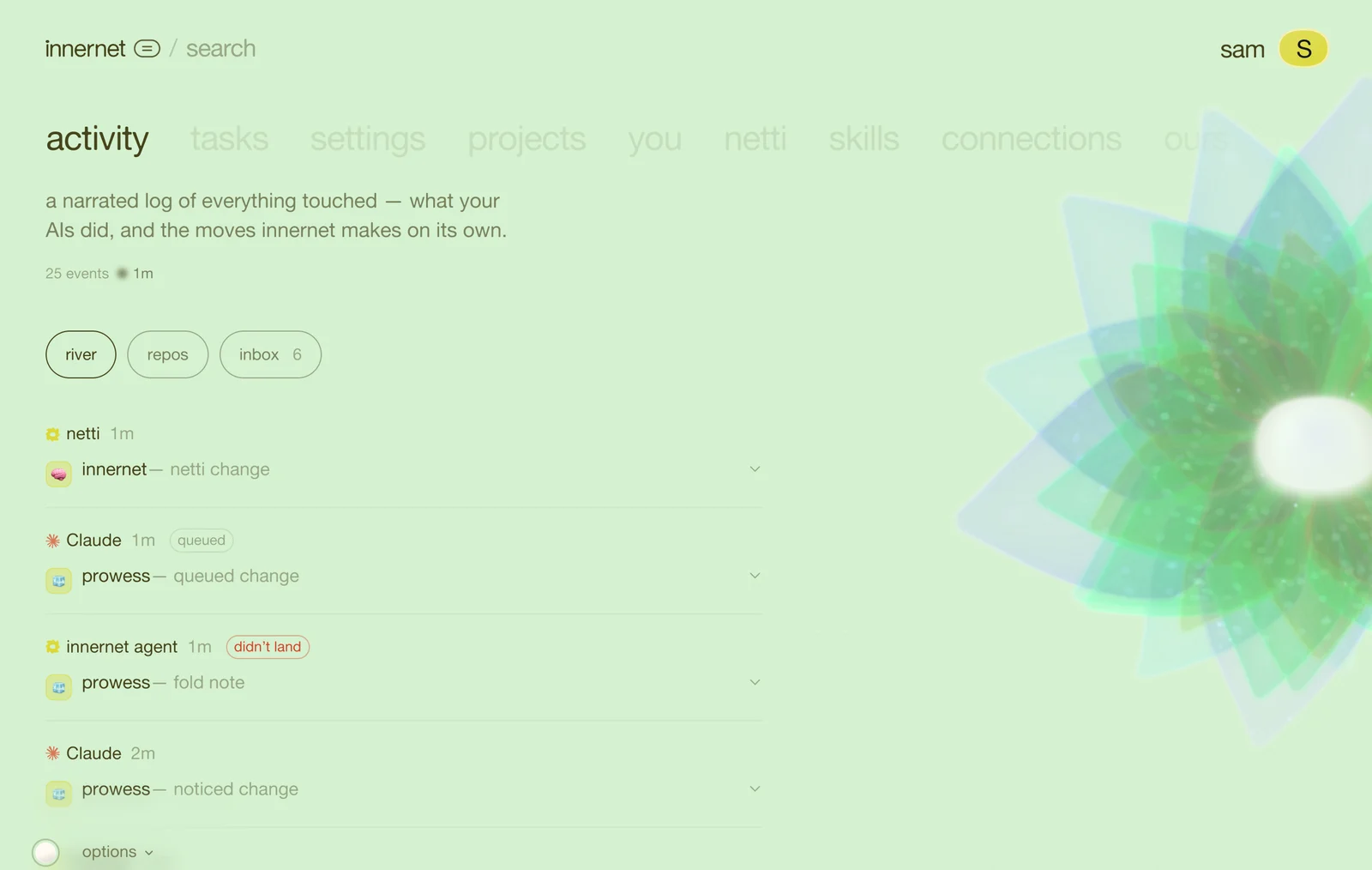
every ai tool you use forgets you. a new chat in claude doesn't know what you told chatgpt yesterday, cursor doesn't know what you decided in a meeting, and every fresh session starts with you explaining yourself again.
innernet is one memory that all of them share. you keep using the tools you already use. they just stop forgetting.
this is the starter guide. it walks you through everything, one step at a time, with a picture of each screen. you don't need to be technical. if you can copy a link and paste it, you can do all of it.
the three parts
there are only three things to know about.
- the memory. it lives at innernet.live, not on your computer. there is one copy, so every tool reads the same thing and nothing goes out of date.
- netti. the one who keeps it. netti reads what your ai tools send, folds it into tidy pages, notices what matters about you, and asks when it isn't sure. netti is also the living creature you'll see on your screen, and yours is yours alone.
- the door. a standard called mcp that ai tools use to talk to things like innernet. you connect a tool once and it can read and write your memory from then on.
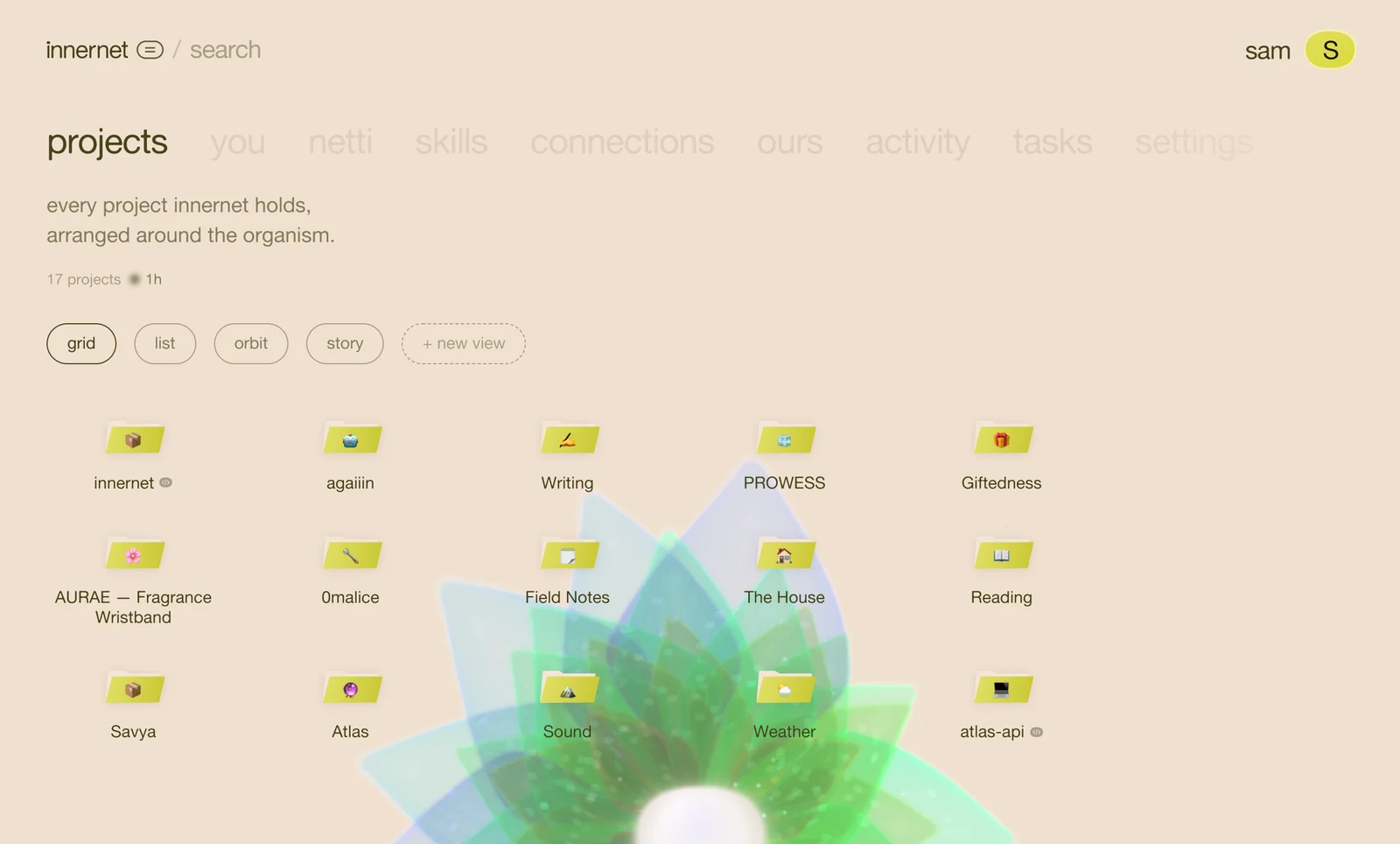
how it feels, day to day
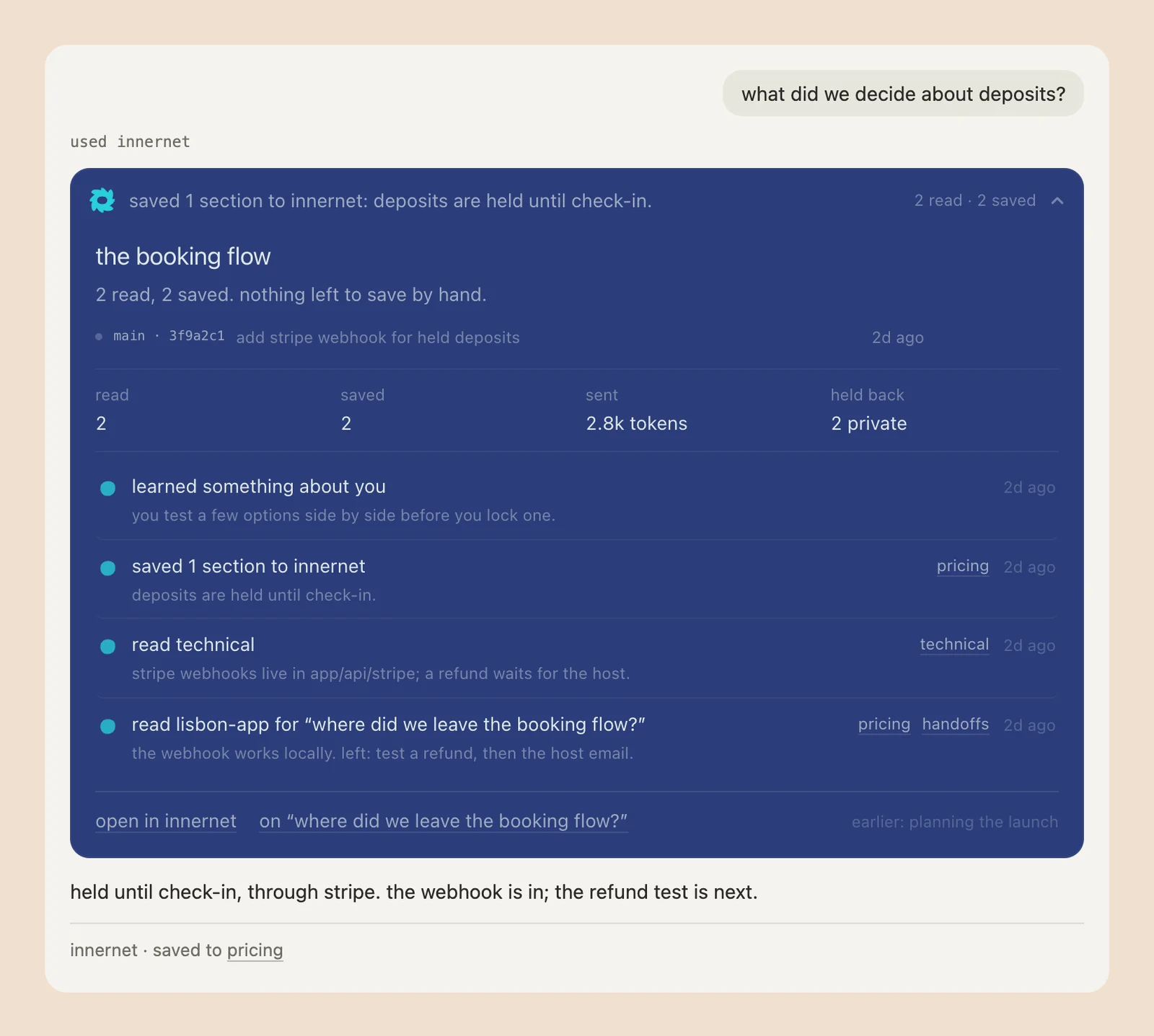
you mention something worth keeping in a chat: a decision, a preference, a plan. the ai saves it to innernet without you asking. a week later, in a different tool, you ask about it, and the answer builds on what you already decided.
that's the whole idea. everything else in this walk is about seeing it, shaping it, and keeping it yours.
what you'll do in this walk
- create your netti and your account. about two minutes.
- connect your ai tools: claude, chatgpt, cursor, whatever you use.
- find your way around the dashboard: the menu, your spaces, the view chips, the colour of the ground.
- make your first memory from a conversation, and open it.
- ask it anything, and see what comes back.
- branch a memory, to try an idea without losing the old one.
- look at what innernet knows about you, and decide who can see each thing.
- read your inbox, where netti tells you what it did.
- connect a code repo, if you write software.
- set up the chat window that shows innernet inside your ai chats.
- share a page or a skill with someone.
- keep it yours: privacy, forgetting, export.
each step stands on its own, so skip anything that isn't for you. the technical side of every step lives in the docs, and each guide links to its page there.
before you start
you'll need an email address, or a google or github account, and at least one ai tool you already use. that's all. innernet doesn't install anything that runs on its own, and it never asks you to paste a password or a key into a chat.
ready? the next step creates your netti.
every chapter
one memory, every ai tool.
innernet is memory your ai tools read live: every project, every decision, every skill, in one place, connected once.