turn something you know into a document any ai can be handed — and see it appear on the community skills page when you make it public.
sharing · step 3 of 3
write your first skill

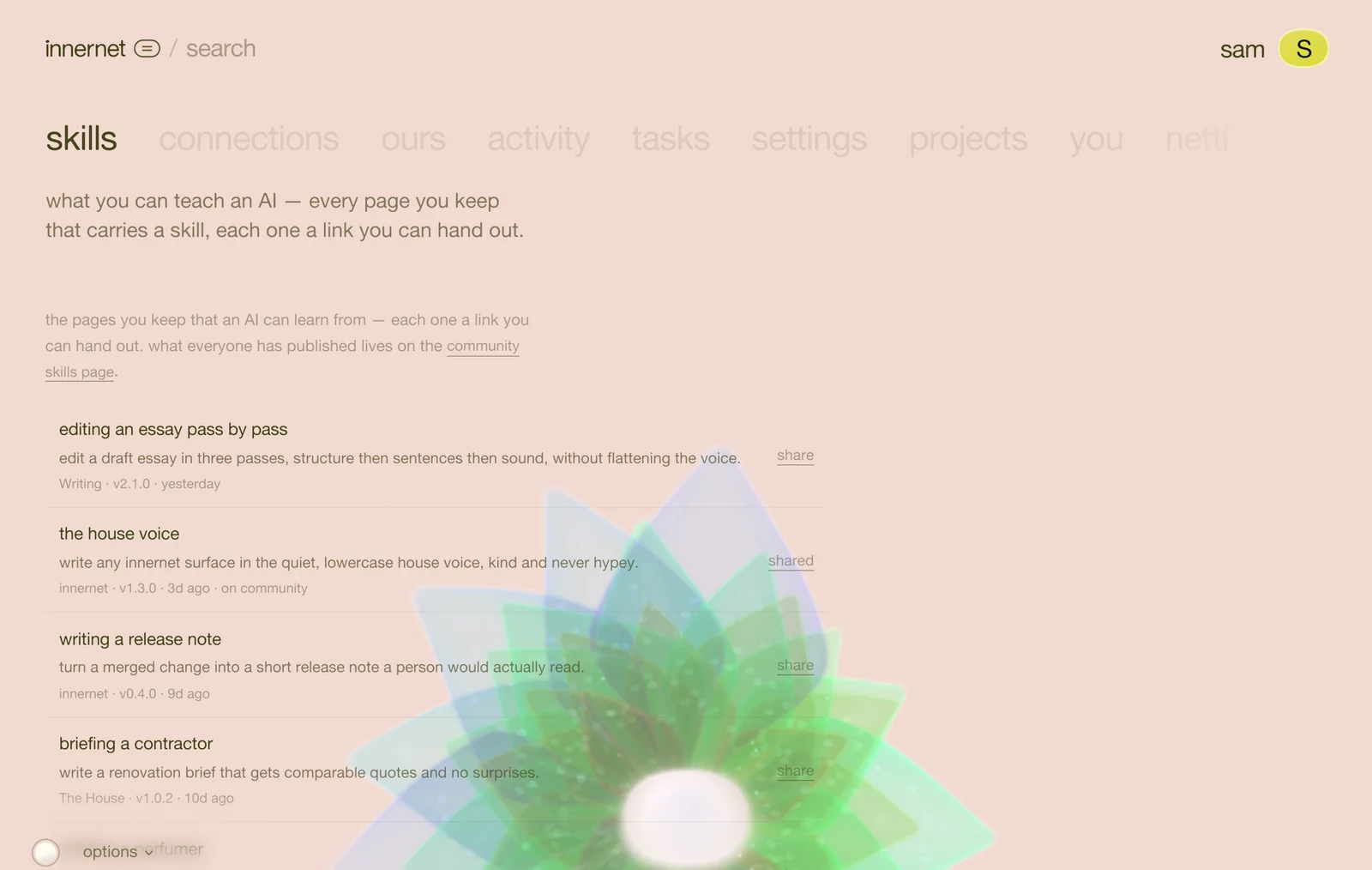
a skill is an ordinary page wearing a manifest. the words are the same words you would write anyway; the manifest on top tells a model what the page makes it able to do and when to reach for it. that is what makes handing someone the link worth more than handing them the text.
1 · start a page in a project
open any project on your dashboard and add a page. paste this at the very top, then write underneath it as you normally would:
---
kind: skill
name: my-first-skill
title: my first skill
description: >
  what this makes a reader able to do — one or two lines, written
  for a model deciding whether to load it.
when_to_load: when this situation comes up.
version: 1.0.0
updated: 2026-08-19
tags: [writing, workflow]
---

## the method

the actual content goes here.kind: skill and a description are the only two lines that must exist. the moment they do, the page moves into the project's skills folder on its own — same document, wearing the modifier.
2 · write the useful half
a skill is worth reading when it carries the reasons, not just the rules. say what to do, then why, then how you would check it worked. keep everything a stranger couldn't act on out of it — internal names, private context, people. the test: would this still be true and useful for someone with none of my systems?
3 · share it
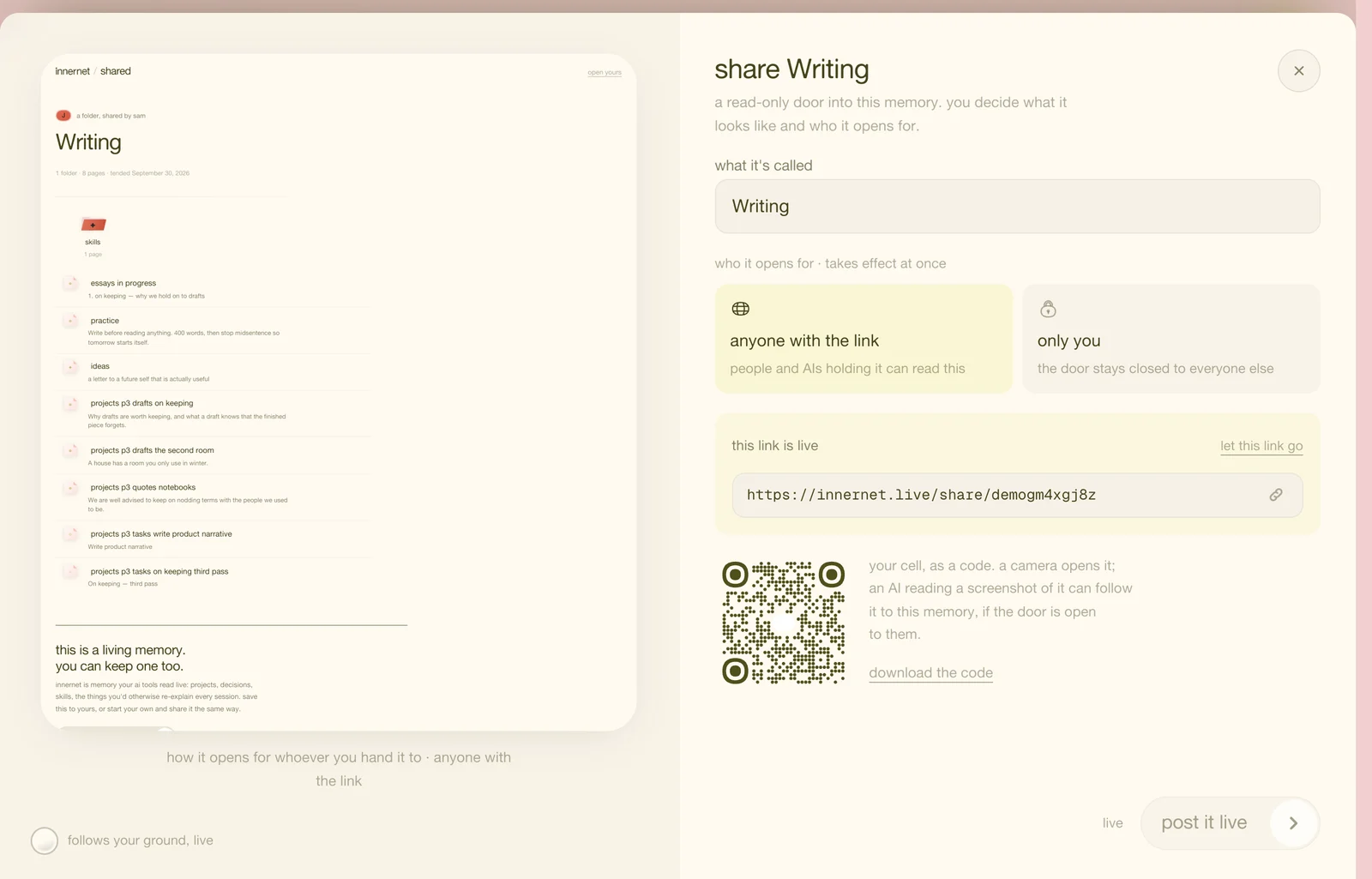
open the page, press share, and choose who the door opens for. a skill shared for anyone with the link is public: the link opens as a skill page wearing your name, and it also appears on the community skills page. anything kept only you stays yours.
4 · hand out the link
paste the link into any ai — it will know what to do. and because the link points at your memory, not at a copy, everyone who holds it reads the version you keep now. edit the page and every copy already out there moves with you.
the format itself is published as a skill, so the spec and the parser can never disagree: the skill format.
every chapter
one memory, every ai tool.
innernet is memory your ai tools read live: every project, every decision, every skill, in one place, connected once.