the you space, the day read back to you, and the ledger of everything innernet knows about you, with who can see each thing.
the dashboard · step 2 of 4
you, and your private facts
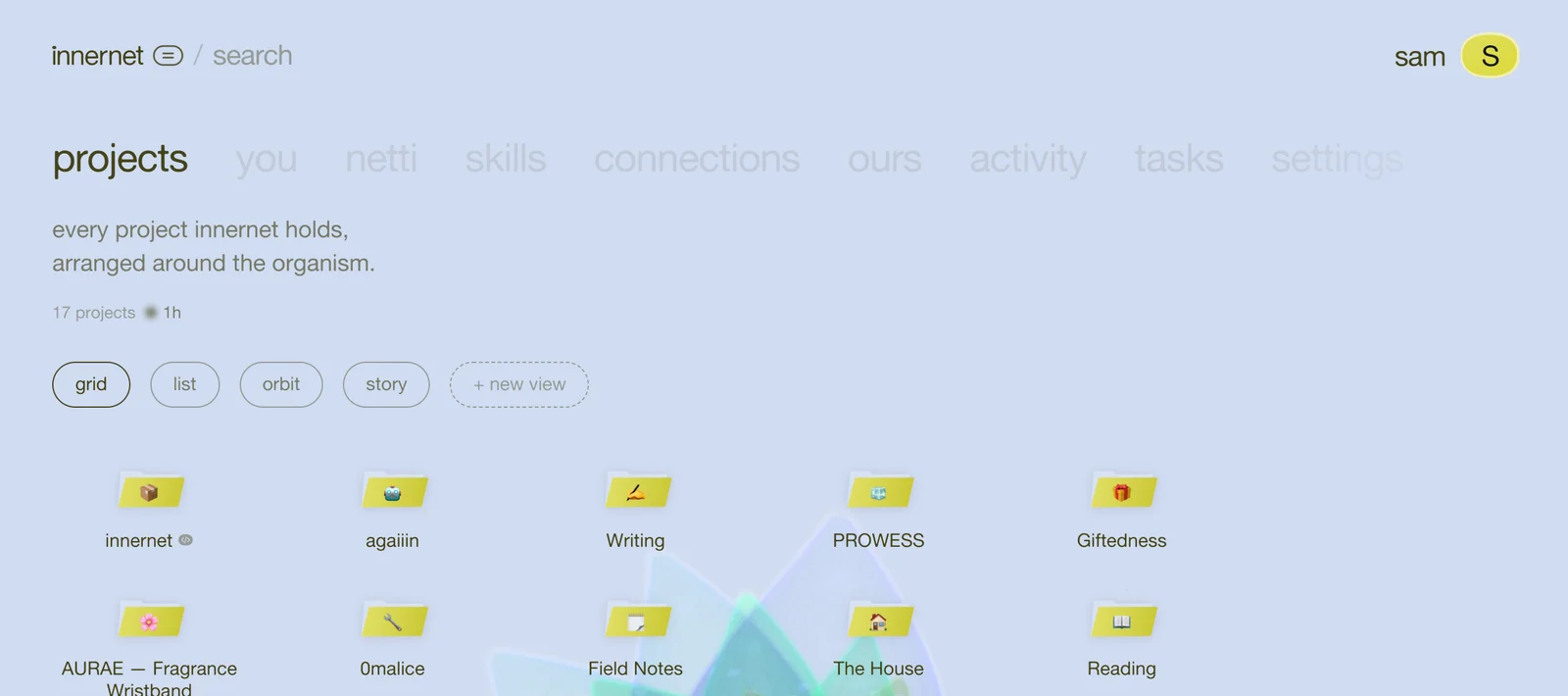
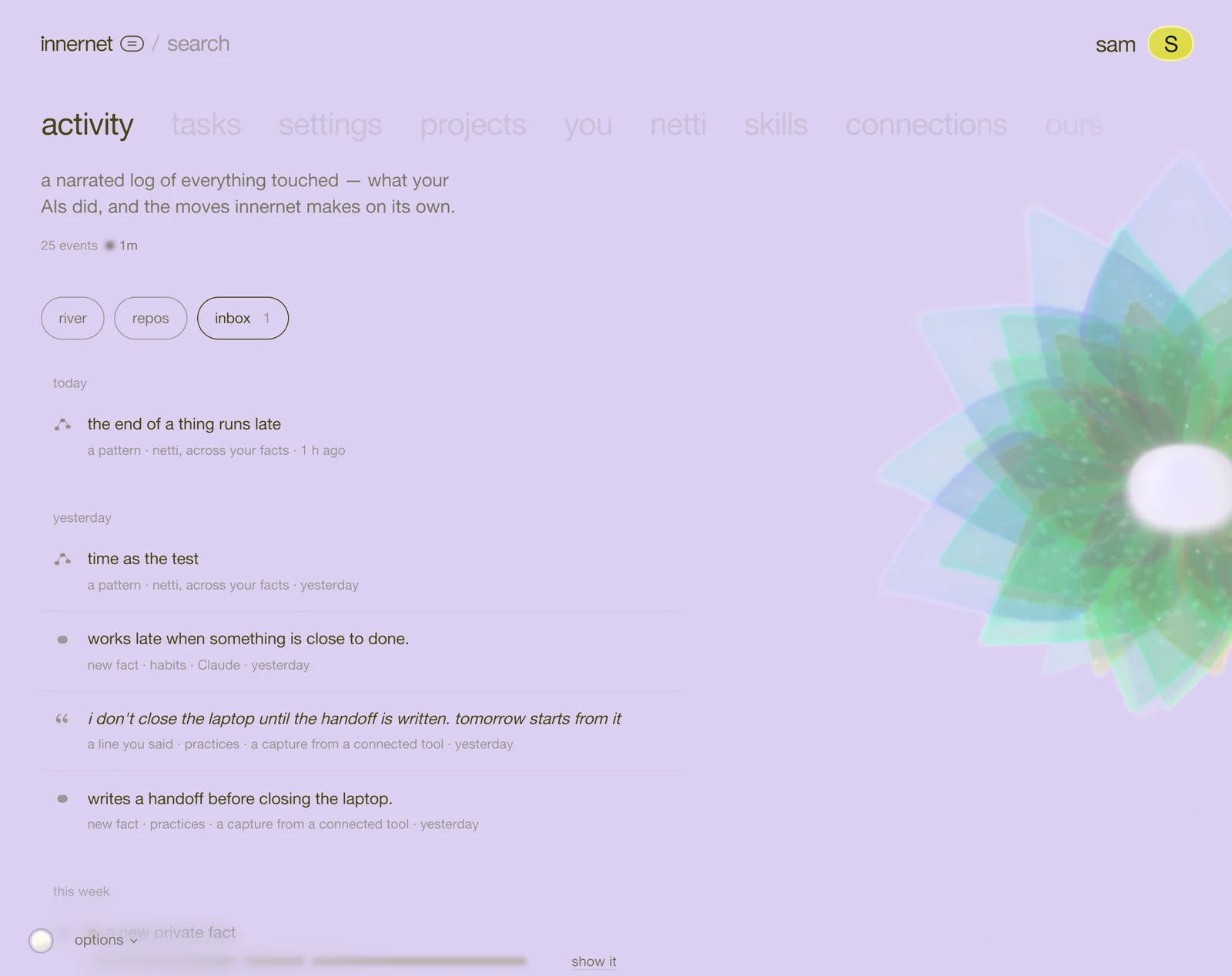
besides your projects, innernet keeps a memory of you: how you like answers, the tools you use, the people you mention, how you work. it's what lets a brand-new chat already know you prefer the short version first.
it's also the most personal thing innernet holds, so it's the one you can see in full, correct, and lock down. it all lives in the you space, the second word along the top.
four views of you
the chips under you are summary, story, mirror and private. the arrow keys move between them.
summary: your day, read back
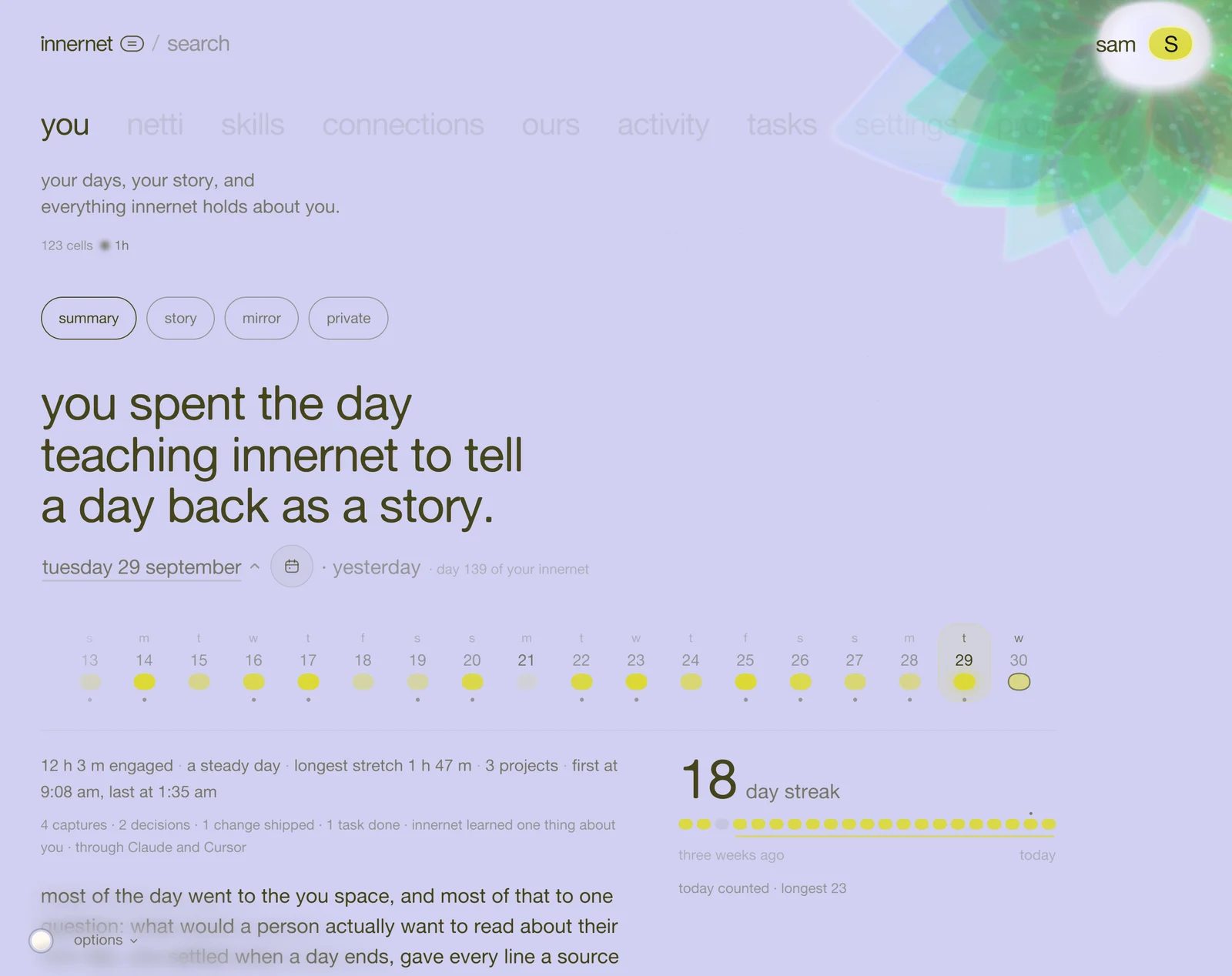
one line for the whole day, then what you worked on, what you decided, what you left open, things you said in your own words, and a question for tomorrow. the arrow keys step through days; open the calendar jumps further. a day nobody has read yet offers ask netti to read this day.
story and mirror
story tells your projects as stories. mirror puts what you said next to what you did, and lets you draw your own conclusions. it never tells you what they mean. private facts are never shown there.
private: everything, and who can see it
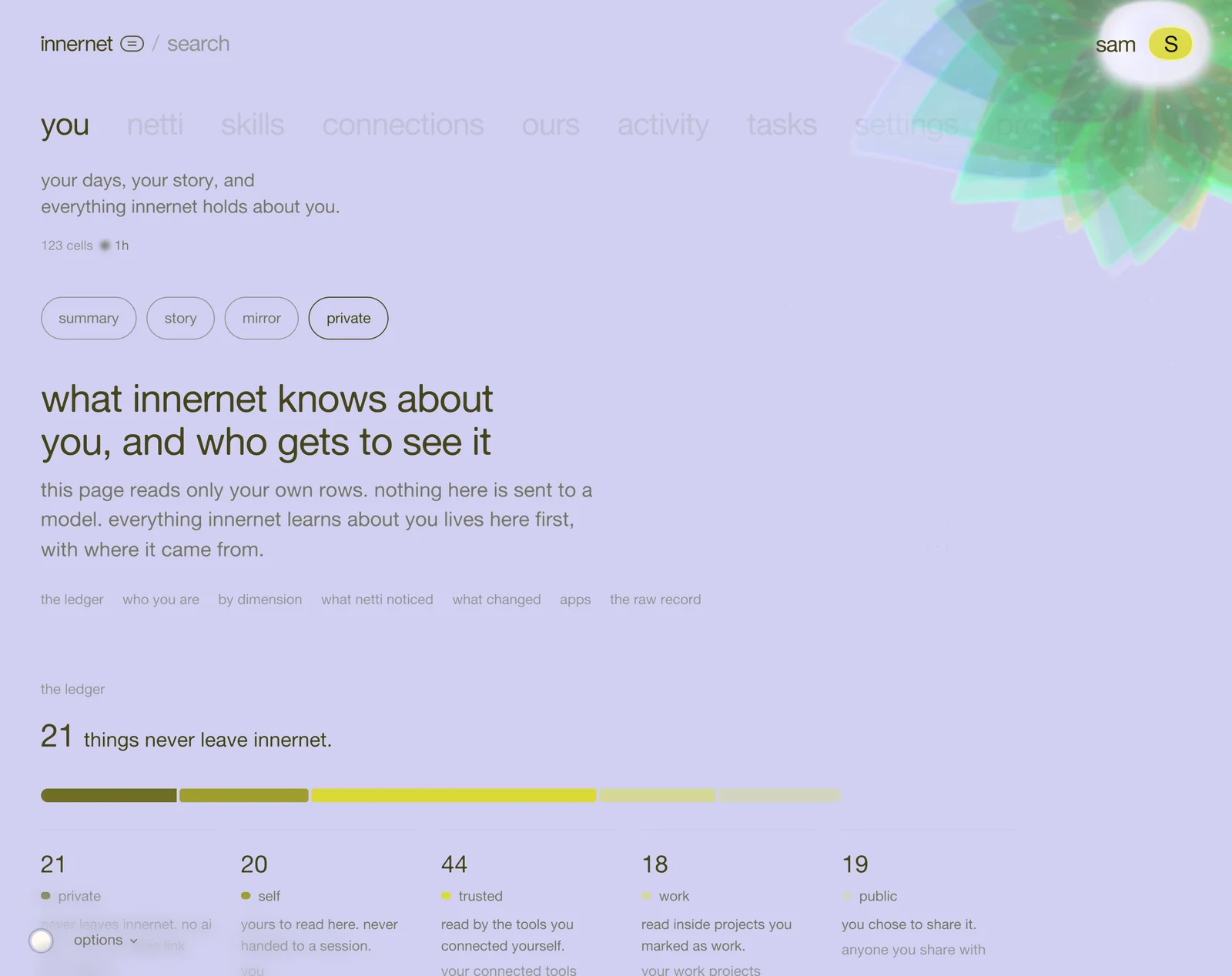
private is the whole ledger: what innernet knows about you, and who gets to see it. every fact belongs to one of five circles:
- private: no room or share link ever sees it. an ai tool reads it only when you allow it, and each time is written down.
- self: yours to read here. an ai tool reads it only when you allow it, and each time is written down.
- trusted: your own ai tools.
- work: your work projects.
- public: anyone you share with.
the line under the bar tells you how many things never leave innernet. use the chips to see only private, self, shared or all, or search what innernet holds.
when netti isn't sure how personal something is, it keeps it on the guarded side. you can always move it.
open a fact
tap any fact and it opens where it came from: which app, which day, and the words you actually said. one fact can have several sources; each is kept.

- who can see it: tap a different circle to move it. move a fact to private and no room or link will ever show it, and no ai tool reads it unless you allow that app.
- edit: fix the words if netti got it slightly wrong, then save this version (⌘ enter). the old words stay locked underneath, as the fact's history.
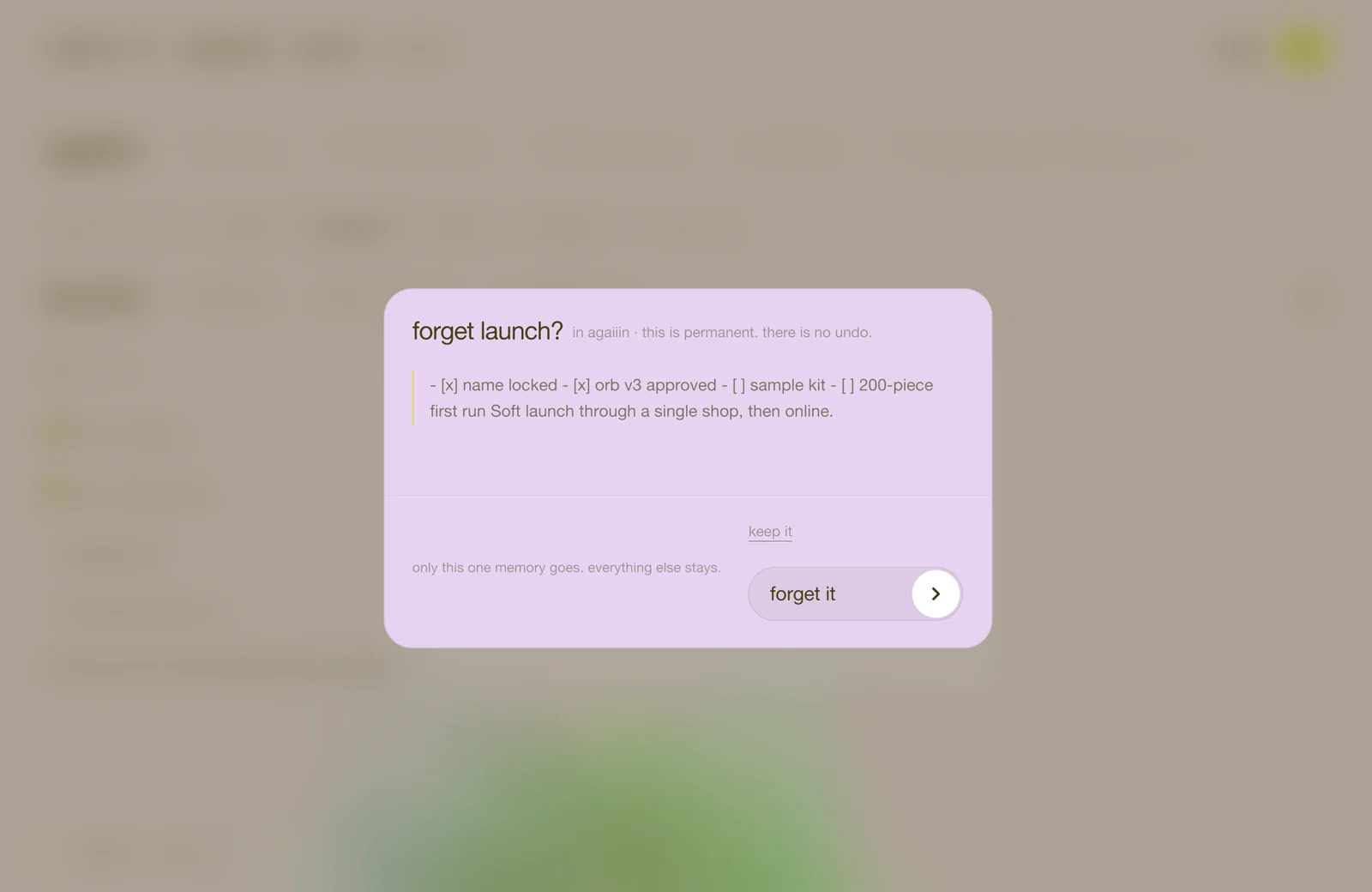
- forget: it asks forget this for good? every tool stops seeing it, and there is no undo. press yes, forget it, or keep it.
you'll also see what netti noticed: patterns across many moments, like you decide fastest after a walk. mark each one resonates or not quite. it teaches netti what's worth noticing about you.
a habit worth having
once a week, open you → private, filter to shared, and skim. anything that feels too personal: move it to private. anything wrong: edit or forget it. it takes two minutes, and it's the whole difference between being remembered and being watched.
the technical side, including exactly what each circle means to an ai tool, is personal memory in the docs.
next: your inbox, and how netti grows.
every chapter
one memory, every ai tool.
innernet is memory your ai tools read live: every project, every decision, every skill, in one place, connected once.