what netti did while you were away, how to answer it, and how your memory and your netti grow.
the dashboard · step 3 of 4
your inbox, and the fold
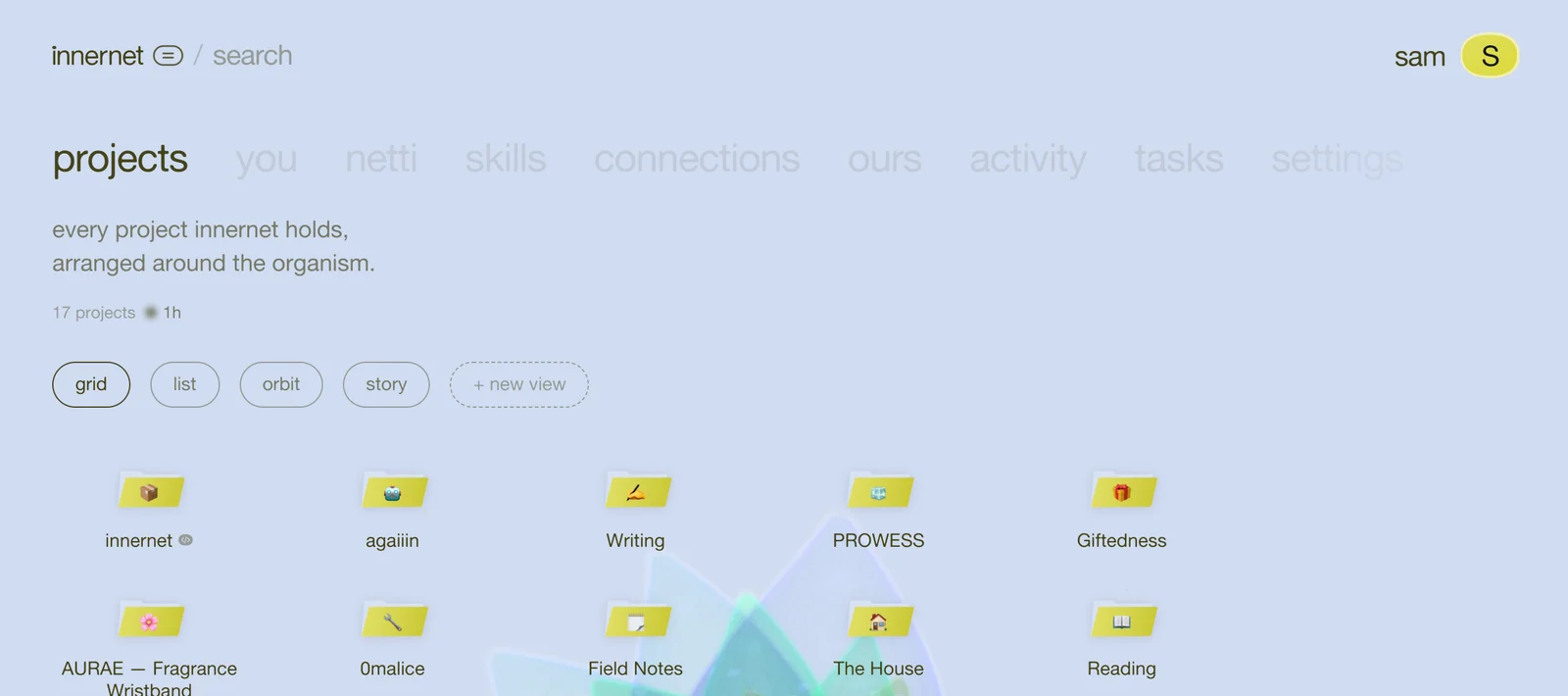
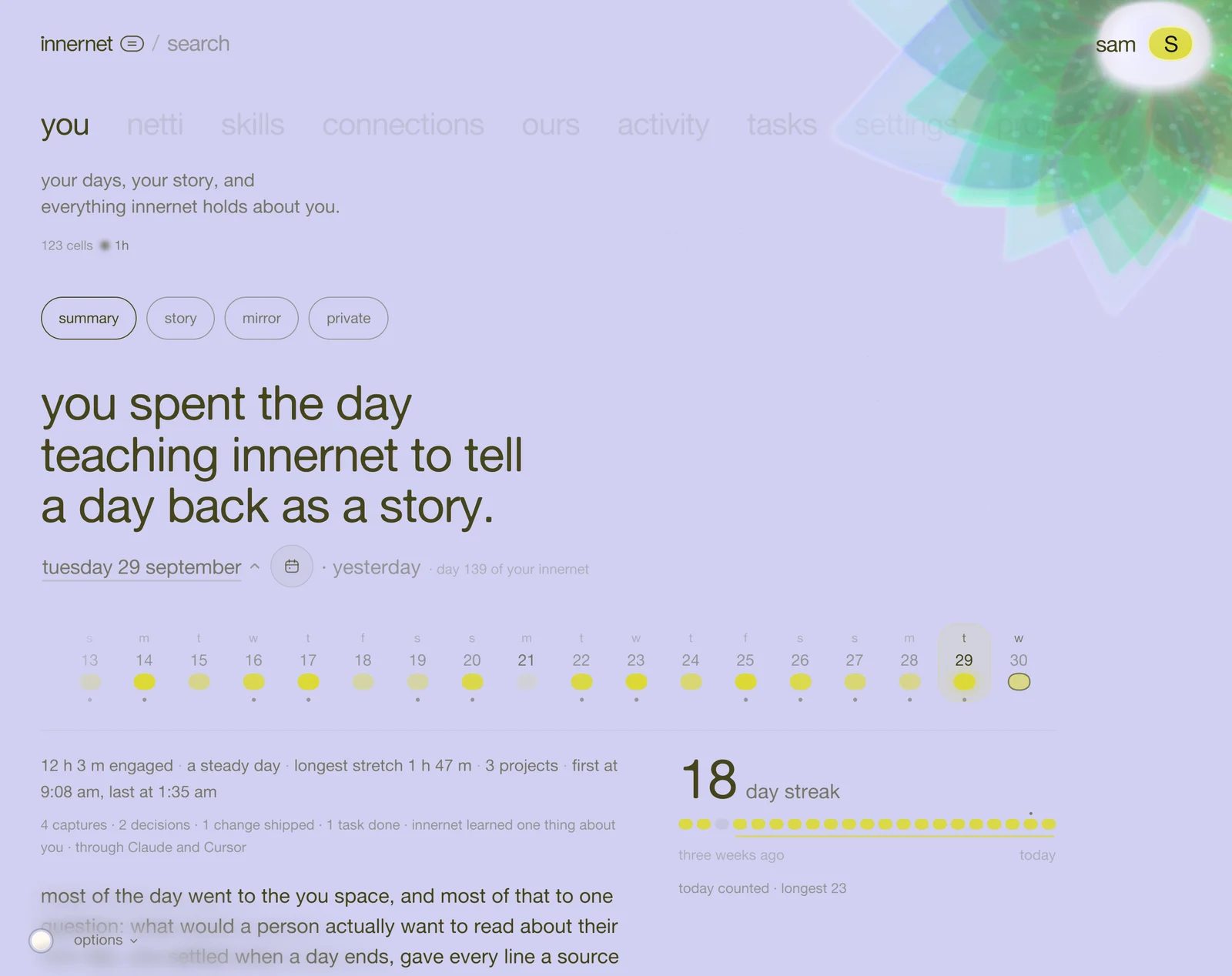
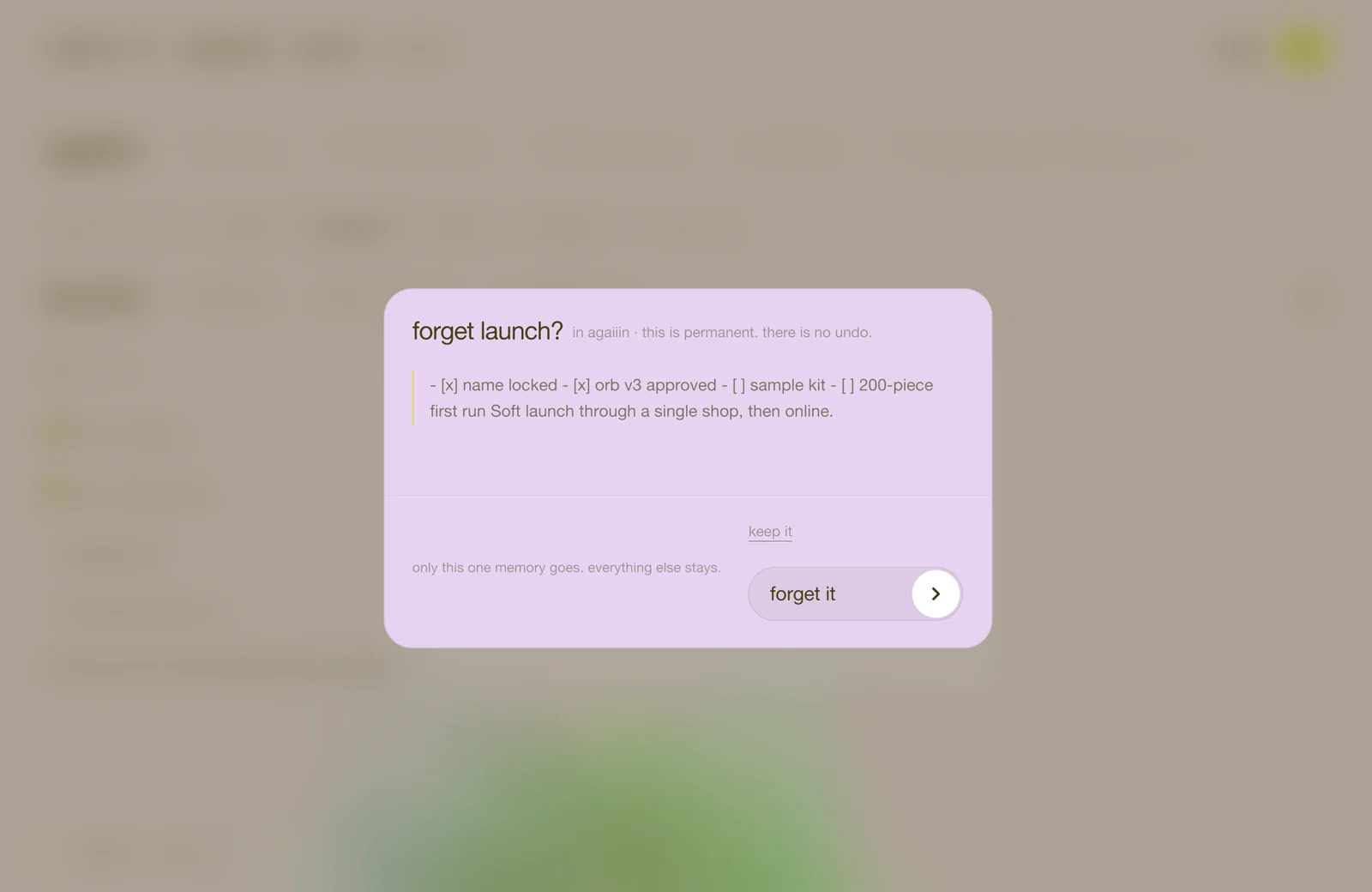
netti works in the background. the inbox is where it tells you what it did, and the one place it asks you something.
the fold, in one paragraph
your ai tools send innernet small raw notes all day. every so often netti takes the ones that have piled up and folds them in: into your projects' pages, or into facts about you. it replaces what's out of date, writes a line of history, and saves. one pass is one fold. you never have to start one; netti does it when there's something to fold.
open your inbox
activity (the sixth word along the top), then the inbox chip.
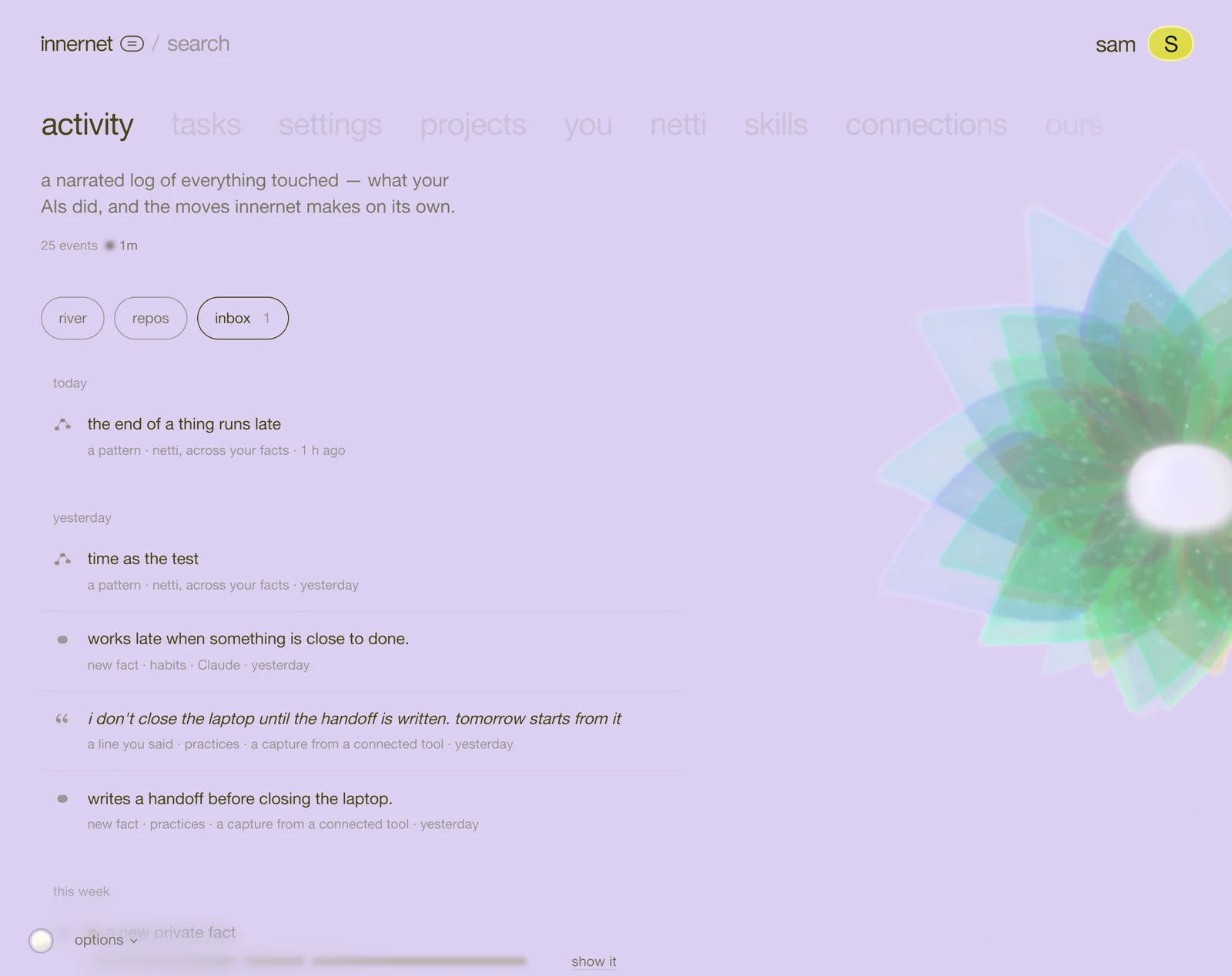
what you'll find, grouped by today, yesterday, this week and earlier:
- new fact: netti learned something about you.
- changed: something moved on. you see what it was and what it is now.
- a line you said: your own words, kept as the evidence behind a fact.
- a pattern: something netti noticed across many moments.
- an import: something you brought in from another tool.
what to do with each
- see it where it lives opens it in you → private, lit up, so you can change who sees it or edit it.
- show it: private arrivals are blurred until you ask. the blur is for the person looking over your shoulder.
- for a pattern, answer resonates or not quite.
- share makes a card of it; dismiss clears it.
an empty inbox says nothing new yet. that's a good inbox.
when netti asks
now and then a fold can't settle something on its own: who someone is to you, whether i hate meetings before ten is a standing rule or a bad morning. netti asks once. some ai tools show the question right in your chat; otherwise it waits for you in the inbox. answer it and it's never asked again.
the other two chips
- river: the story of everything that happened, told in order.
- repos: every code repo tied to one of your memories.
how big it is: cells
everything innernet holds is counted in cells: one page, one person or decision, one fact about you. you'll see the count on every project tile, and all of it in netti → you & netti.
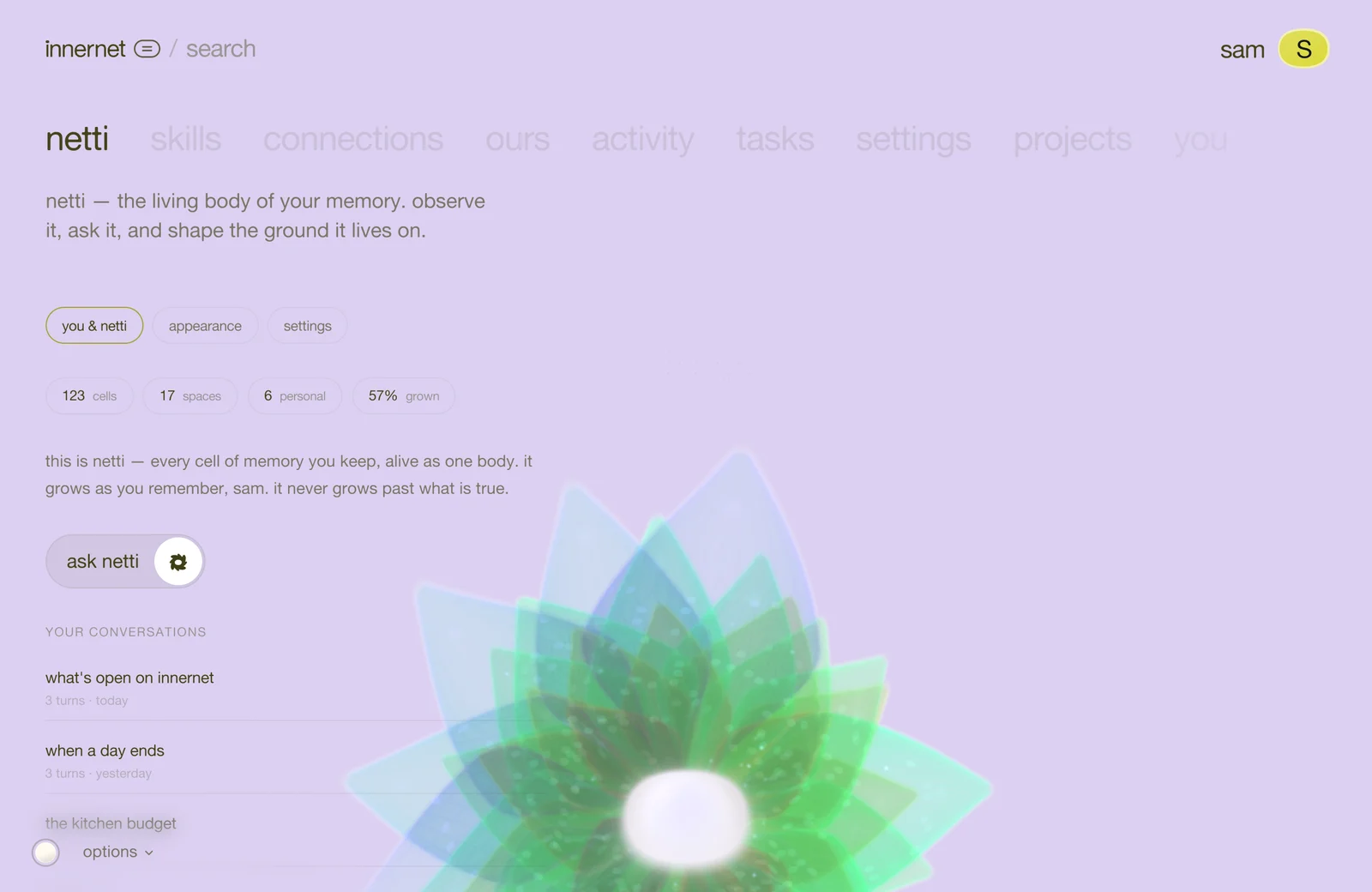
your netti grows with your cells. that's why it started small: it has been growing, a little, with every fold since.
the reference for this page is the inbox & the fold.
next: if you write code, connect a repo.
every chapter
one memory, every ai tool.
innernet is memory your ai tools read live: every project, every decision, every skill, in one place, connected once.