your ai tools have been remembering things in their own files. bring that in once, and let netti sort it.
connecting your ai · step 4 of 5
bring what you already have

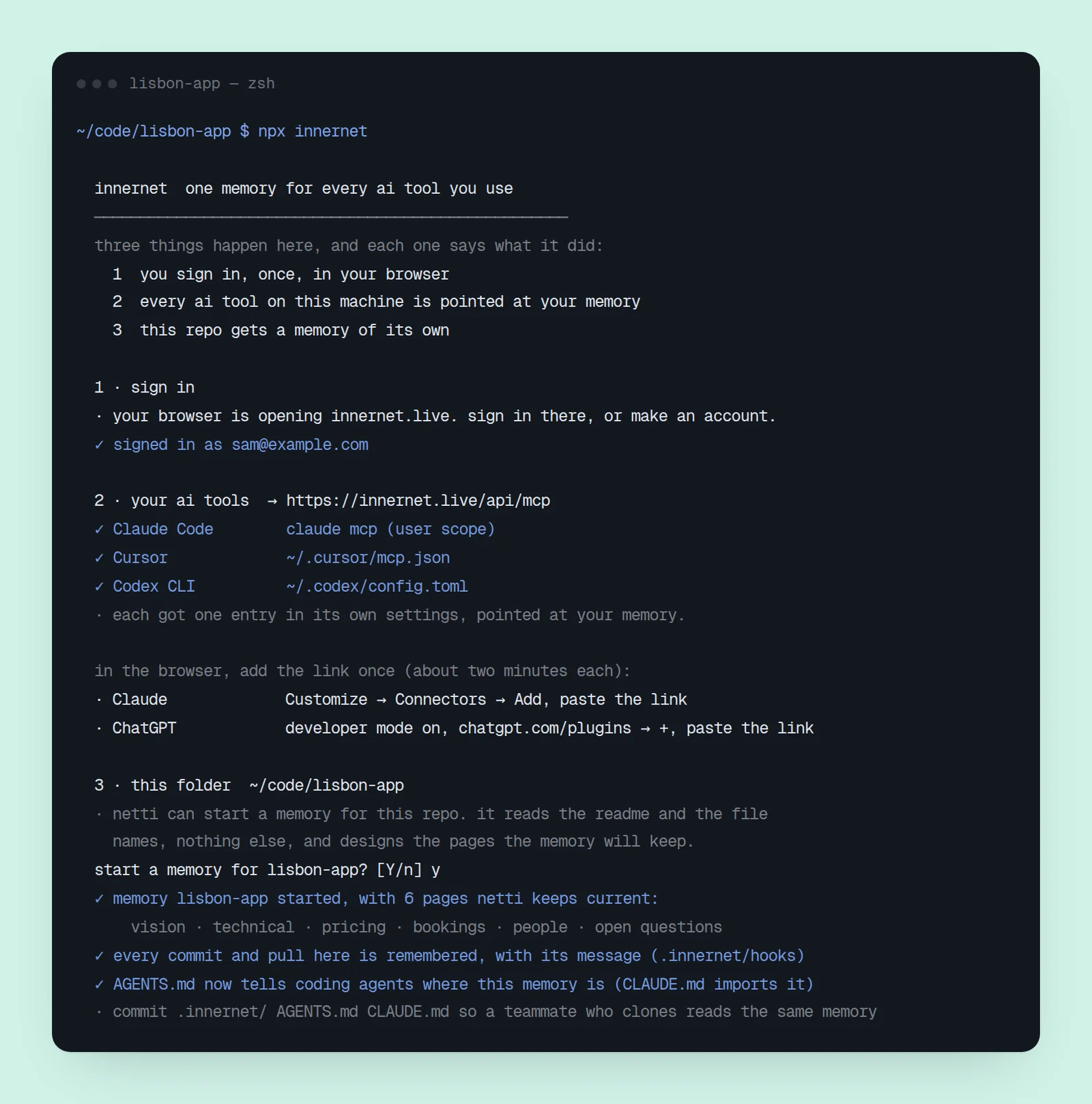
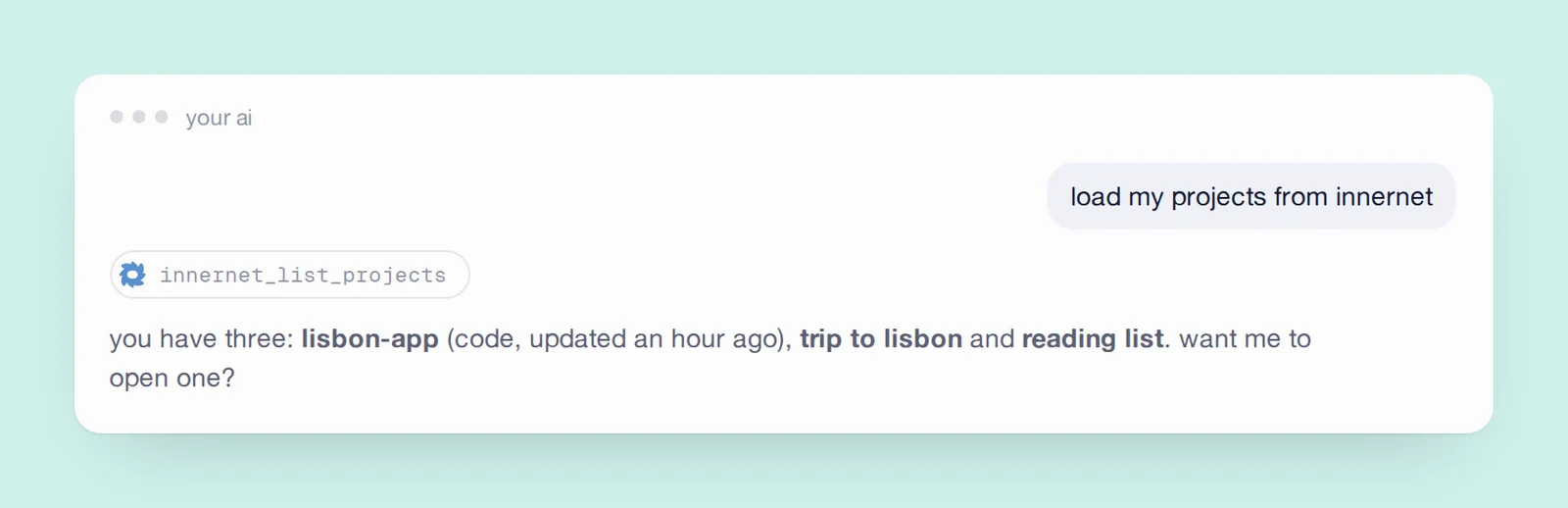

before innernet, each tool kept its own notes in its own place — claude code in ~/.claude, chatgpt in an export, you in a folder of markdown. none of it could see the others. import reads those files on your machine and hands them to netti, who does the extracting server-side and asks about anything it can't resolve on its own.
from claude code
npx innernet import claudereads ~/.claude/projects, the memory claude code has been keeping per folder. if you ran npx innernet on this machine, it already told you whether it found any, and how many files.
from chatgpt
export your data from chatgpt's settings, then:
npx innernet import chatgpt conversations.jsonfrom a folder
npx innernet import dir ./notesany directory of markdown or text.
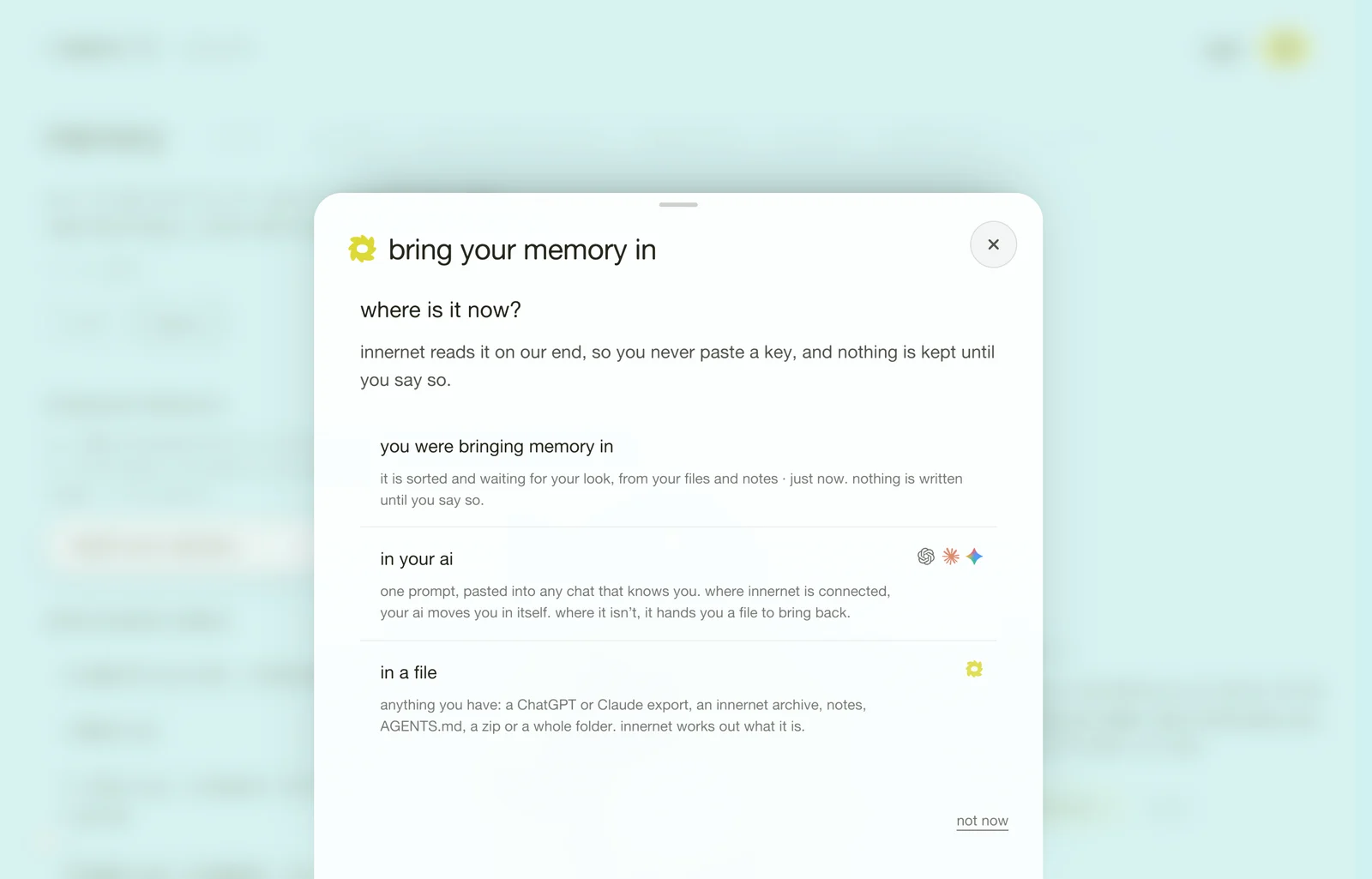
no terminal? on the dashboard it is two choices. open memory → import → import your memory and pick where it is now: in your ai gives you one prompt to paste into any chat that knows you, or in a file takes anything you drop (an export, an innernet archive, notes, a zip, a folder) and works out what it is.
what happens next
netti reads what arrived and files it: things about you go to your personal memory; things about a project go to that project's pages. it will leave a short list of what it wasn't sure about; answer it once and the rest settles. nothing is duplicated into a second store — the import is a one-time hand-over, and from then on your tools read the same memory live.
to see it land, open you on your dashboard, or ask any connected tool what do you know about me? (what to say to your ai has more like it).
every chapter
one memory, every ai tool.
innernet is memory your ai tools read live: every project, every decision, every skill, in one place, connected once.