connecting your ai · step 3 of 5
what to say to your ai
once a tool is connected there is nothing to learn. the things people say most, what each one does, and what you'll see.
connecting your ai · step 3 of 5
once a tool is connected there is nothing to learn. the things people say most, what each one does, and what you'll see.
once a tool is connected, there is nothing new to learn. you don't open innernet, call anything by name, or paste anything in. you talk to your ai the way you already do, and it decides when to read your memory and when to add to it.
this page is the phrasebook: the things people say most, what each one does, and what you'll see. every example works in any connected tool, whether that's claude, chatgpt, cursor, claude code, codex or the rest, because they all read the same memory.
open a new chat. most tools only read their connections when a chat begins, so an old one won't know yet. then say:
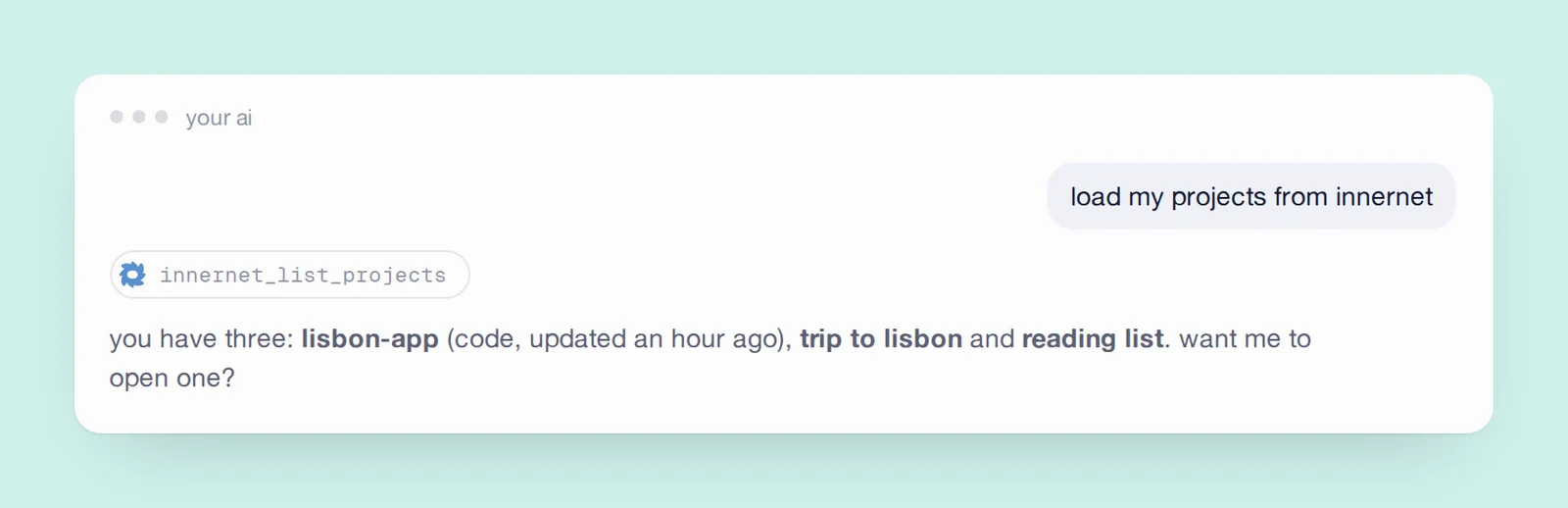
if it lists your memories, or says you don't have any yet, it's connected. if it answers as though innernet doesn't exist, restart the tool and try a fresh chat; connect your ai tools has the rest.
ask the way you'd ask a colleague who was in the room. a whole question finds more than a keyword.
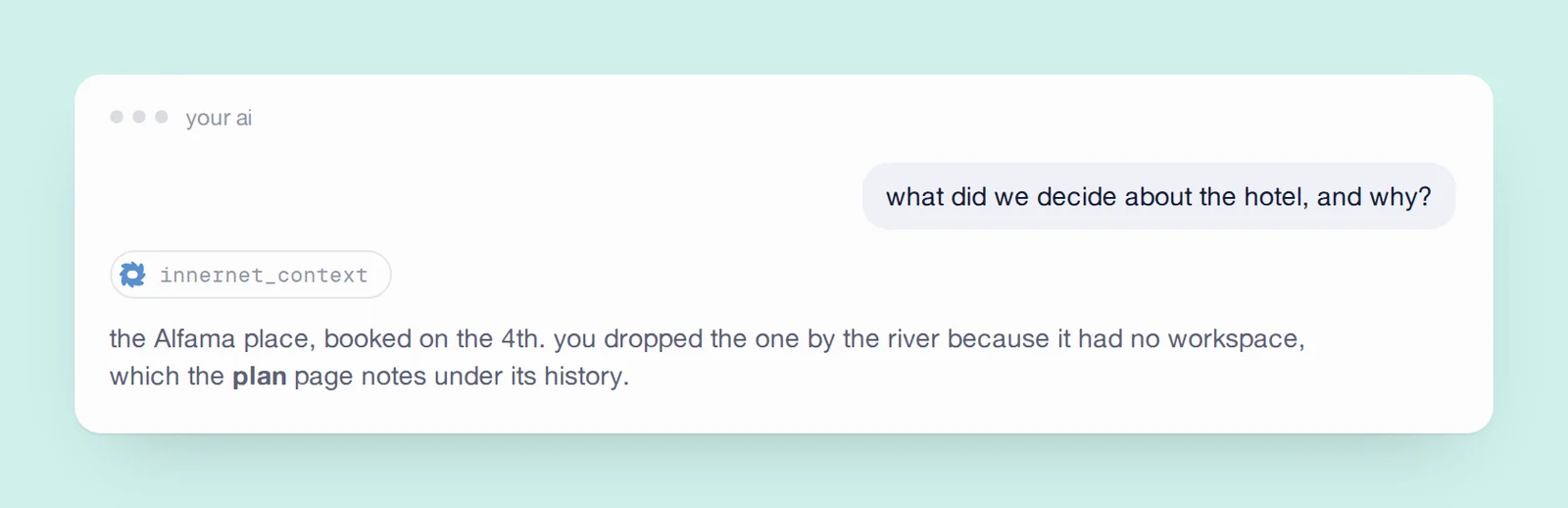
innernet doesn't send back your whole memory. it sends the few passages that answer the question, so it stays quick however much you've kept. and when the honest answer is nothing, it says so rather than letting the ai guess. that's how you know the rest really came from your memory. more in ask it anything.
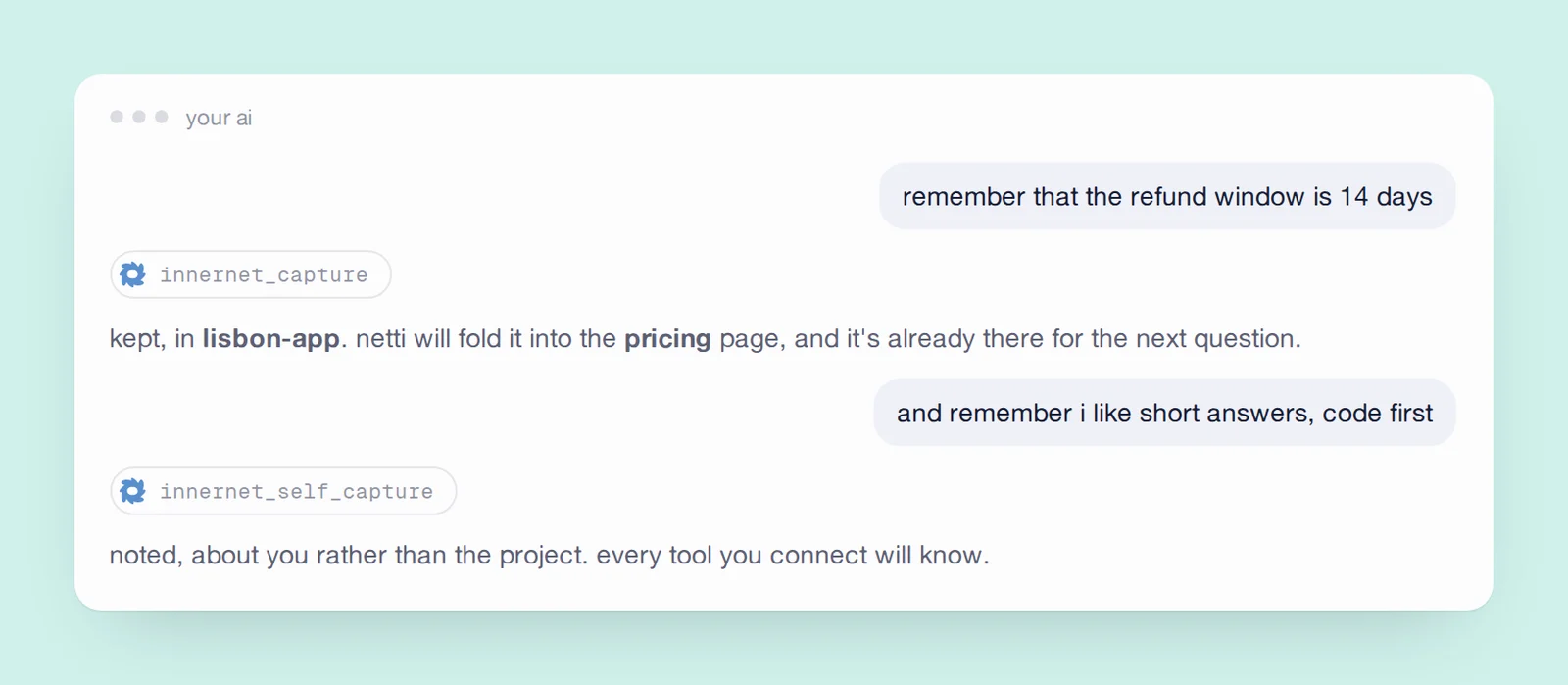
most of the time you won't have to say it at all. a connected ai notices a decision when one is made and keeps it on its own, guided by the project's capture protocol, and in a code repo every commit is kept for you. see capture without trying.
some things are about you, not about a project: how you like to work, the tools you rely on, the people you work with.
these become facts about you, kept across every project and every tool, so the next tool starts from who you are instead of from zero. you decide who sees each one. a private fact never leaves innernet unless you let an app read it, and every time one does it's written down where you can see it. you, and your private facts shows how.
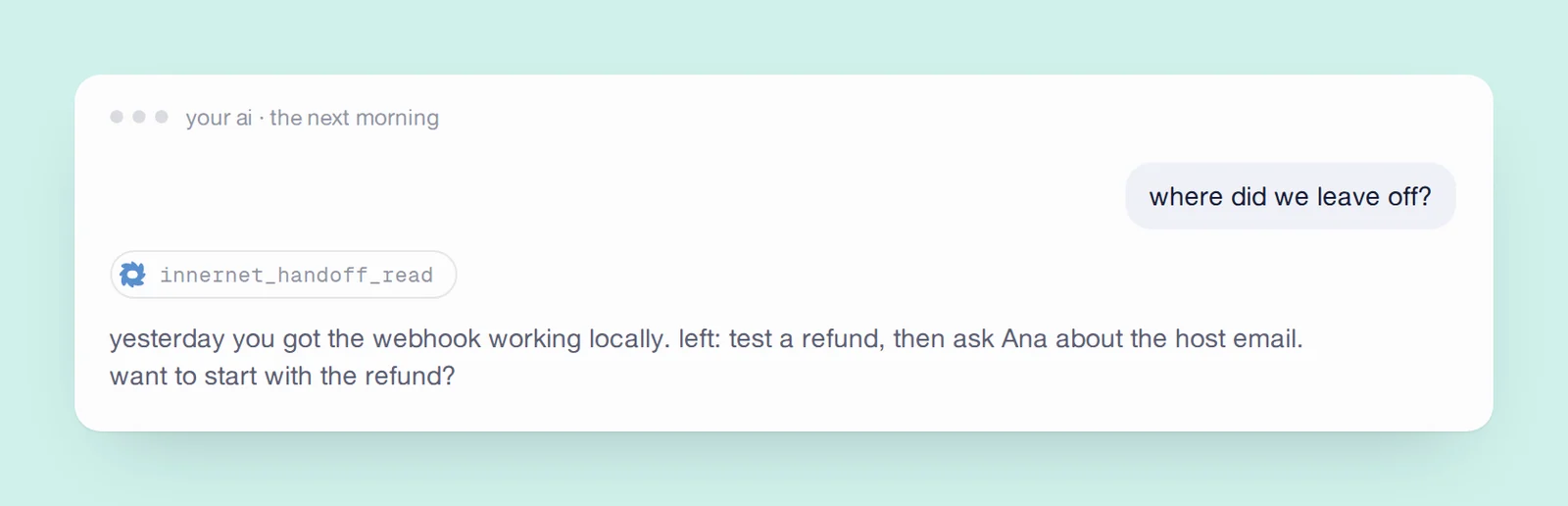
this is the habit that makes switching tools painless. the handoff doesn't belong to the tool that wrote it; it belongs to the project.
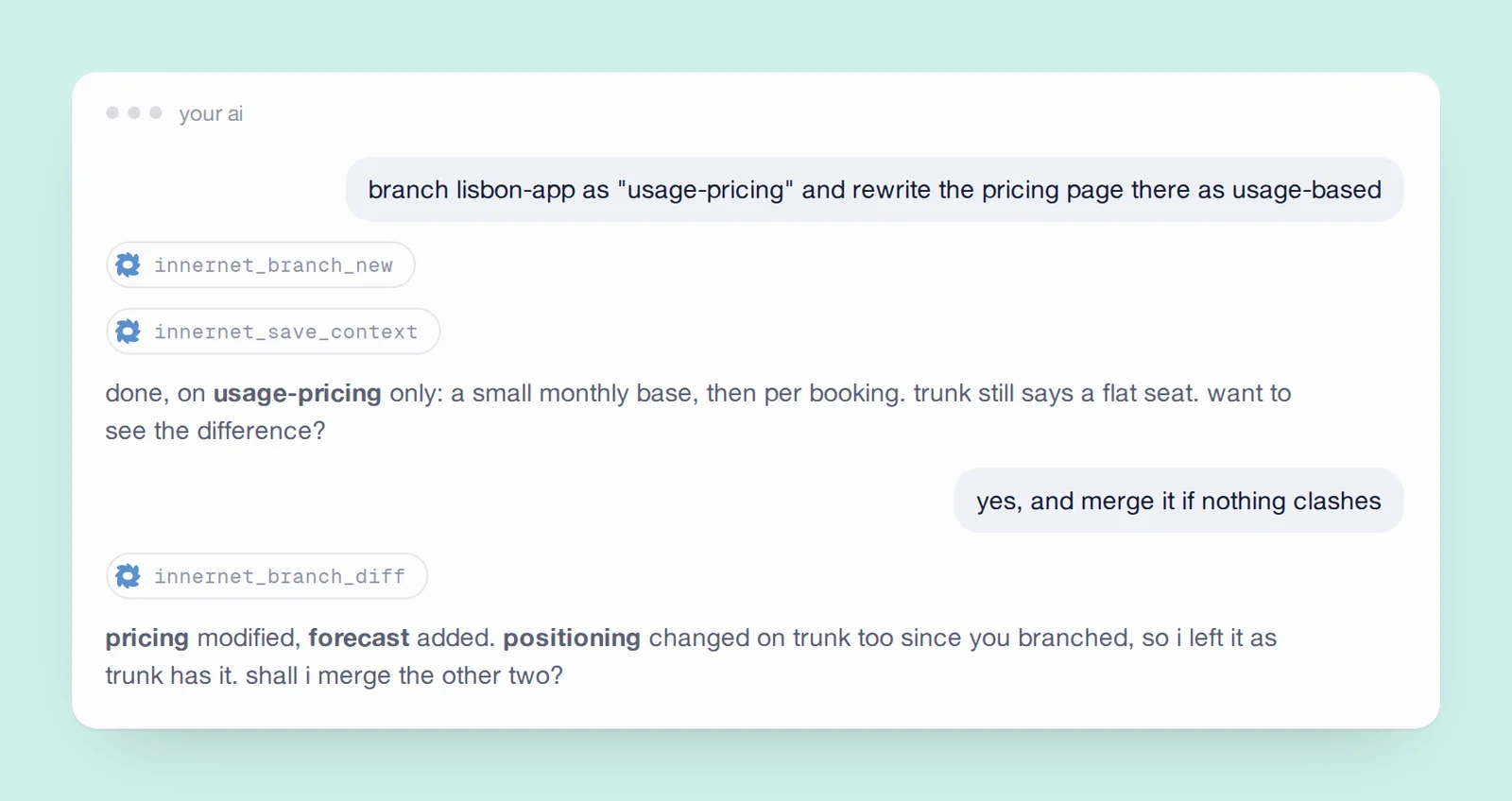
nothing on the original changes while you explore, and if the idea doesn't work out, you simply leave the branch. more in branch your memory.
| say | what happens |
|---|---|
| add "call the venue" to my tasks | it lands on the same list your dashboard shows |
| what's on my list today? | reads the list back, in order |
| start a living document for the competitor research | a page that re-organises itself as findings land |
| find a skill for writing release notes | searches the community shelf of skills |
| what's in the lisbon-app memory so far? | a quick tour of a memory's pages |
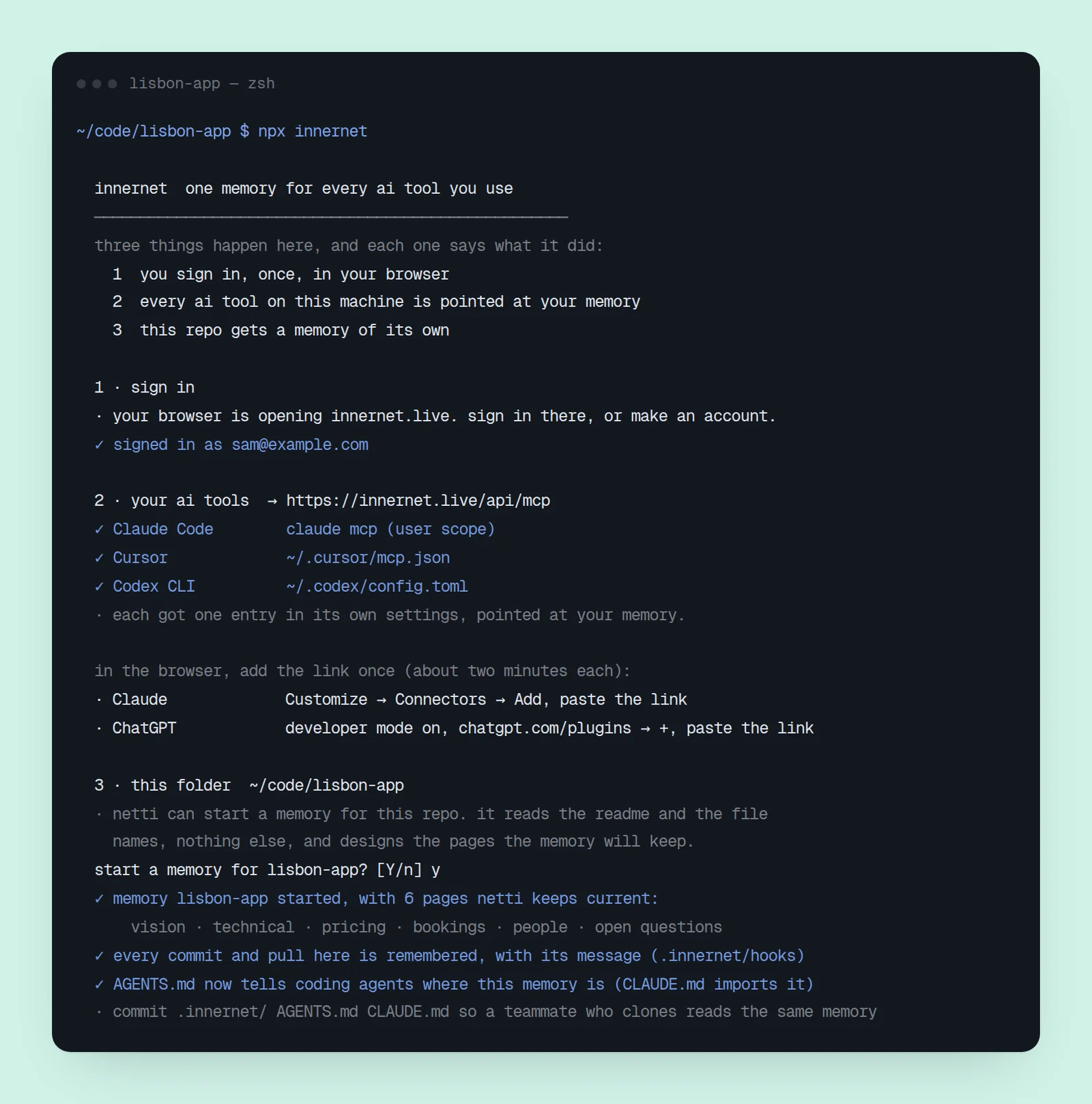
innernet_capture go by; you never have to type them.https://innernet.live/api/mcp, and let the browser sign-in run.if you connected with npx innernet, the same terminal carries a short version of this page, and a way to check on things:
npx innernet guide     # this phrasebook, and every guide, in the terminal
npx innernet status    # what's connected, and whether your commits are landing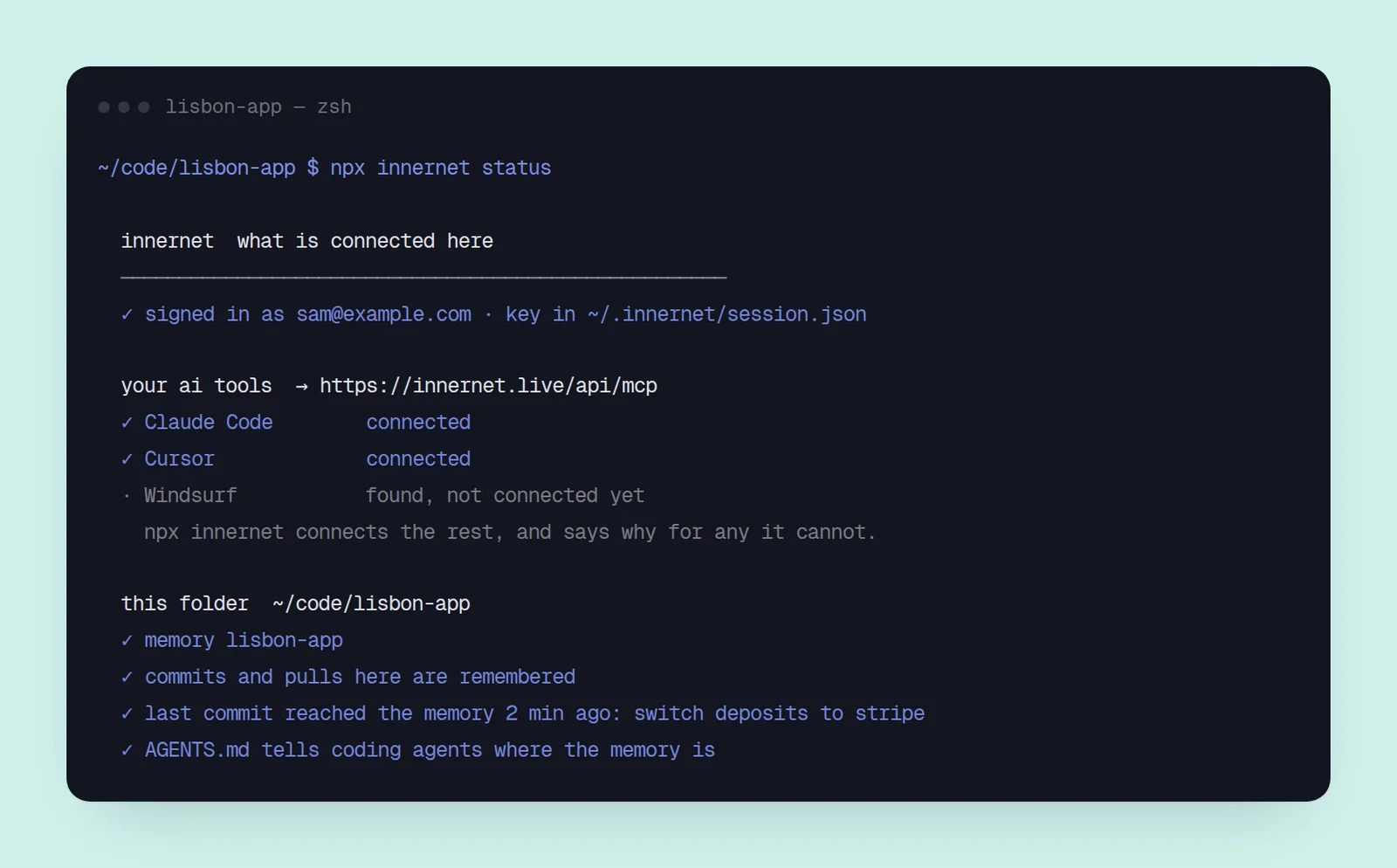
the whole command, step by step, is start in one command.
next: bring what you already have.
every chapter
innernet is memory your ai tools read live: every project, every decision, every skill, in one place, connected once.