one command in your agent's folder makes the agent and its key, puts the key straight into .env and keeps it out of git. then set what it may do with you, try it, and watch what it keeps, without leaving the terminal.
agent memory · step 3 of 8
make one from the terminal
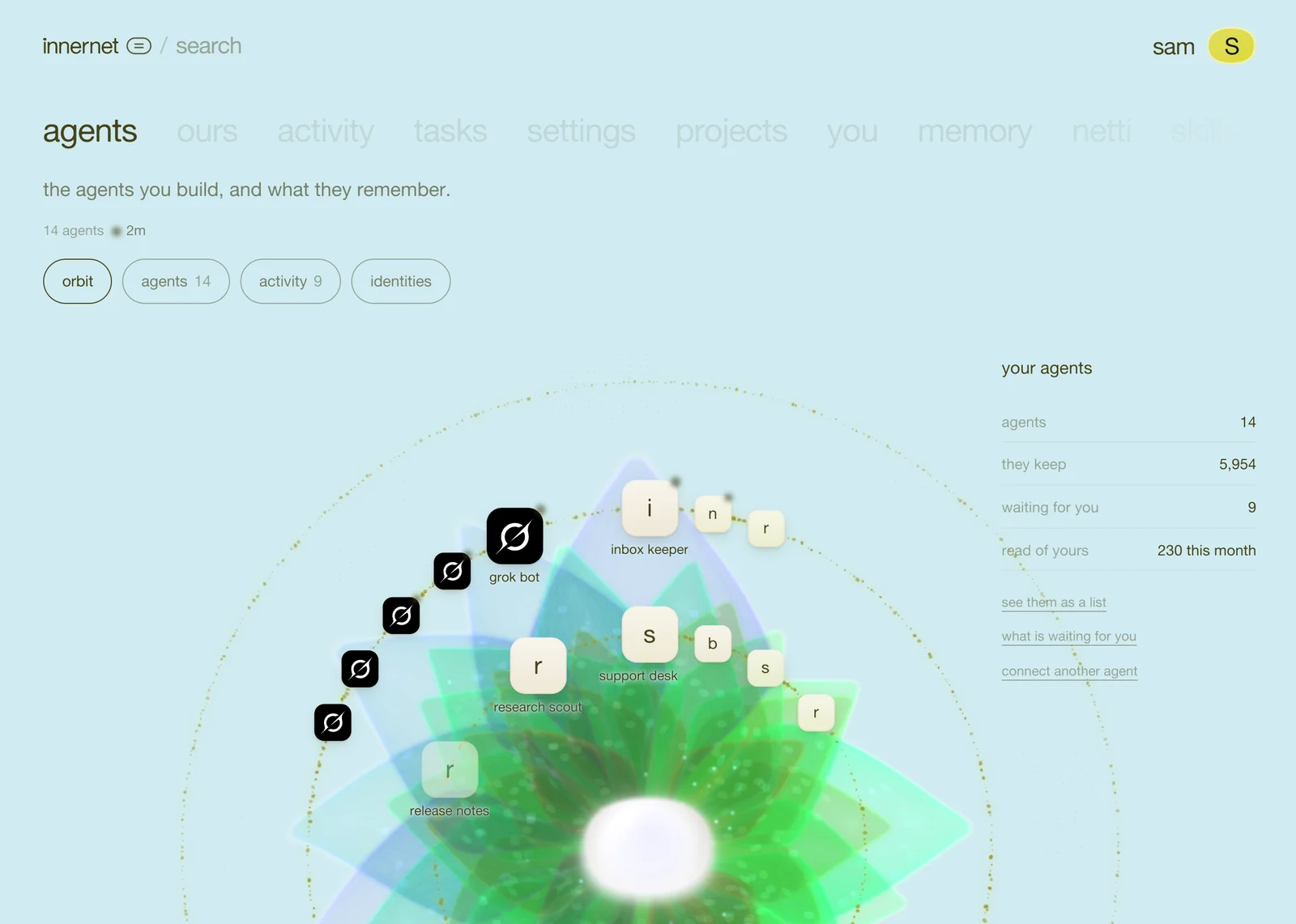

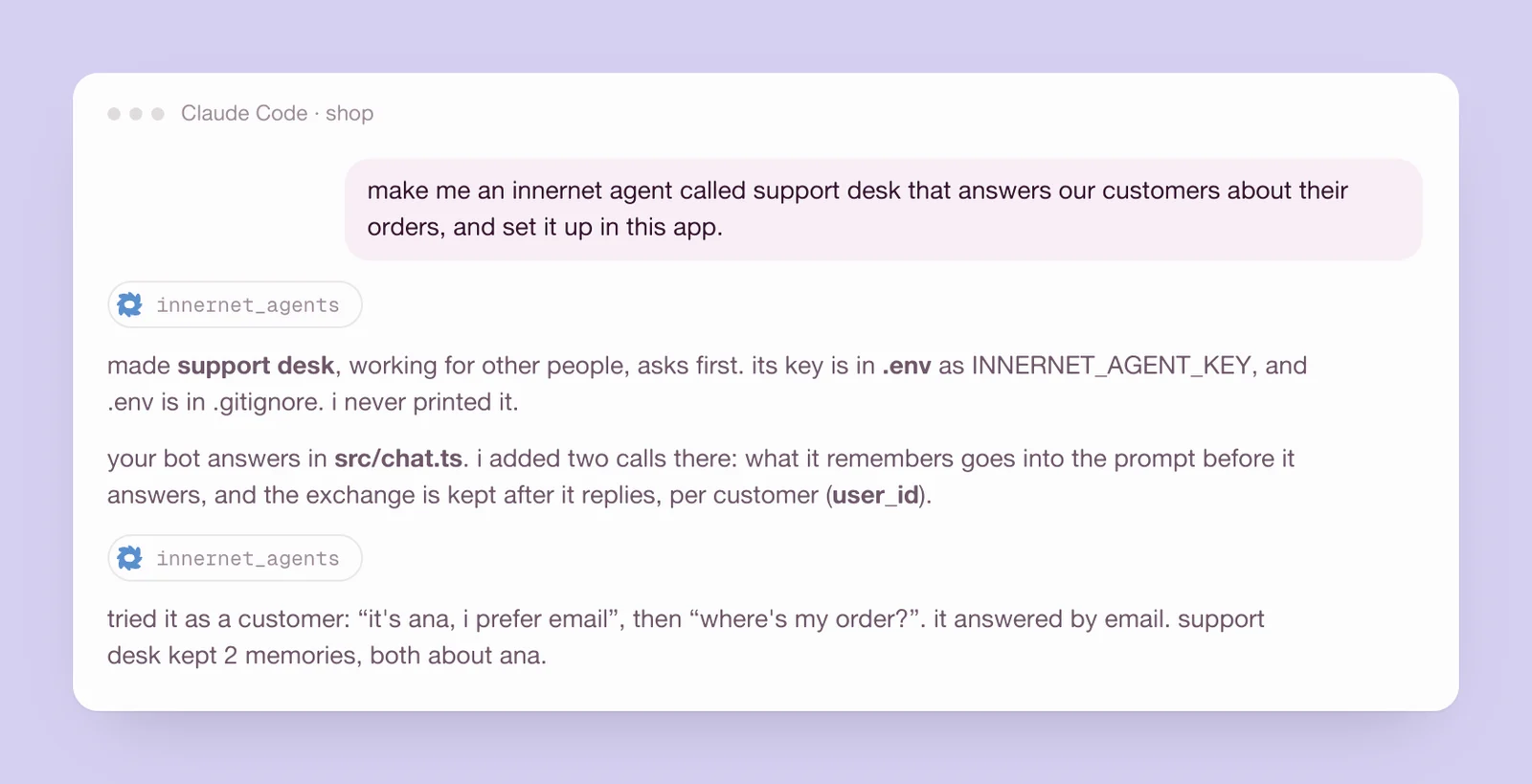
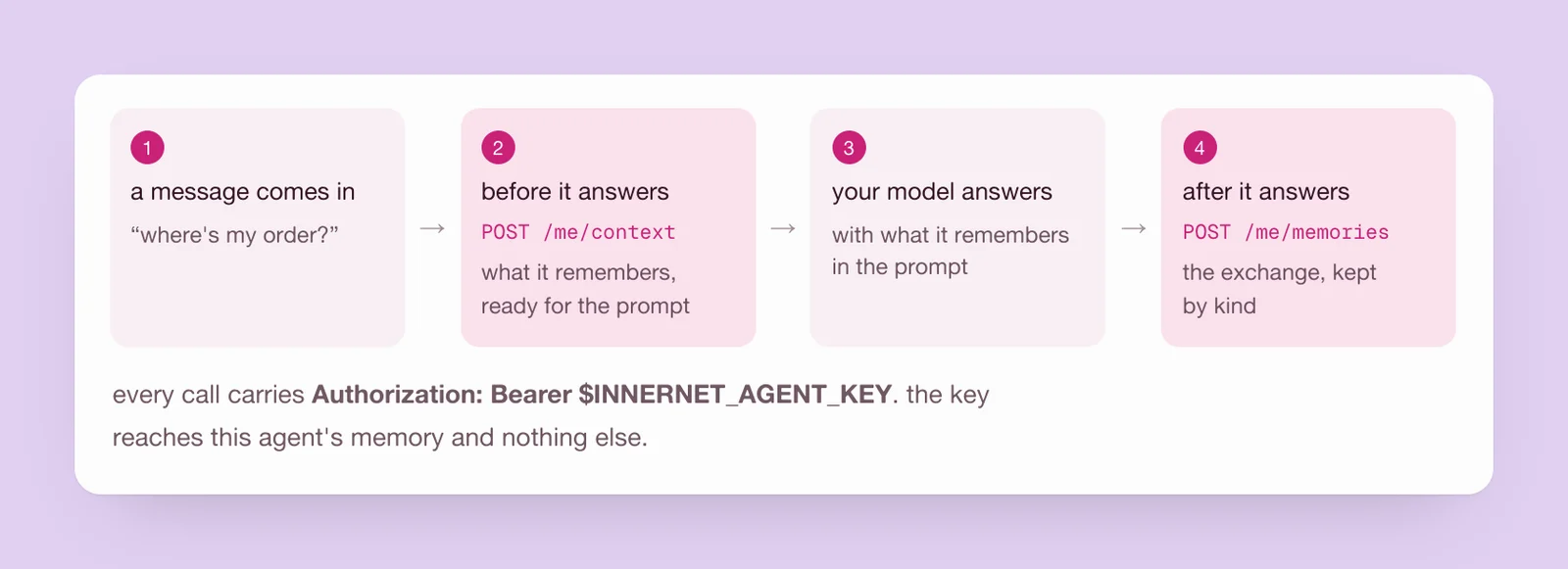
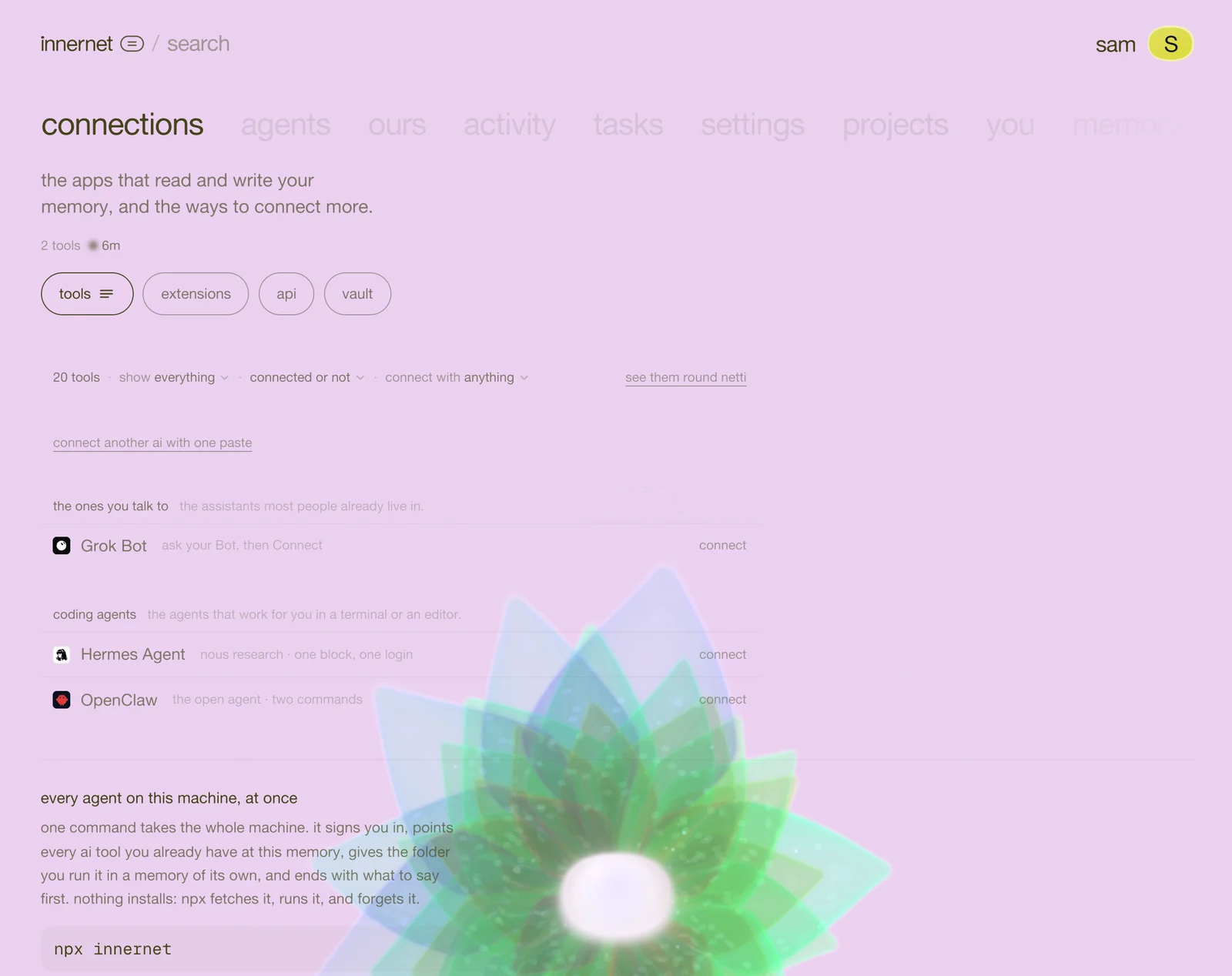
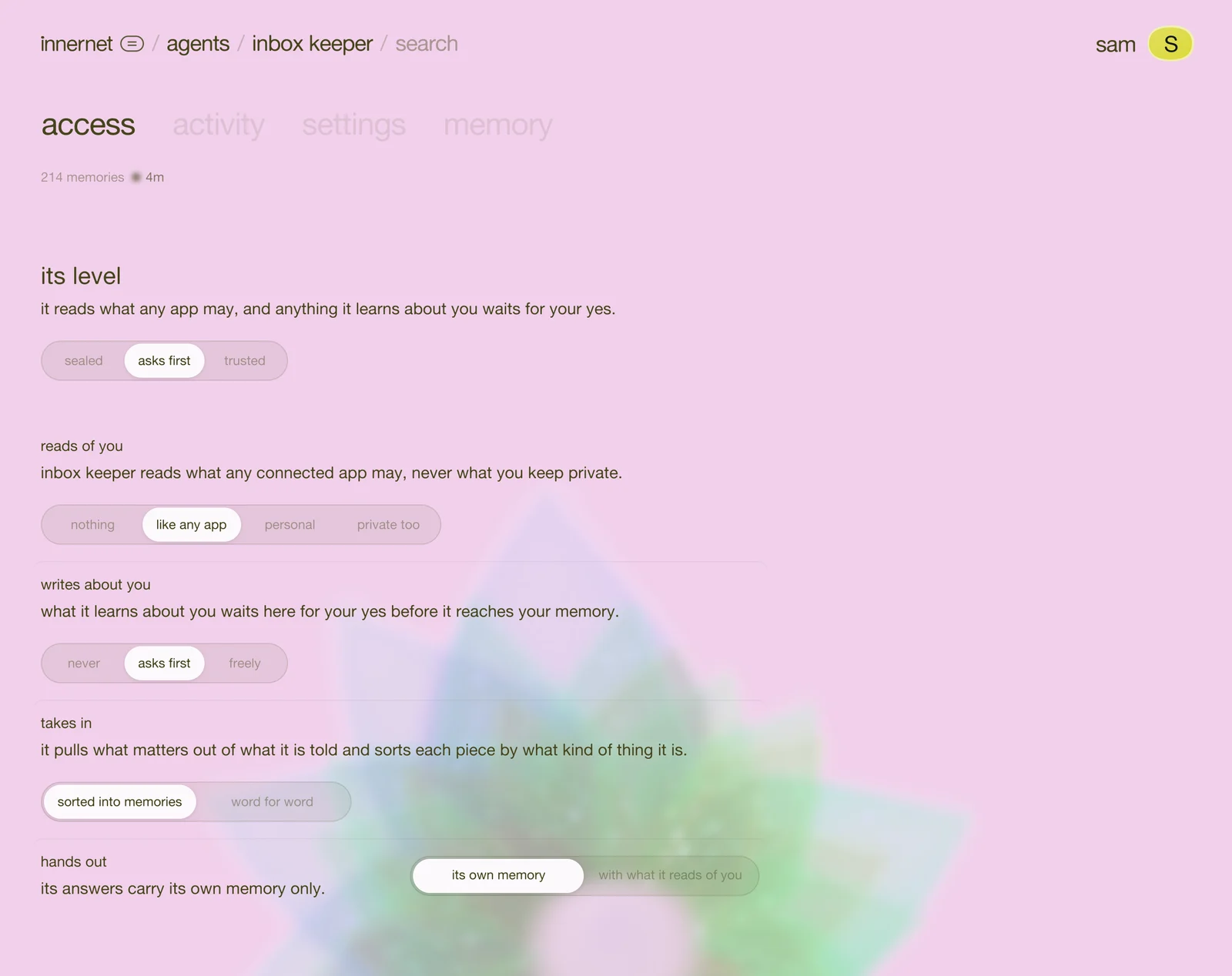
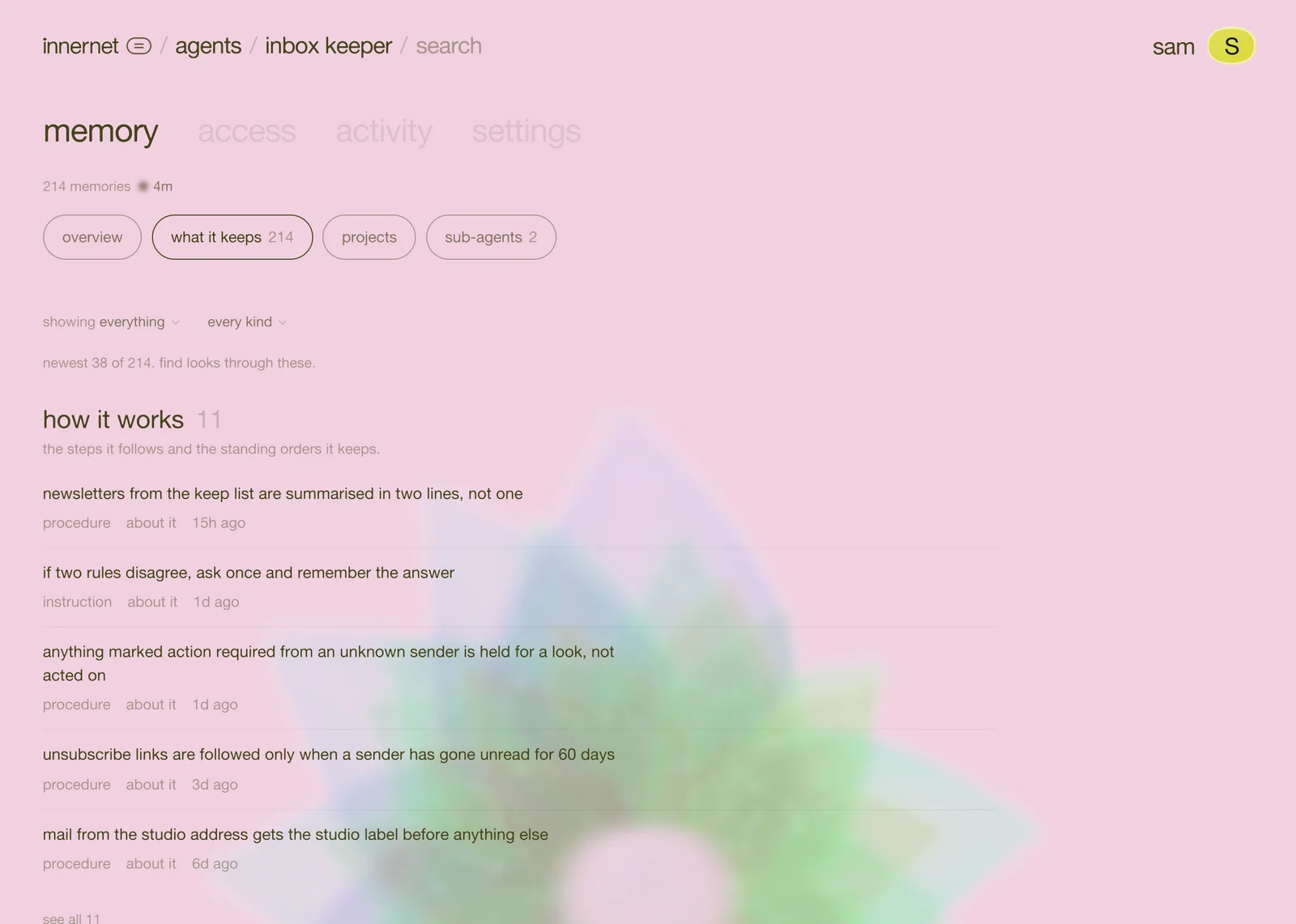
if your agent's code lives in a folder on this machine, the terminal is the shortest way in. you need Node 18 or newer. nothing to install: npx runs innernet's command line straight from npm.
1. sign in, once
if you've run npx innernet on this machine before, you're signed in already. if not, this opens your browser once:
npx innernet login2. make the agent
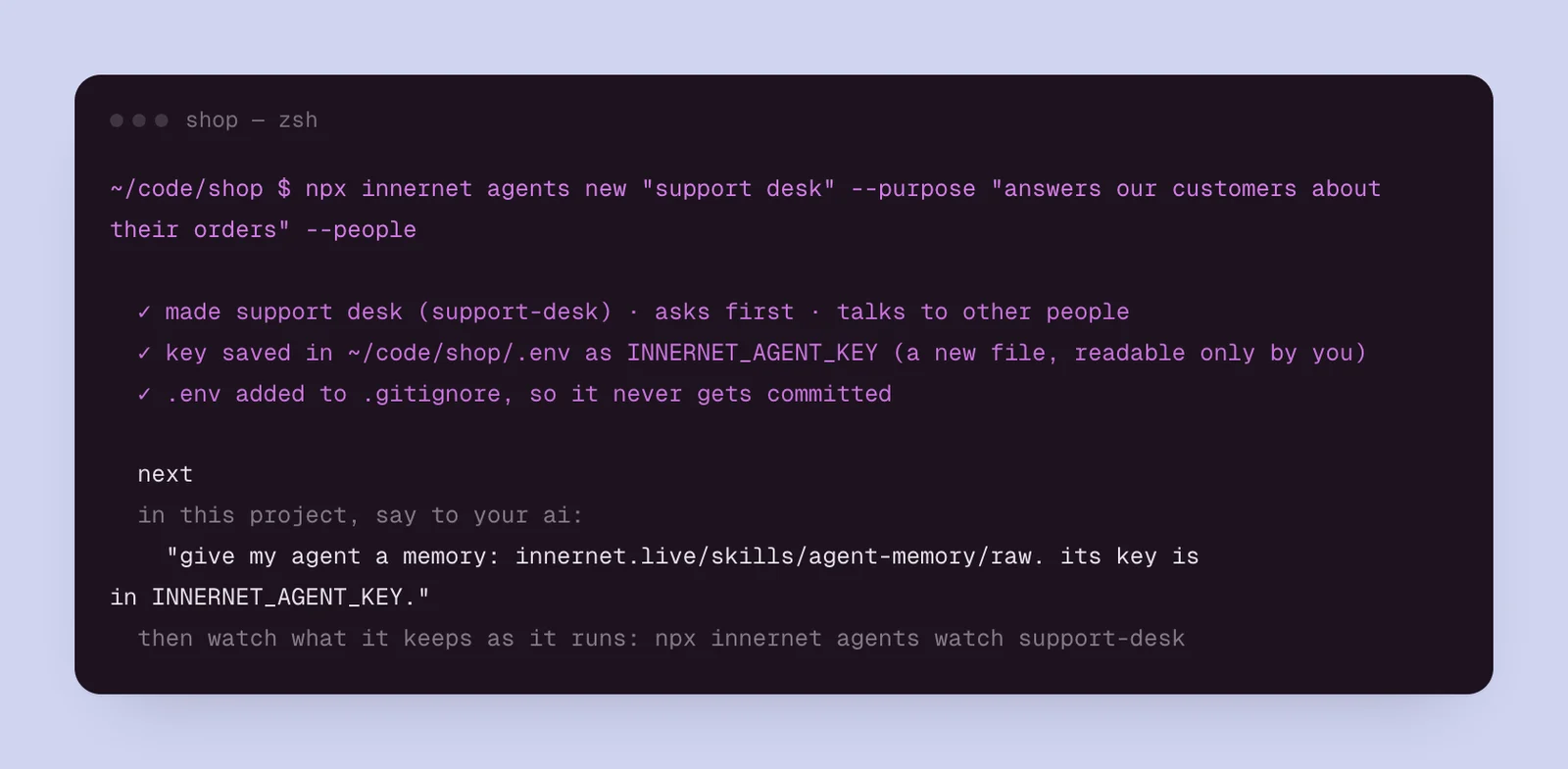
go to the folder your agent lives in, and run:
npx innernet agents new "support desk" --purpose "answers our customers about their orders" --peopleit makes the agent and its first key, writes the key into .env at the root of the repo as INNERNET_AGENT_KEY (readable only by you), adds .env to .gitignore so it never gets committed, and never prints the key.
run it with no name and it asks you, one question at a time. the flags, if you'd like them:
| flag | what it does |
|---|---|
--purpose "…" | what it does, and what it must never keep, in a sentence |
--people | it talks to other people (customers, a server). what it keeps about them never leaves it |
--access "asks first" | sealed, asks first (the default) or trusted |
--home <project> | live in one of your projects, instead of a new one made for it |
--env <file> | the env file the key goes into (.env at the repo root, unless you say) |
--print | show the key once instead of writing it anywhere |
3. wire it in
the command ends by telling you the one line to say to the ai you code with, in this folder:
give my agent a memory: innernet.live/skills/agent-memory/raw. its key is in INNERNET_AGENT_KEY.Claude Code, Cursor or Codex reads the link, finds where your agent answers, and adds the two calls. to write them yourself, see wire it into your code.
4. try it, before any code runs
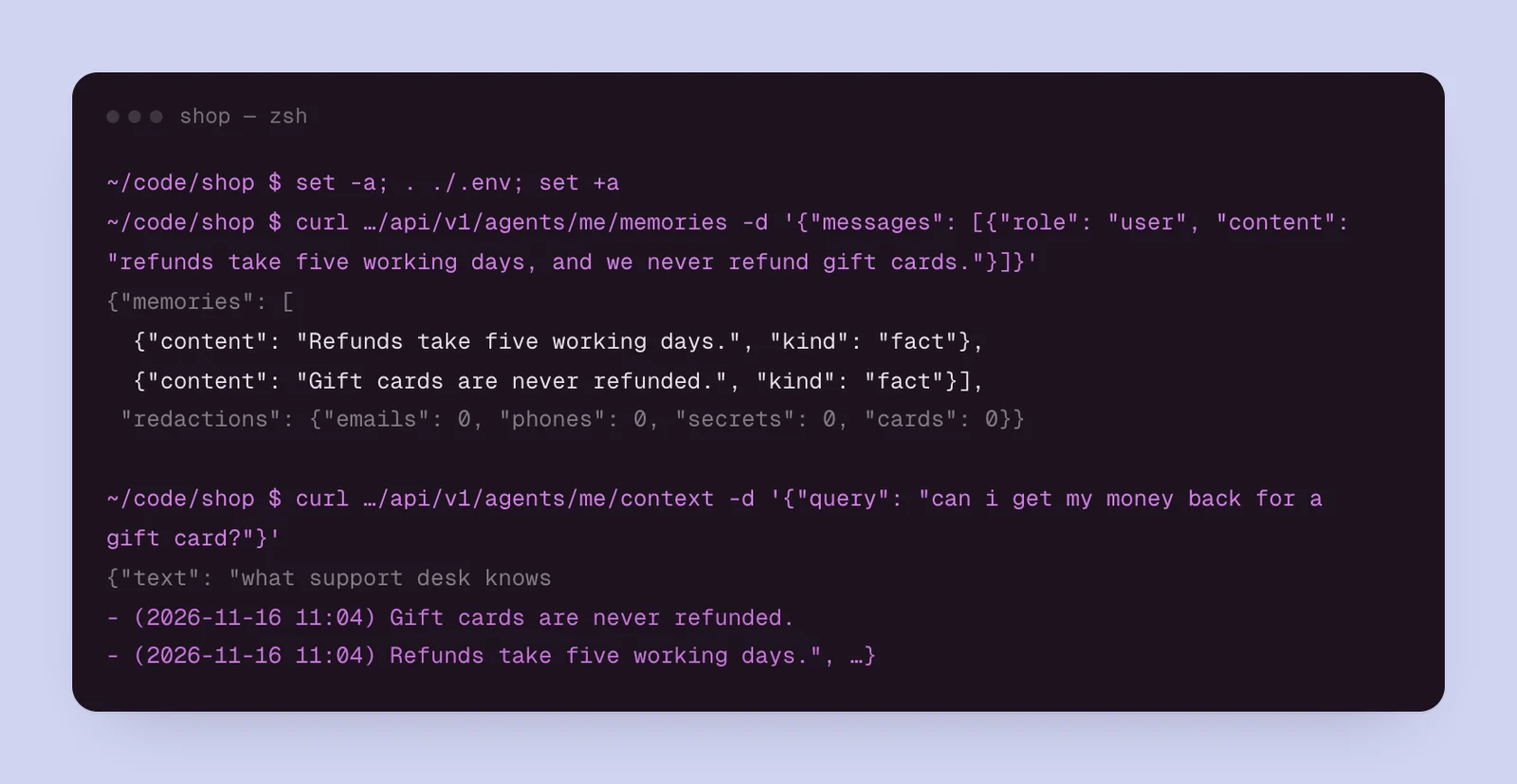
the key is in .env, so you can teach the agent one thing and ask it back, right here. load the key into this terminal:
set -a; . ./.env; set +ateach it something:
curl https://innernet.live/api/v1/agents/me/memories \
  -H "Authorization: Bearer $INNERNET_AGENT_KEY" \
  -H "content-type: application/json" \
-d '{"messages": [{"role": "user", "content": "refunds take five working days, and we never refund gift cards."}]}'then ask what it would read before answering a question about refunds:
curl https://innernet.live/api/v1/agents/me/context \
  -H "Authorization: Bearer $INNERNET_AGENT_KEY" \
  -H "content-type: application/json" \
-d '{"query": "can i get my money back for a gift card?"}'the answer's text is what your agent puts in its prompt: what it knows, dated, best first.
5. watch it, and look after it
| command | what it does |
|---|---|
npx innernet agents | the agents you keep, with their access and how much each keeps |
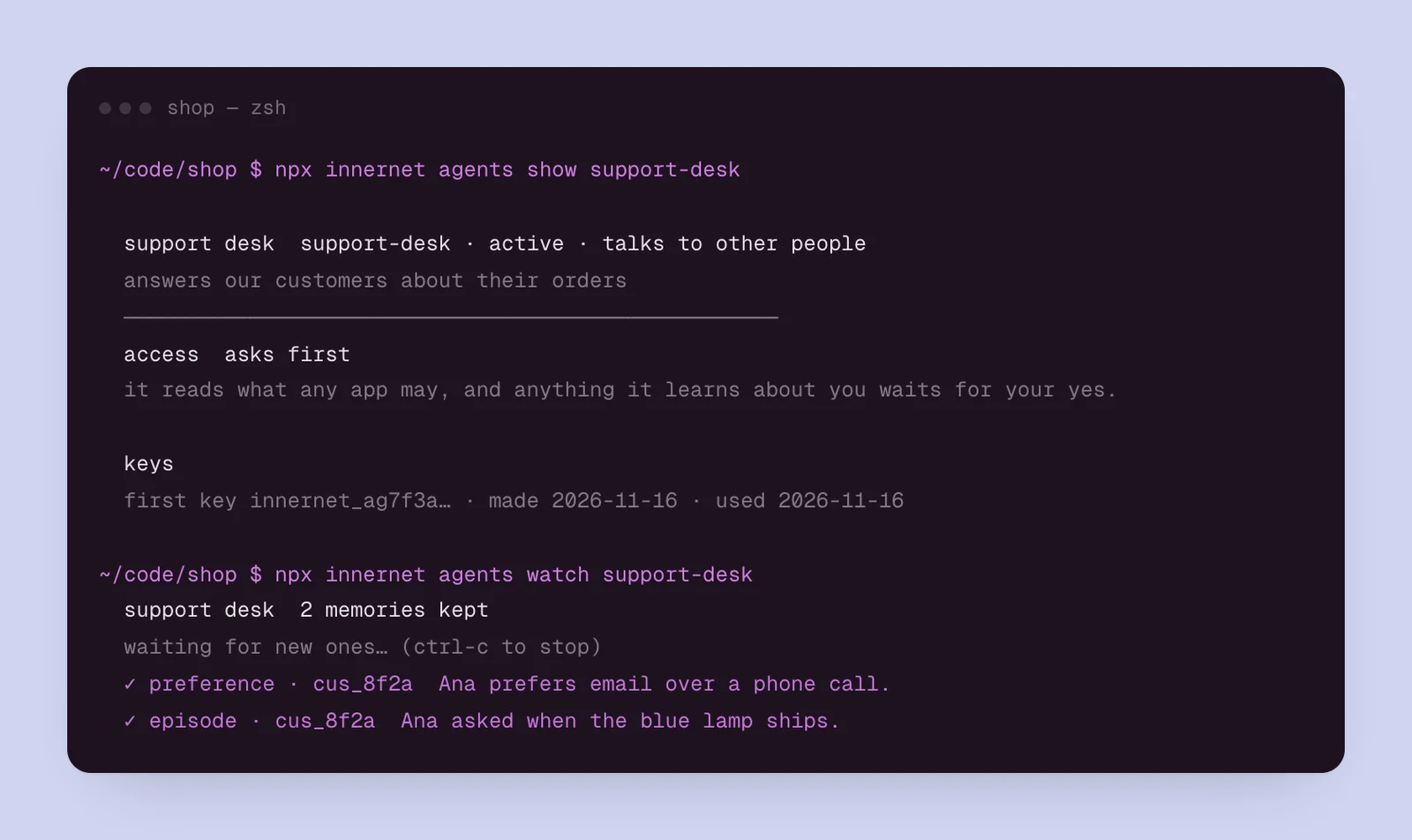
npx innernet agents show support-desk | what it may do with you, its keys, and what it kept last |
npx innernet agents watch support-desk | its memories as they come in (ctrl-c to stop) |
npx innernet agents access support-desk trusted | sealed, asks first or trusted |
npx innernet agents key support-desk | a new key into .env. --list shows them, --revoke <id> ends one |
npx innernet agents pause support-desk | it keeps nothing new until you resume it |
npx innernet agents remove support-desk | removes it, with its memory and keys, once you type its name back |
trusted asks you first. anything deeper than asks first (reading your personal memory, filing what it learns about you on its own) is yours alone to give. the terminal makes the rest of the change, then opens a link in your browser. say yes there, signed in, and the terminal sees it land. what it may do with you has the whole of it.
next
the same, from a chat: make one from any chat.
every chapter
one memory, every ai tool.
innernet is memory your ai tools read live: every project, every decision, every skill, in one place, connected once.