an agent's memory is never a black box. its own page shows what it keeps, sorted by kind, every call it made, what its memory did for it, its keys, its sub-agents and the people it serves, and every setting is yours to change.
agent memory · step 8 of 8
see everything it keeps
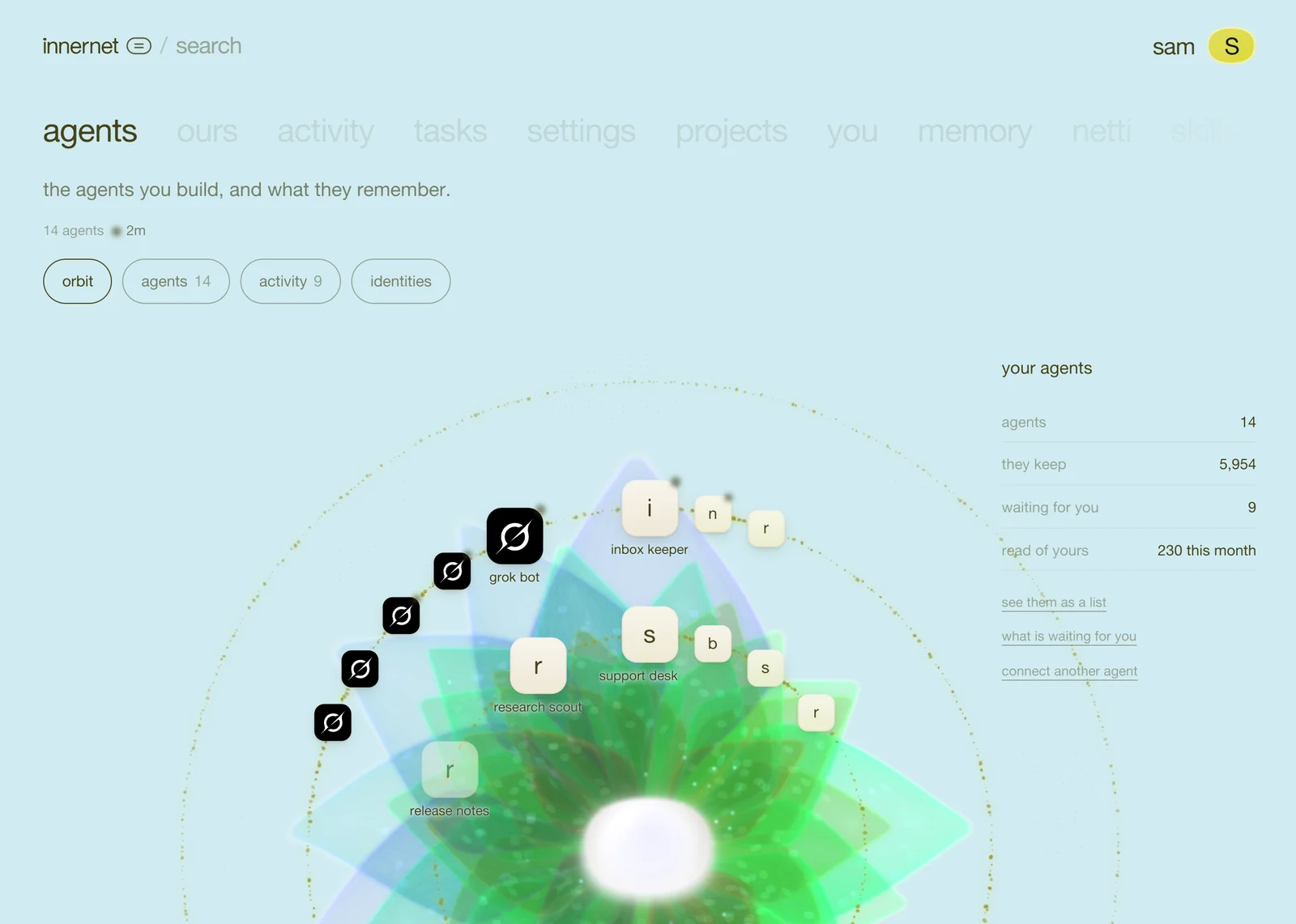

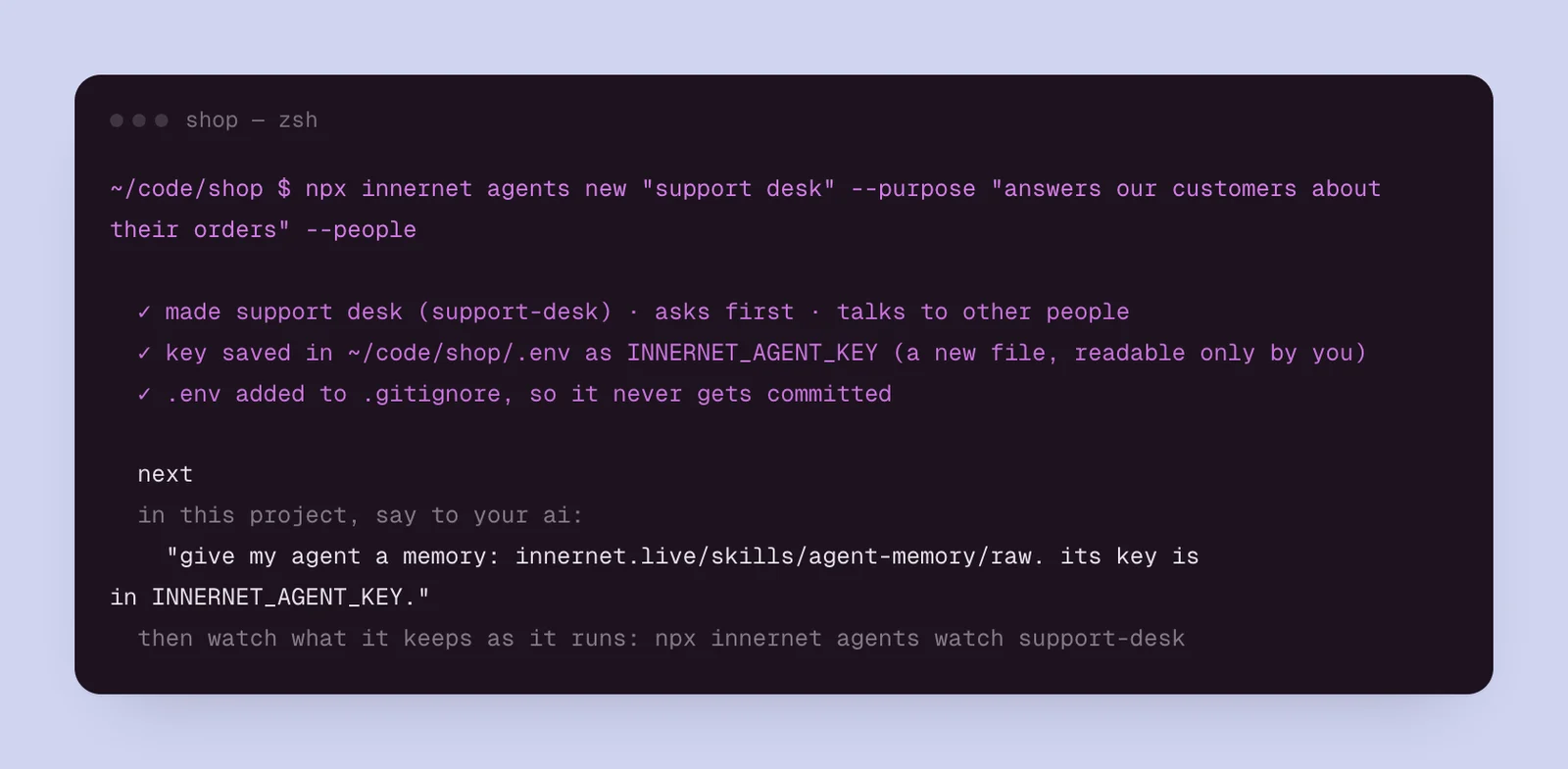
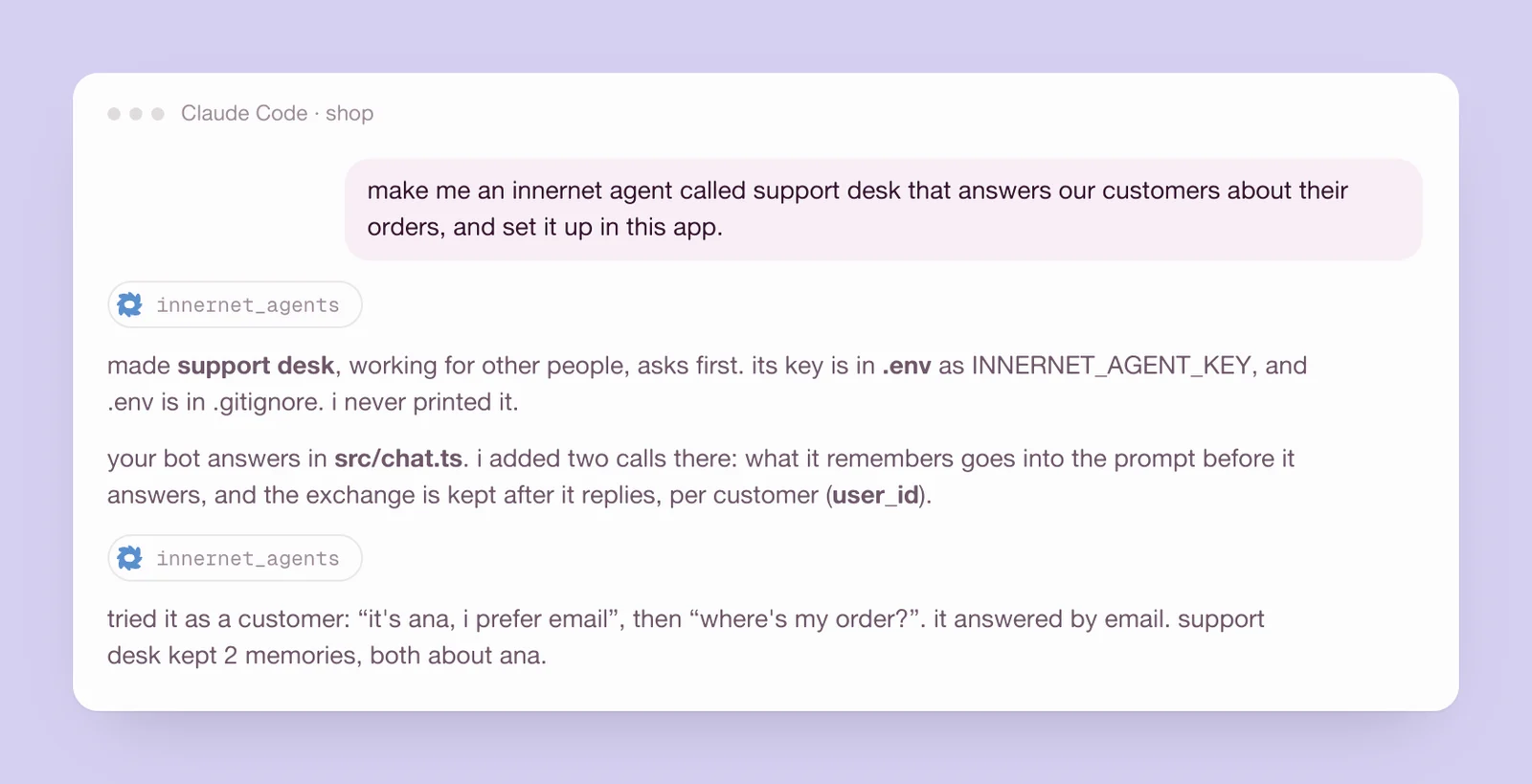
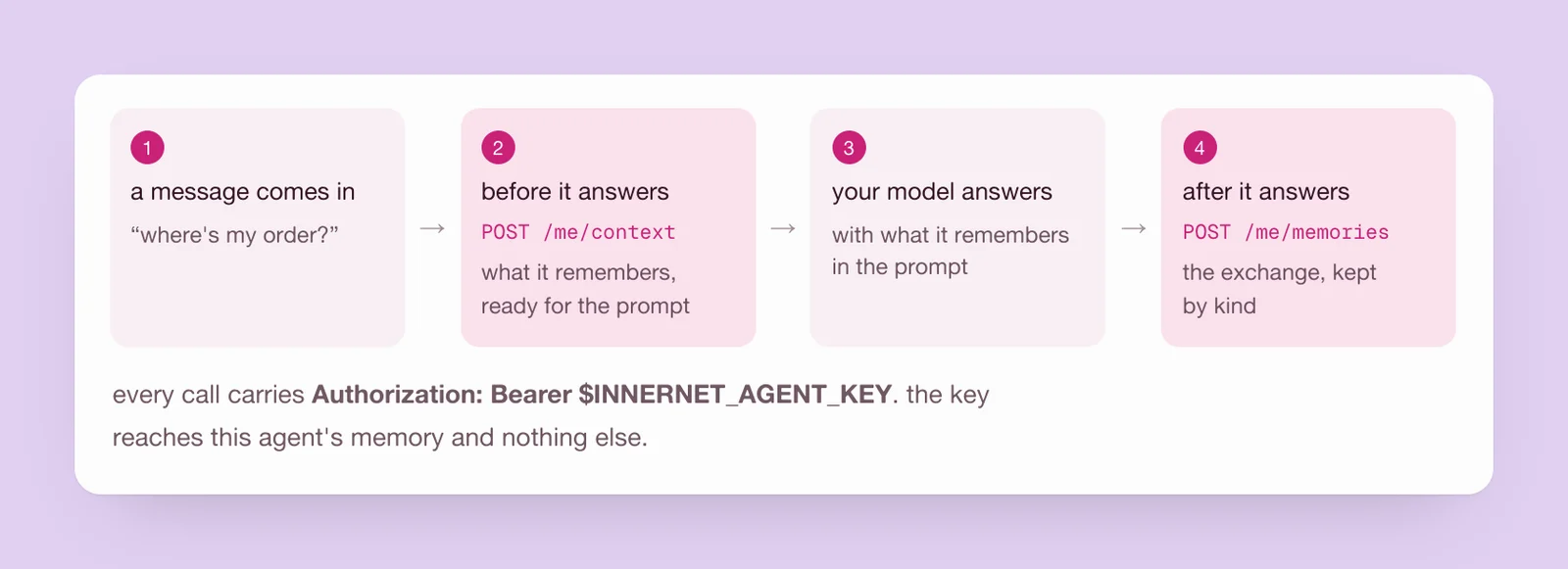
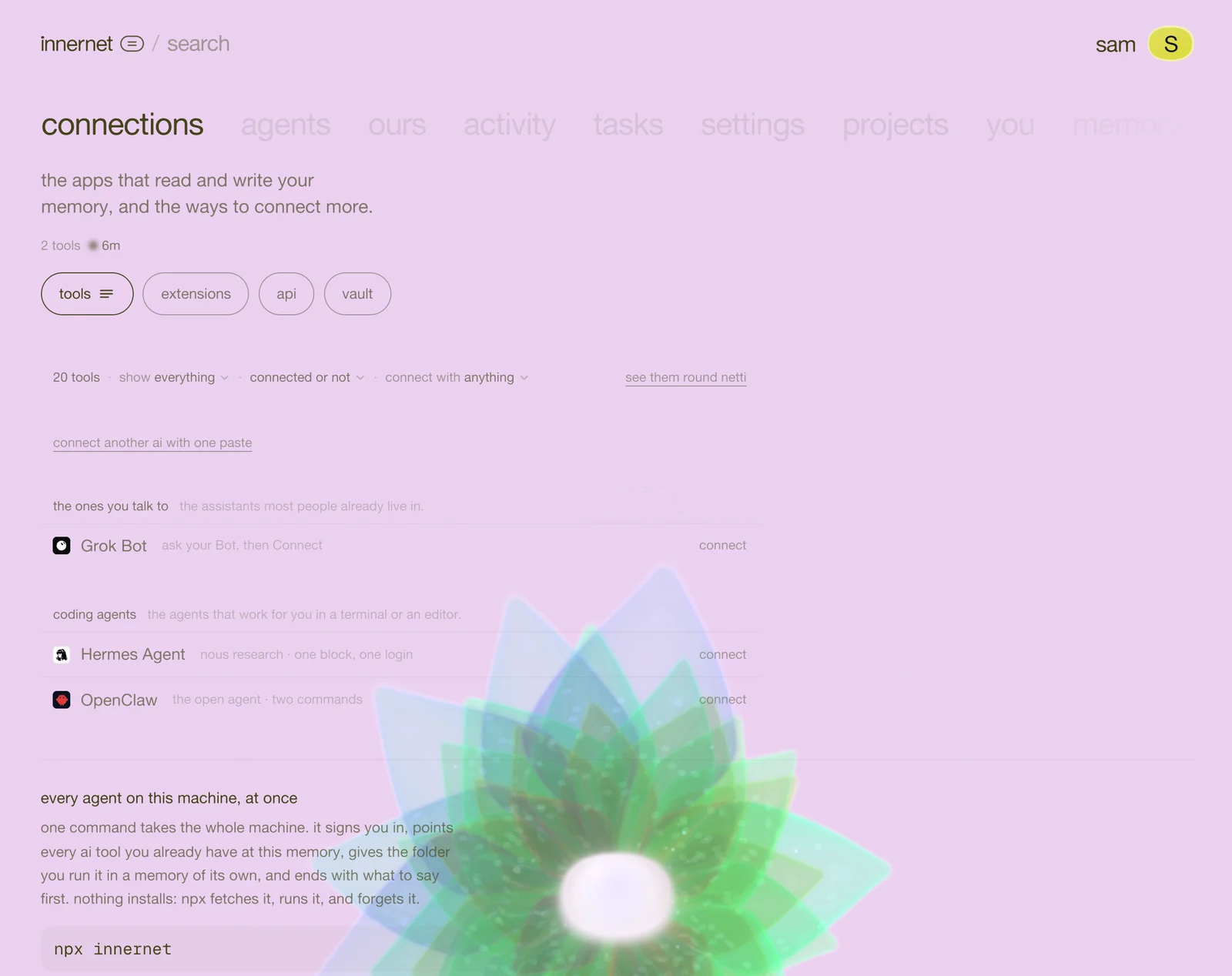
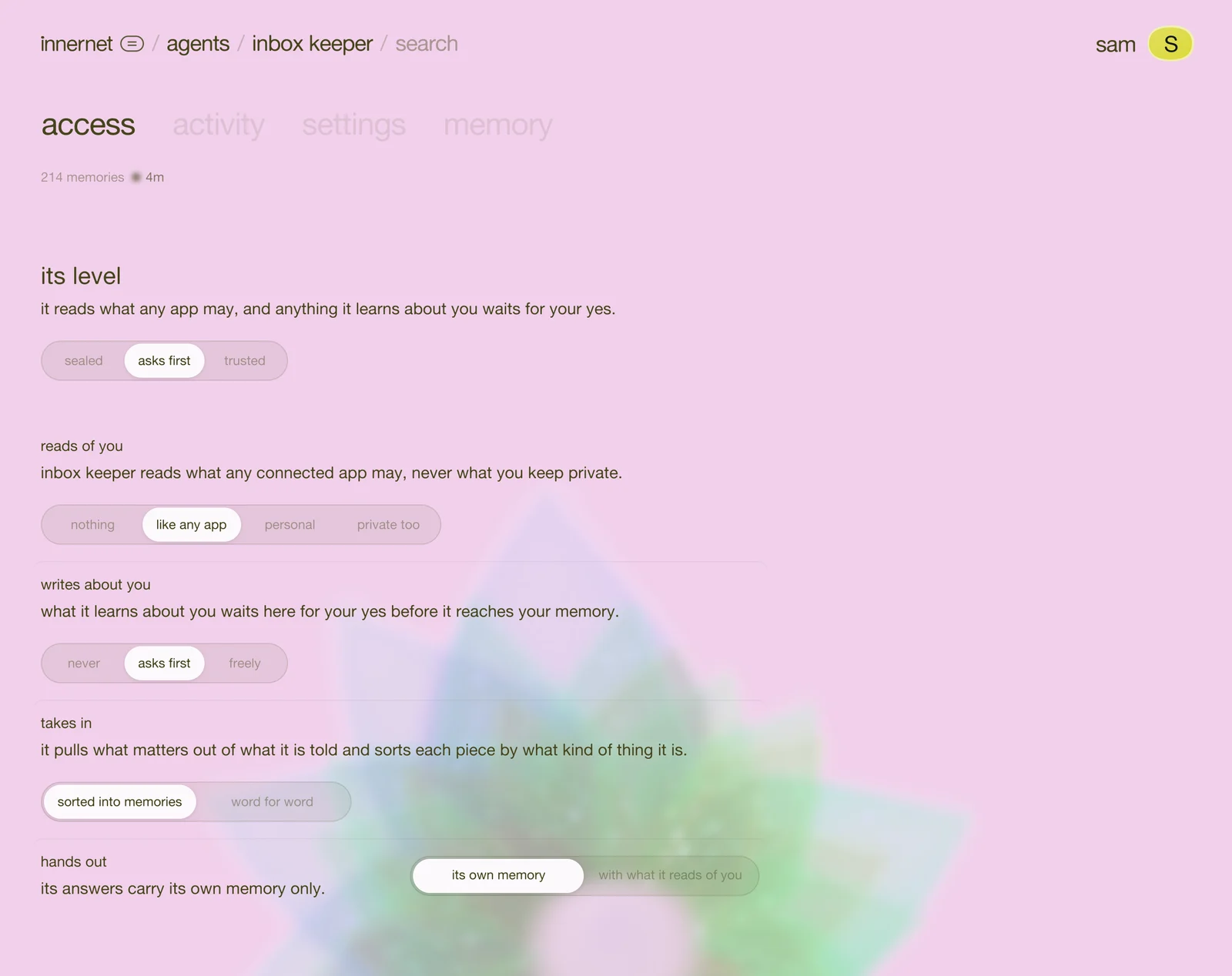
every agent has a page of its own, like a project. open agents on your dashboard and press one (or, from the terminal, npx innernet agents show <agent>; from a chat, "show me support desk").
along the top are its spaces: memory, access, activity and settings, and people, for an agent that works for other people. under its name, one line says who it works for, whether it's running, when it was made and when it was last called. pause stops it keeping anything new until you resume it.
memory: what it keeps
overview adds it all up: how many memories, one row for each kind, the project it writes to, what waits for you, its access and its sub-agents.
what it keeps sorts every memory onto a shelf by what kind of thing it is:
- how it works: the steps it follows and the standing orders it keeps.
- what it knows: things that stay true until they change.
- what people like: likes, dislikes and ways of working it was told about.
- what happened: moments it was part of, each with when.
- notes: anything else it thought worth keeping.
each shelf shows its newest five, then see all. narrow it by whose memory (about it, about you, about its people) or what kind, or find anything with the search beside them.
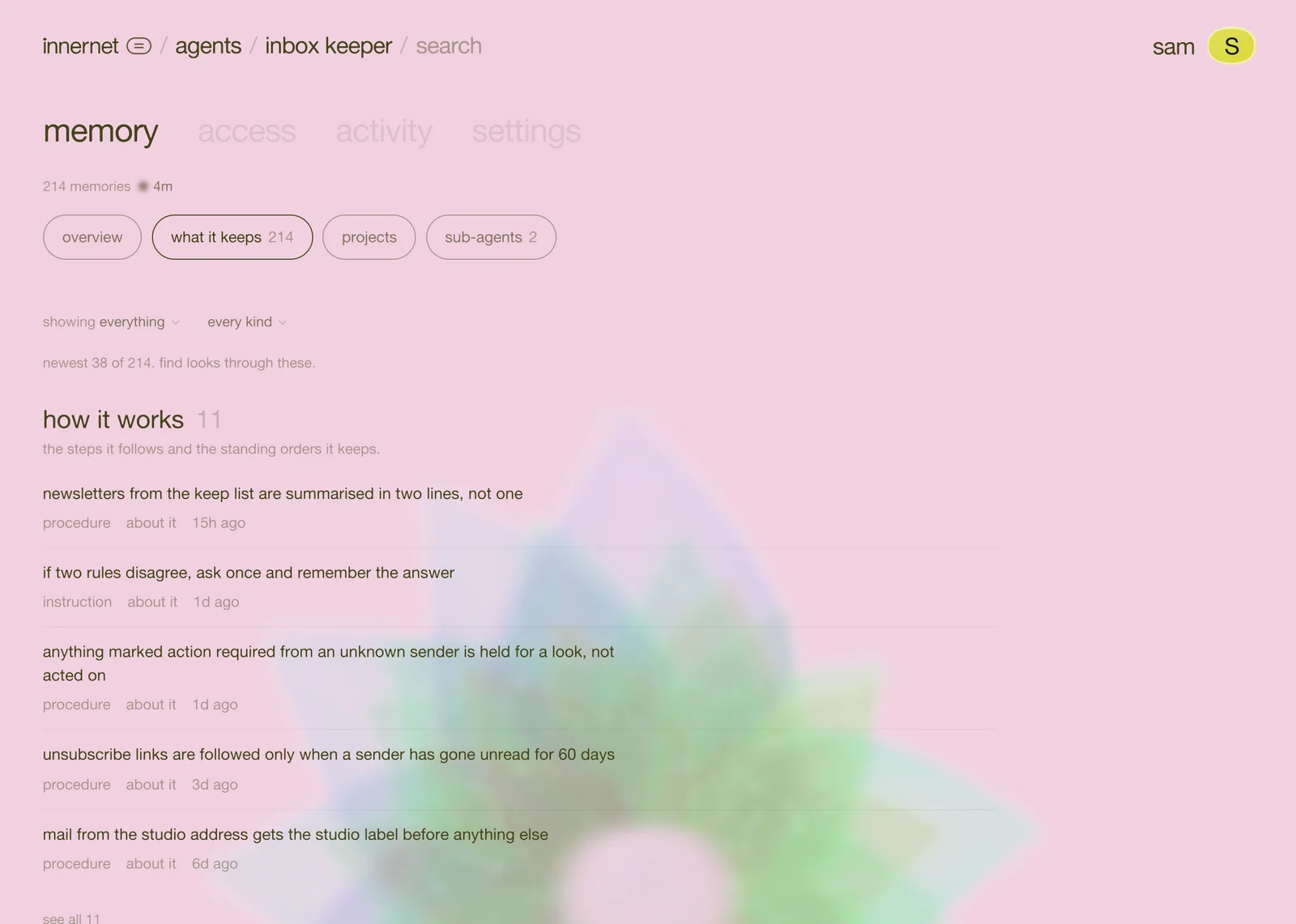
press a memory to open it: where it came from, when it was made, when it forgets, its earlier versions, and where it stands: stays with the agent, waiting for you, or in your memory. move it along that track by hand, or forget it.
projects shows the projects it writes to. every top-level agent starts with one of its own, and what it knows (never what it learned about you, or about its people) flows in as notes netti folds into pages. so every ai you connect can find what your agents know.
sub-agents: one job each
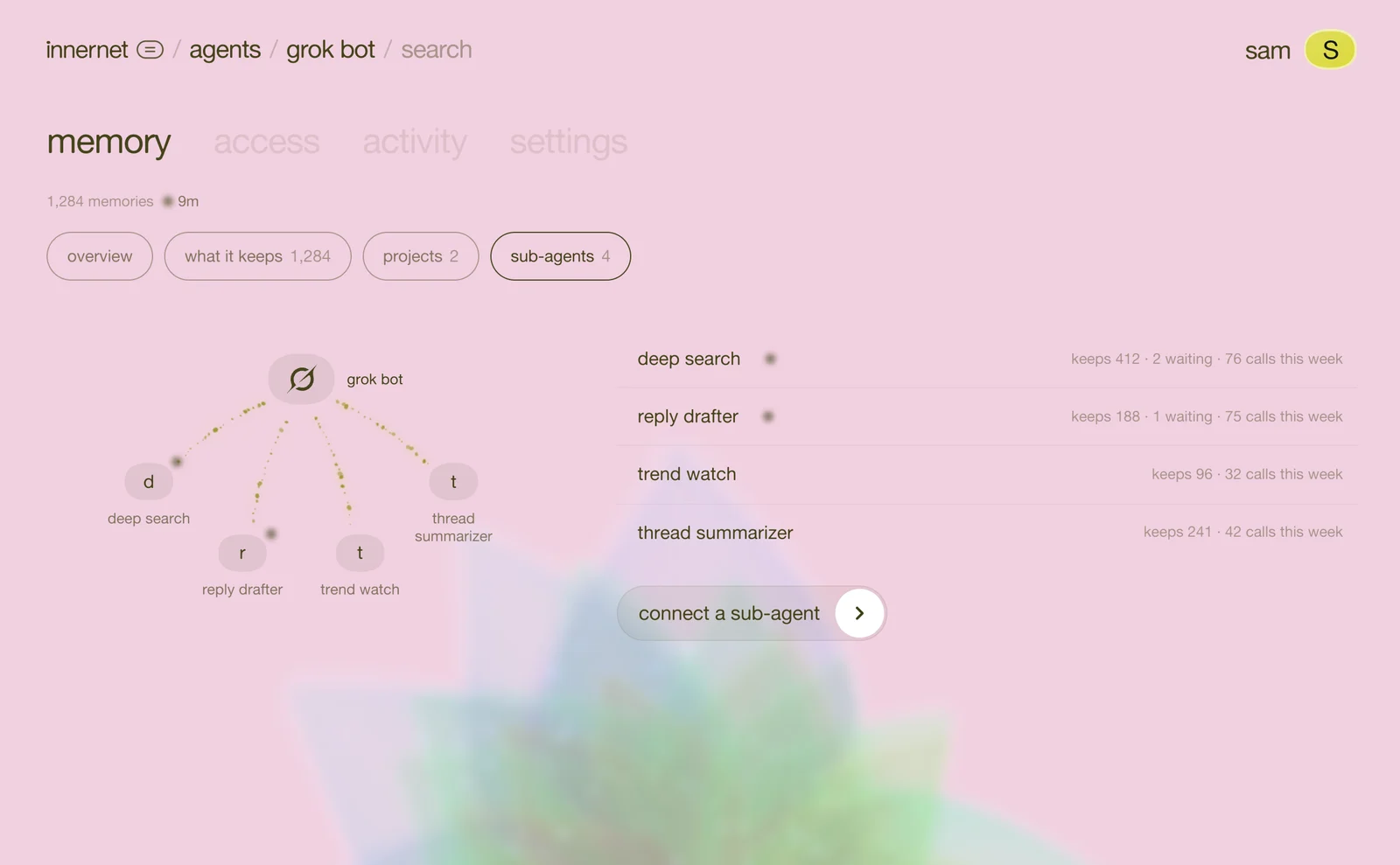
sub-agents splits a big agent into jobs. a Grok Bot with a search bot, a reply bot and a trends bot under it. a support desk with billing, shipping and returns. each has a memory and keys of its own, starts with a copy of its parent's settings, and the parent's key never reaches it. so a key that leaks reaches one job, and nothing else.
press connect a sub-agent, give it a name, and paste its block into your ai, the same as the agent itself. or from the terminal: npx innernet agents new "billing" --parent support-desk. or ask: "give support desk a sub-agent for billing".
activity: what it did
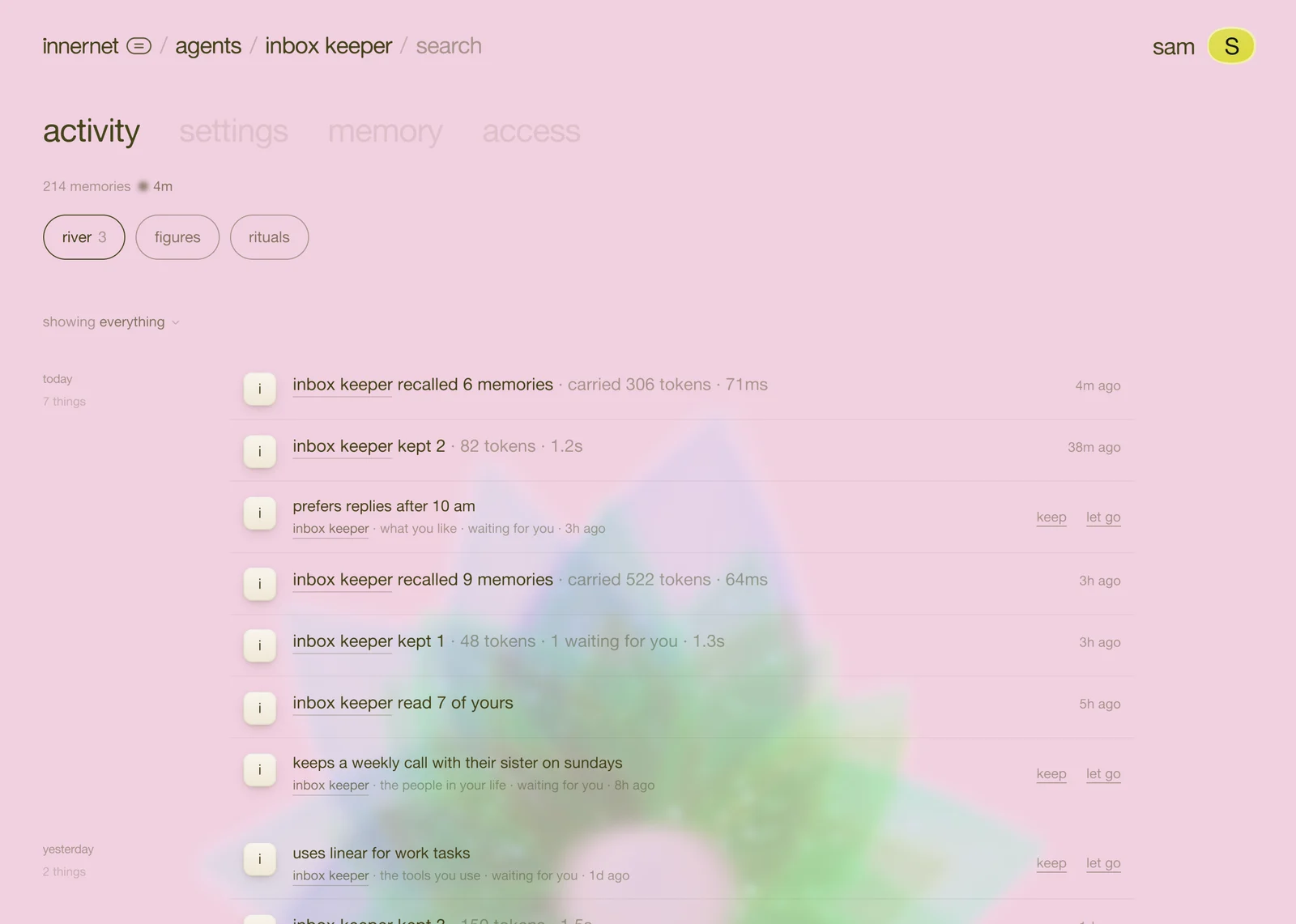
river is everything it did, newest first, by day: what it recalled, what it kept, and everything waiting for you, with keep and let go right there.
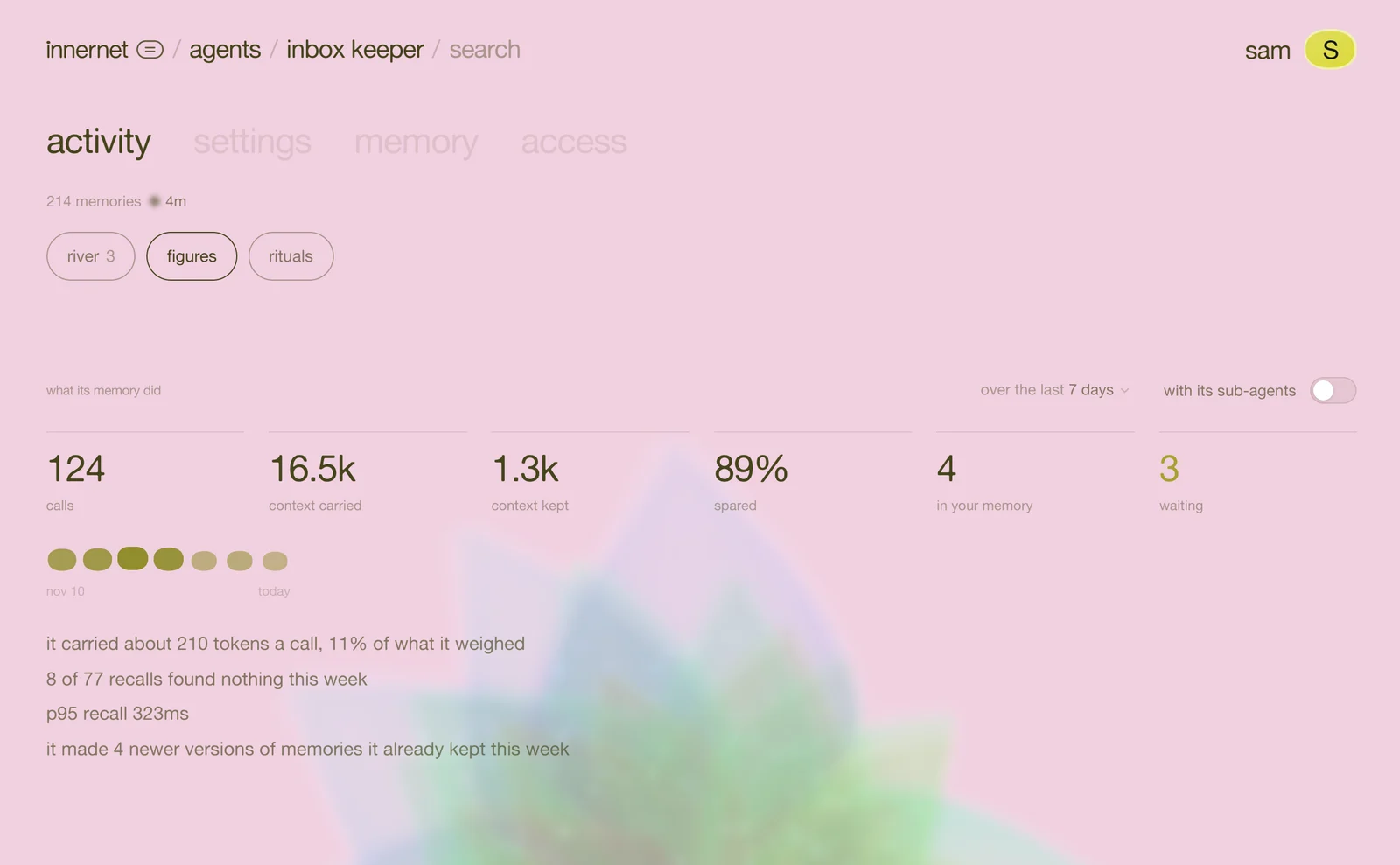
figures shows what its memory did for it, over the last 7, 30 or 90 days: its calls, the context carried into its answers, the context kept, how much it spared sending, what reached your memory and what's waiting.
people: who it serves
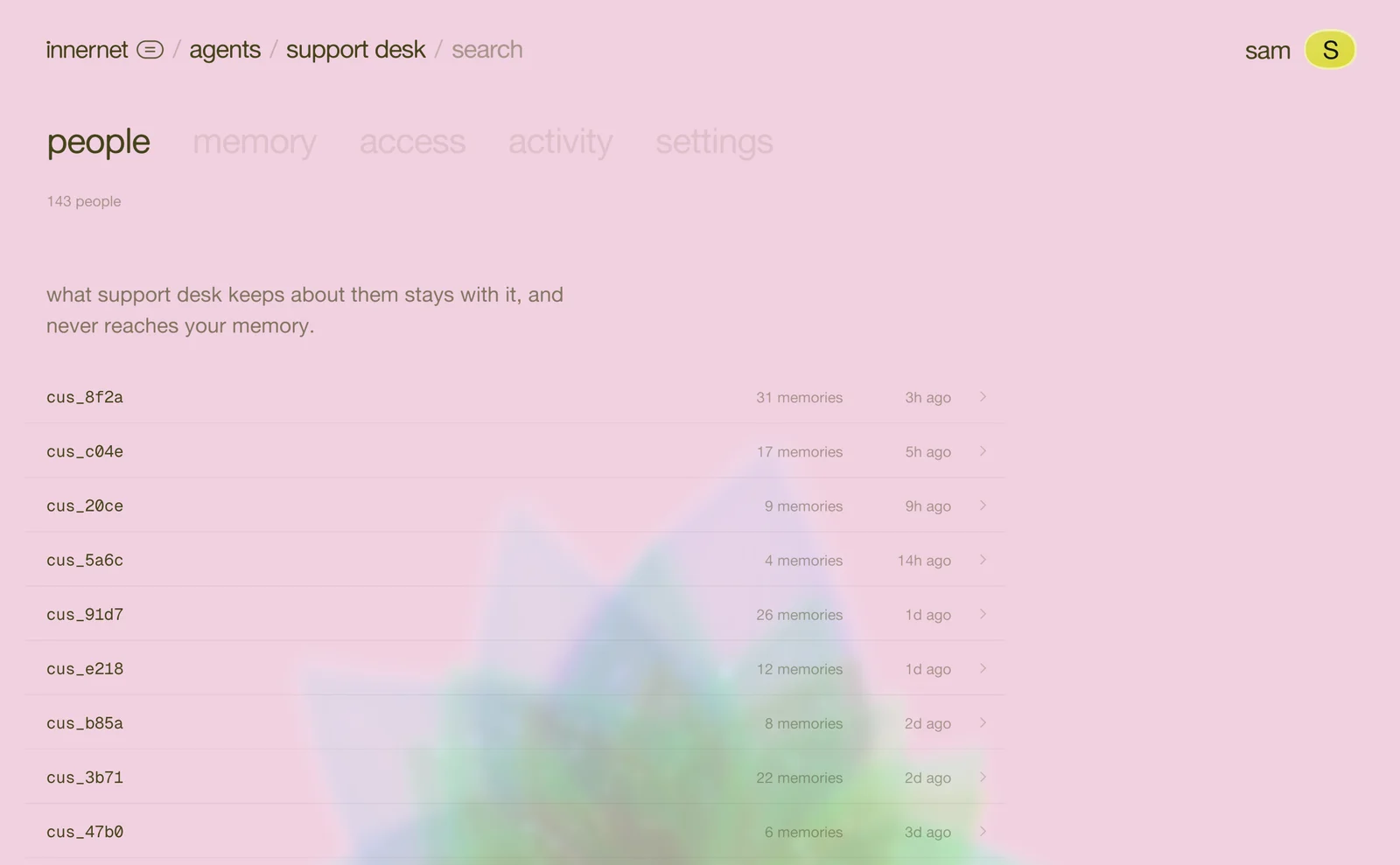
an agent that works for other people has a people space: everyone it remembers, by the id your code gave them, with how many memories each. open someone to read what it keeps about them, or forget them, which takes everything about that person, at once. none of it ever reaches your memory.
settings: every choice, explained
- profile: its picture, its name, what it does, and who it works for.
- identity: which of your identities it reads, in order, beside what it recalls.
- keys: keys and connections. every key with its label and when it was last used. make a key for a new place it runs, and end one when it's done: anything using it stops at once.
- memory: what it keeps (fact, preference, episode, procedure, instruction, note), what it hides before keeping (email addresses, phone numbers, keys and passwords, card numbers), and when it forgets.
- recall: how many memories it brings back, and whether it brings what it may read of you.
- webhook: a signed note to your server when a memory is made, changed or forgotten, or when something waits for your yes.
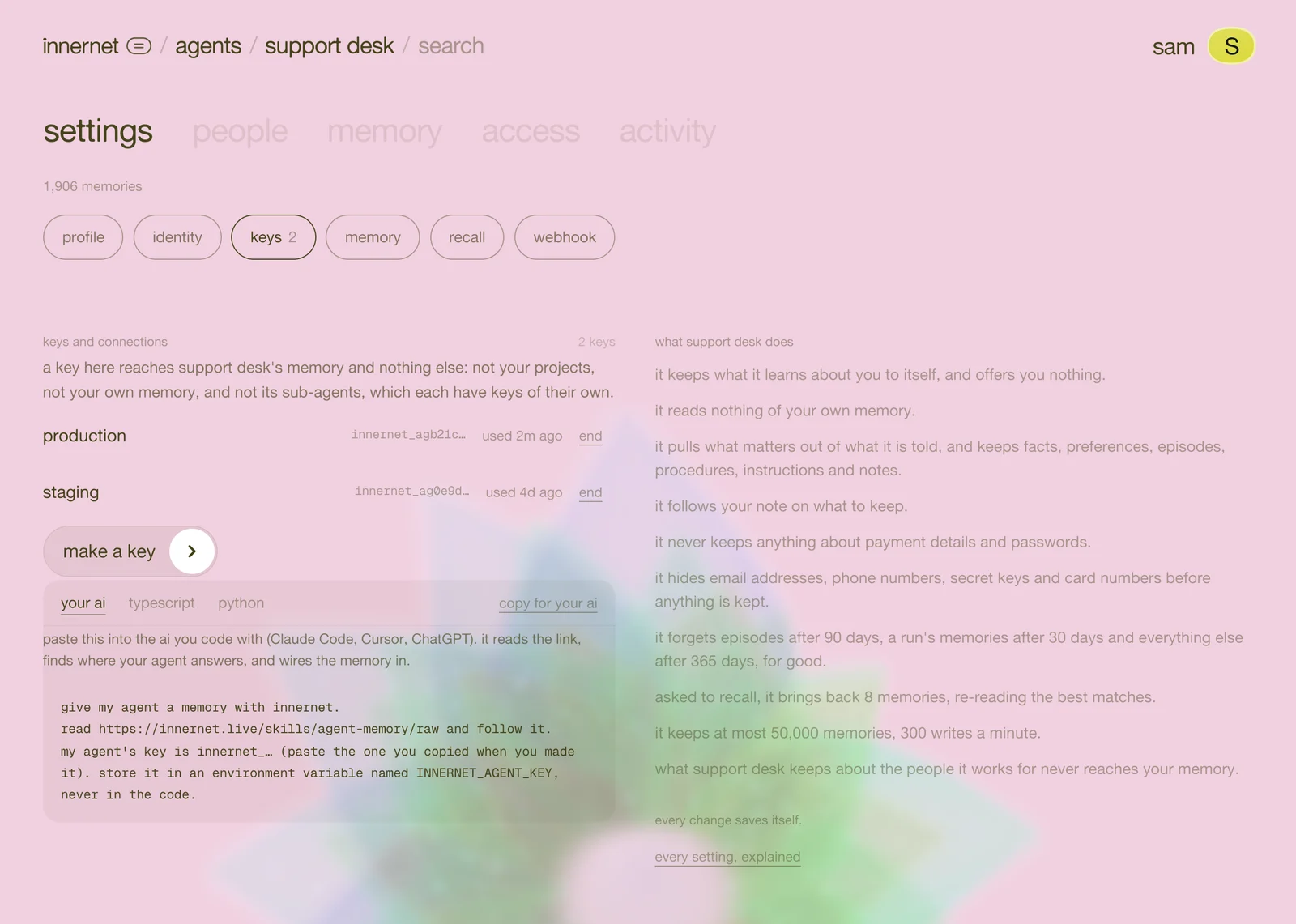
every change saves itself. agent settings explains each one.
when it's done
on settings → profile, remove this agent. first choose what happens to what it knew: keep what it knew, pass it on to another of your agents, or retire it (it stops at once, and a new agent can start from it later). removing takes its memory and keys with it, and asks you twice. what you kept from it stays yours.
that's the chapter
you can make an agent from any door, wire it in two calls, connect the personal agents you already use, decide how far each goes with you, and see everything it keeps. back to the start: meet agent memory, with the film.
every chapter
one memory, every ai tool.
innernet is memory your ai tools read live: every project, every decision, every skill, in one place, connected once.