an agent's memory is two small calls, one before it answers and one after. here they are in curl, typescript and python, ready to copy, with the one rule for agents that talk to many people, and what comes back.
agent memory · step 5 of 8
wire it into your code
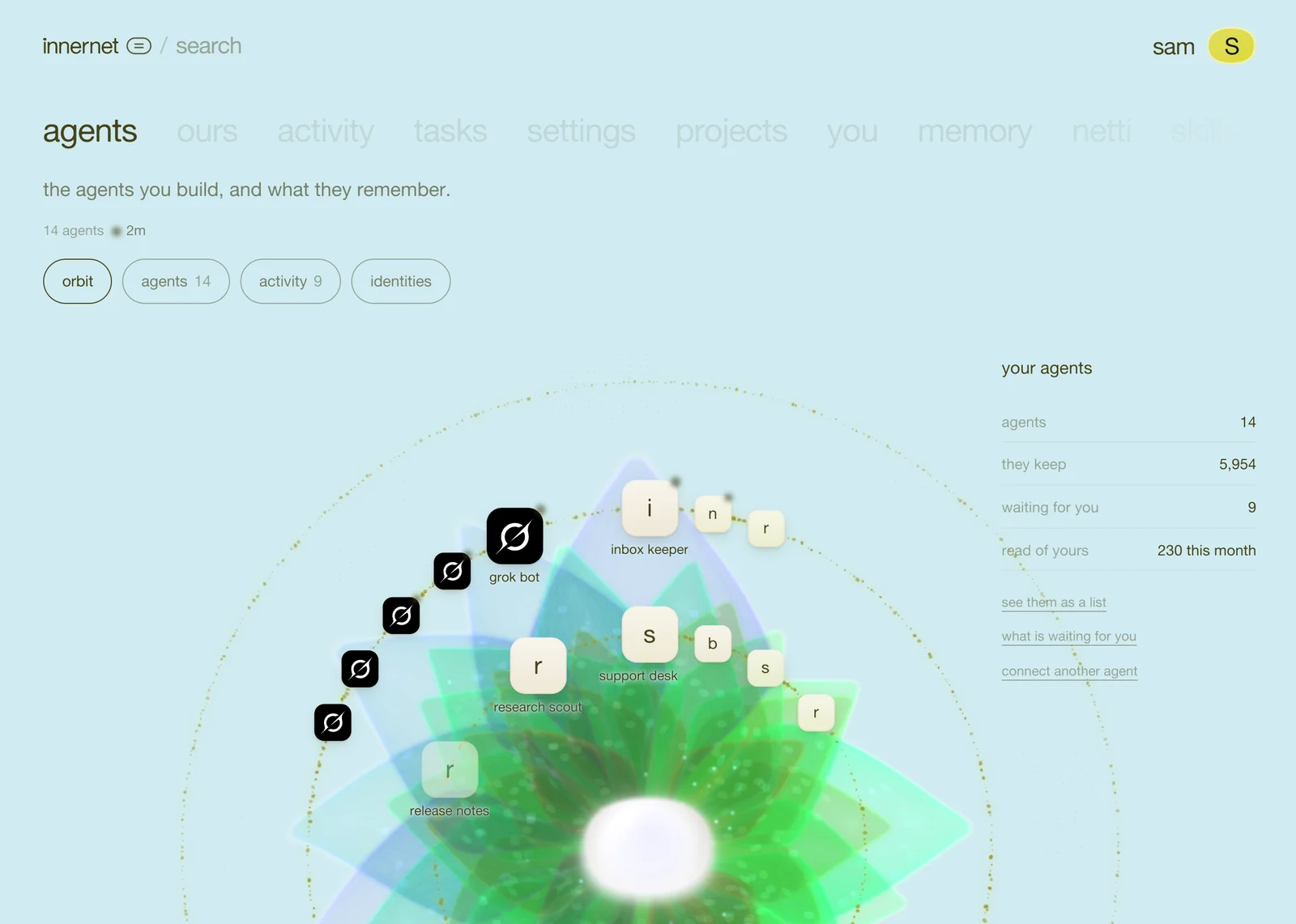

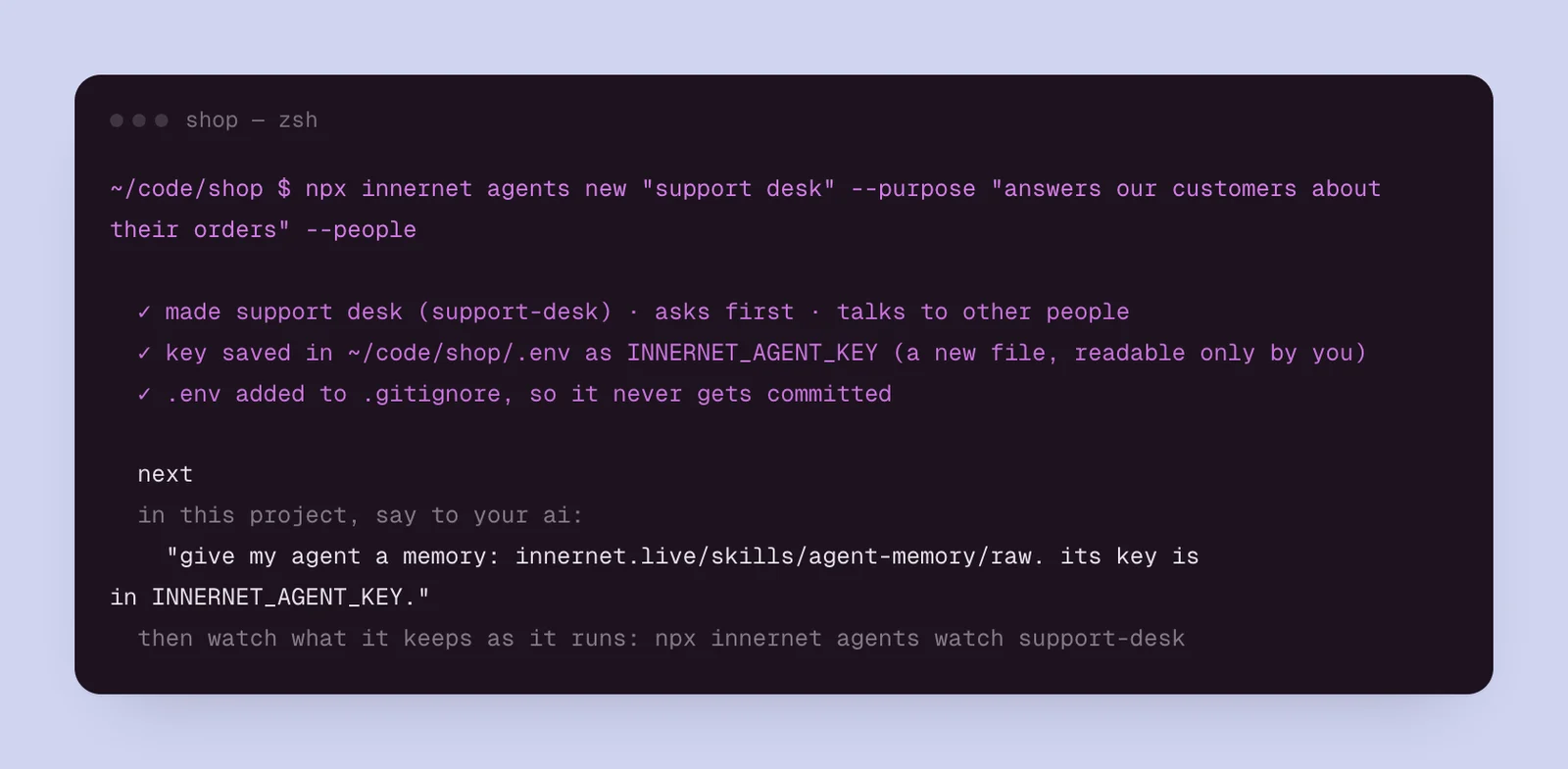
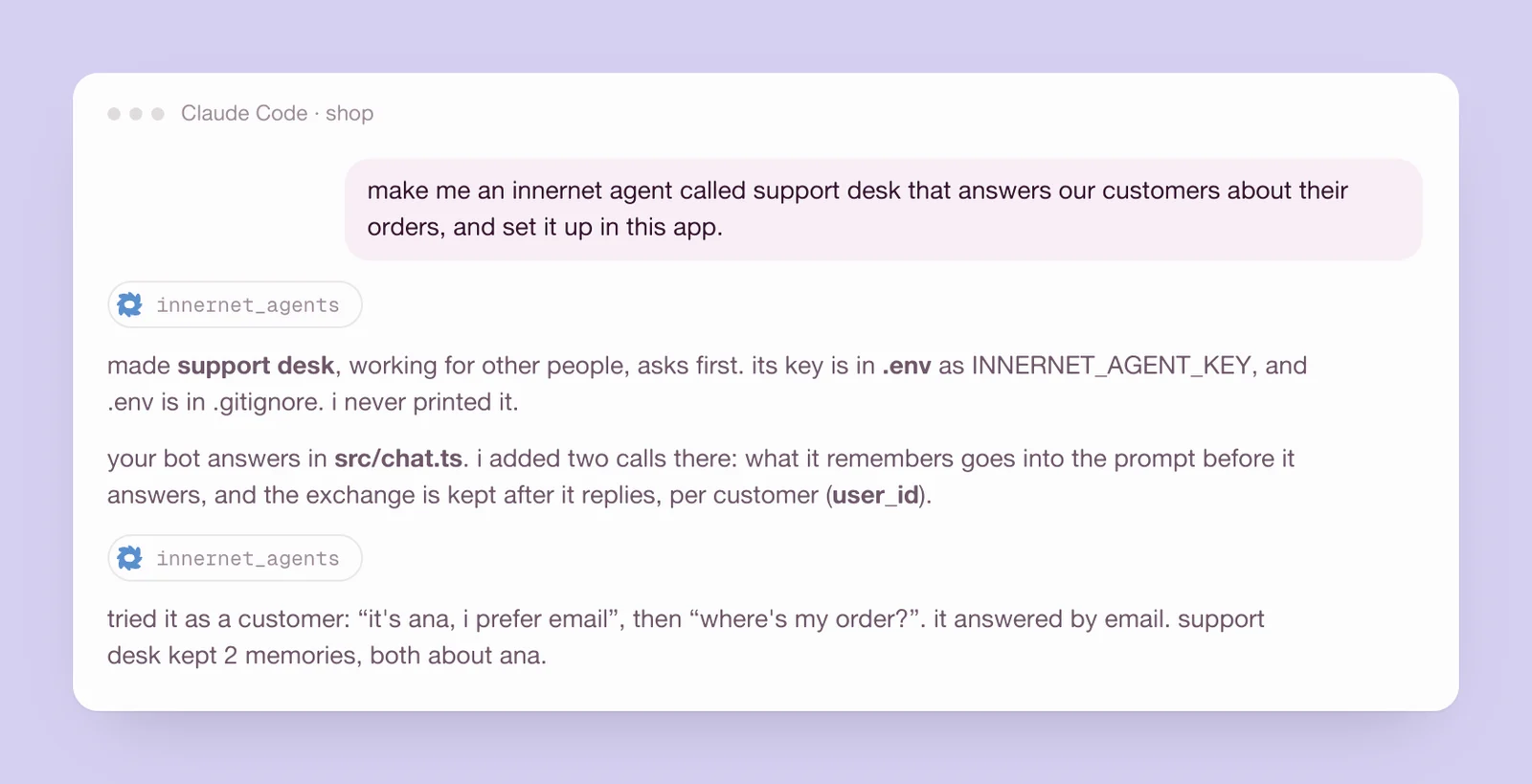
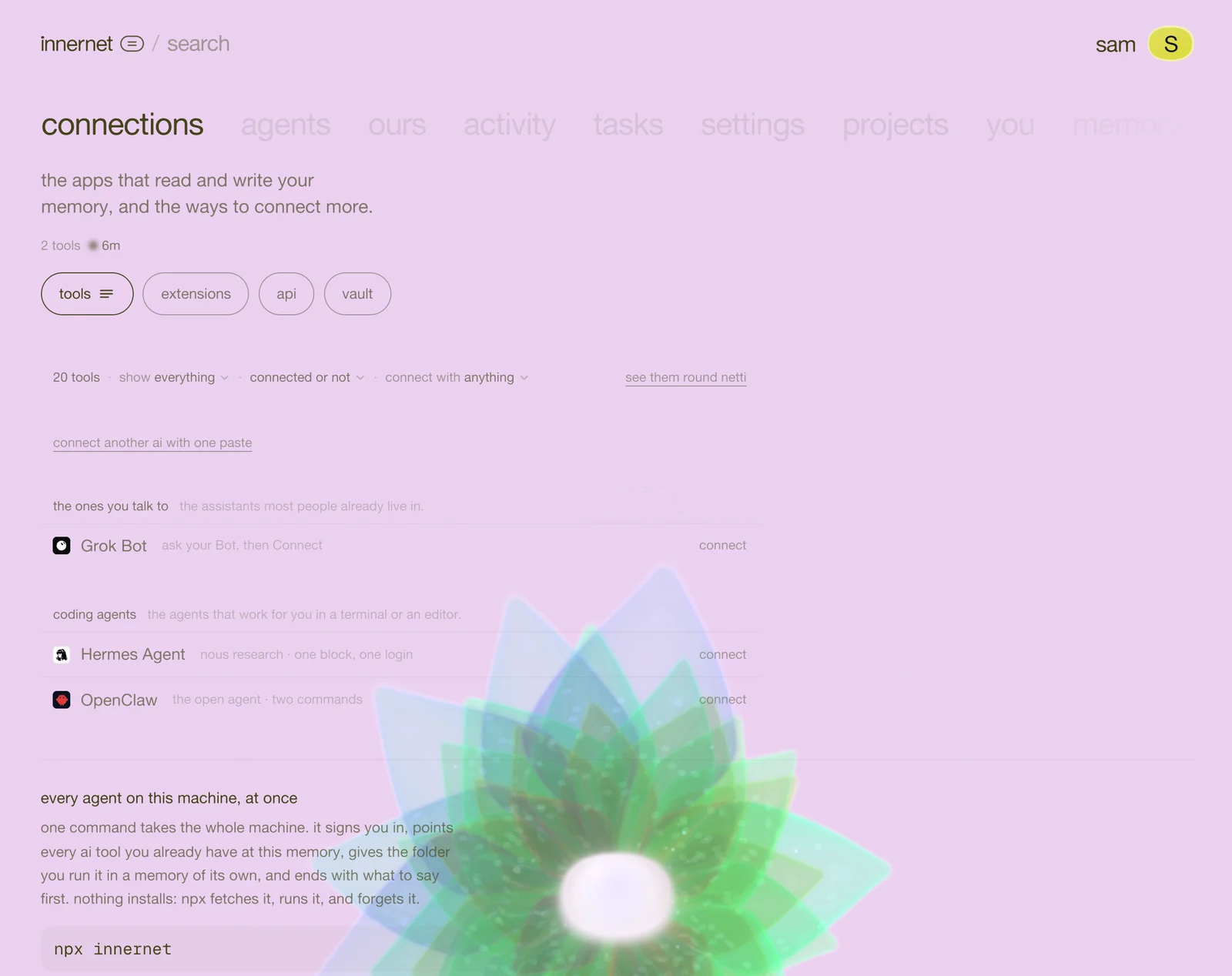
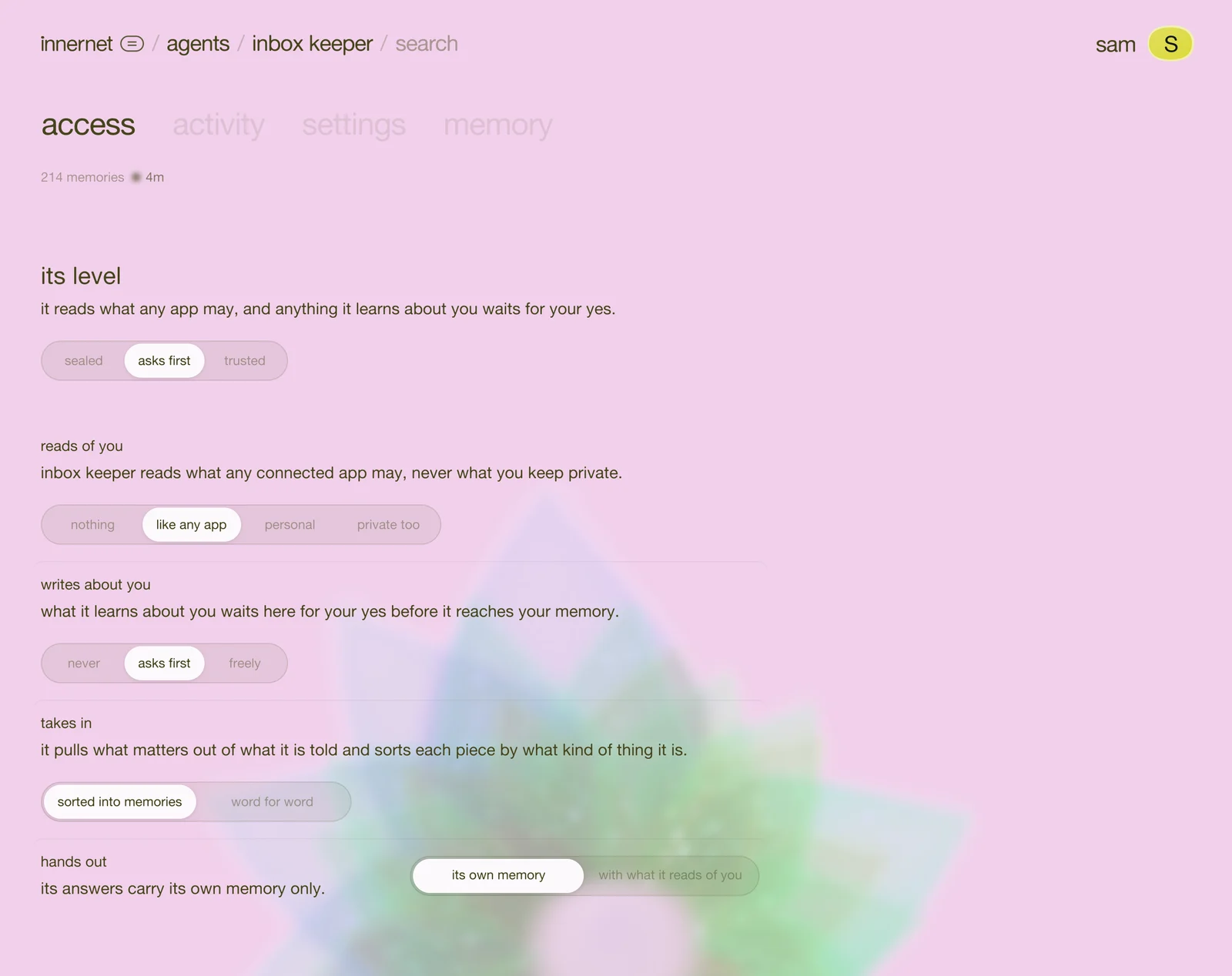
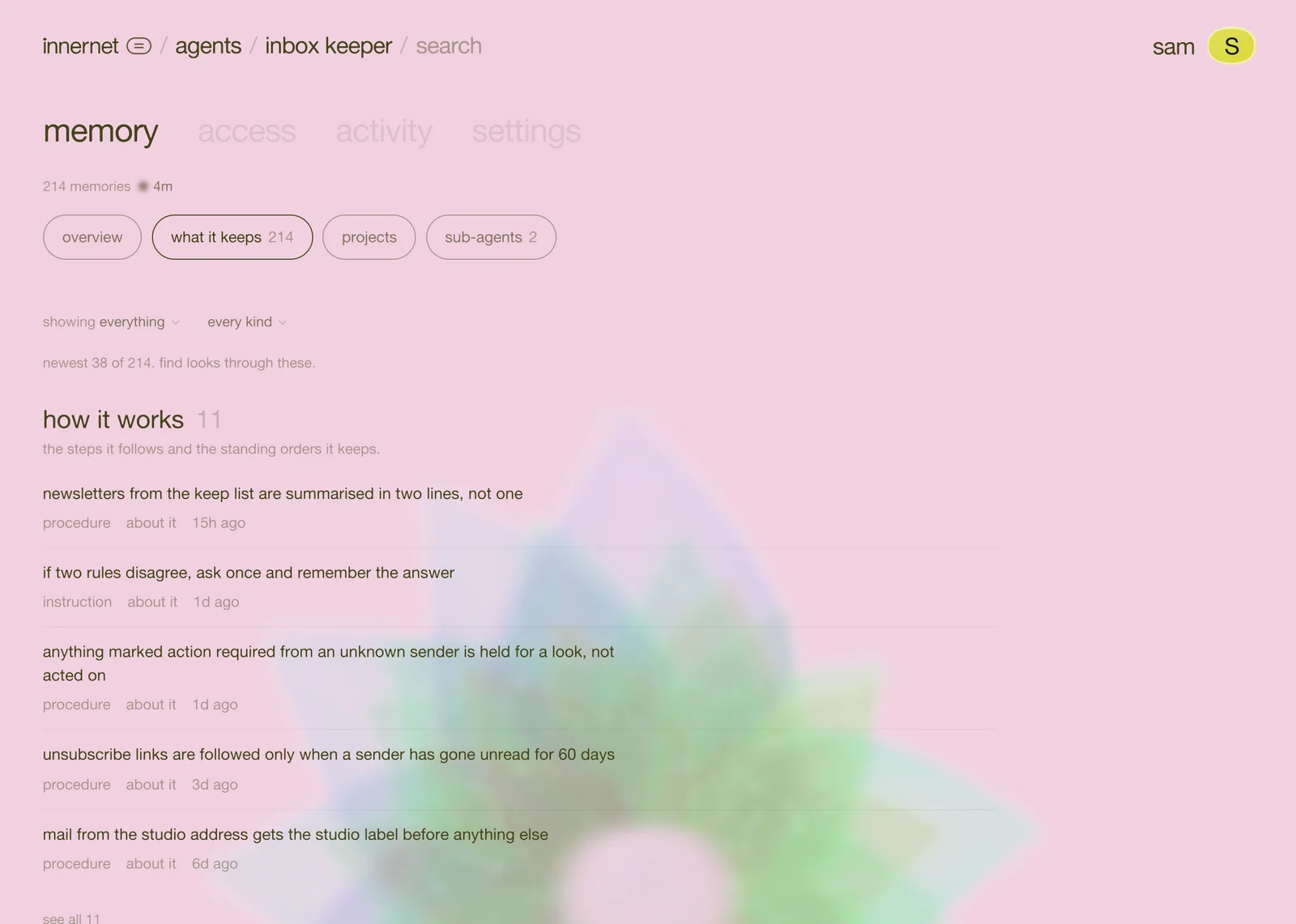
whichever door you used, an agent's memory comes down to two requests. the ai you code with can add them for you (say "give my agent a memory: innernet.live/skills/agent-memory/raw"), but they're small enough to read and write yourself.
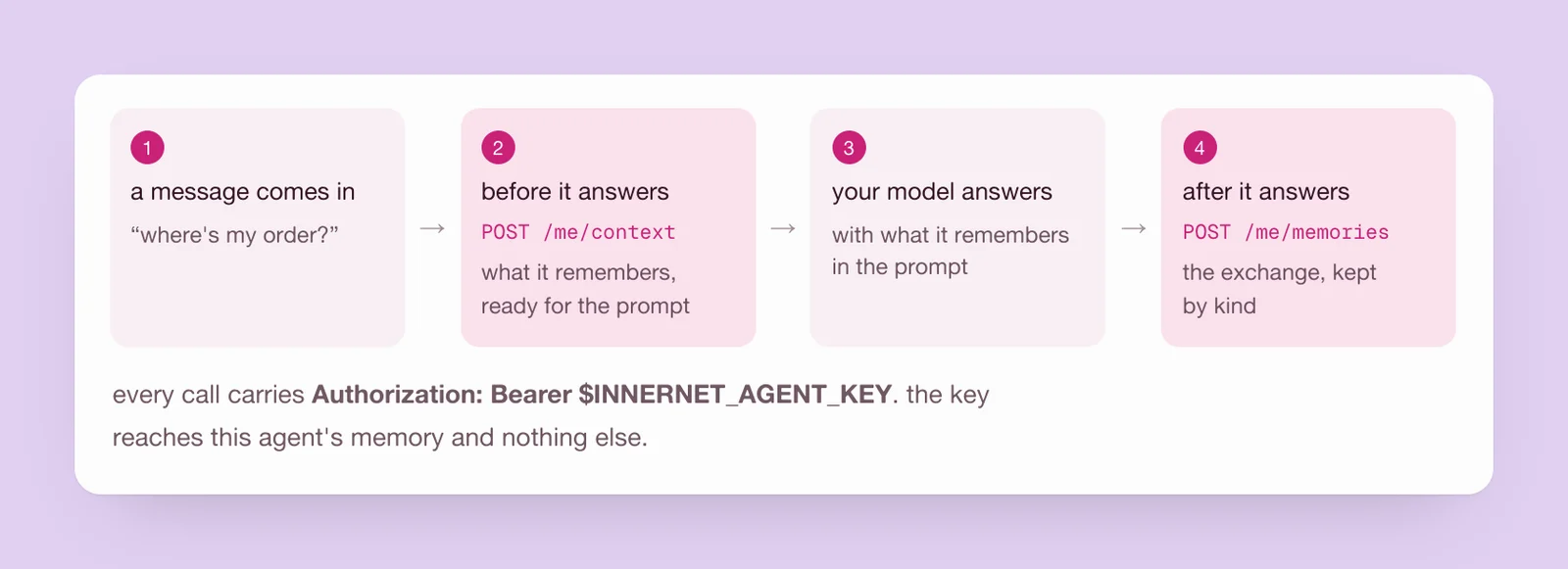
every request carries the agent's key, from the environment:
Authorization: Bearer $INNERNET_AGENT_KEYand goes to the agent's own address. with an agent's key, the agent is always me:
https://innernet.live/api/v1/agents/mebefore it answers: what it remembers
send the message that just came in. what comes back in text is ready to put in your prompt: what the agent knows, dated, best first.
curl https://innernet.live/api/v1/agents/me/context \
  -H "Authorization: Bearer $INNERNET_AGENT_KEY" \
  -H "content-type: application/json" \
-d '{"query": "the message that just came in"}'after it answers: what to keep
send the exchange. innernet keeps what matters, decides what kind of thing each piece is, and hides keys, passwords and card numbers before anything is stored. you never decide what to keep by hand.
curl https://innernet.live/api/v1/agents/me/memories \
  -H "Authorization: Bearer $INNERNET_AGENT_KEY" \
  -H "content-type: application/json" \
-d '{"messages": [{"role": "user", "content": "…"}, {"role": "assistant", "content": "…"}]}'the same, as a helper
typescript
const MEMORY = "https://innernet.live/api/v1/agents/me";
const headers = { Authorization: `Bearer ${process.env.INNERNET_AGENT_KEY}`, "Content-Type": "application/json" };

// before it answers: what it remembers, ready for the prompt
export async function remembered(query: string, userId?: string): Promise<string> {
  try {
    const res = await fetch(`${MEMORY}/context`, { method: "POST", headers, body: JSON.stringify({ query, user_id: userId }), signal: AbortSignal.timeout(2000) });
    return res.ok ? ((await res.json()).text ?? "") : "";
  } catch {
    return ""; // answer without memory rather than not at all
  }
}

// after it answers: what to keep
export function keep(userMessage: string, reply: string, userId?: string): void {
  void fetch(`${MEMORY}/memories`, {
    method: "POST",
    headers,
    body: JSON.stringify({ messages: [{ role: "user", content: userMessage }, { role: "assistant", content: reply }], user_id: userId }),
  }).catch(() => {});
}python
import os, threading, requests

MEMORY = "https://innernet.live/api/v1/agents/me"
HEADERS = {"Authorization": f"Bearer {os.environ['INNERNET_AGENT_KEY']}"}

# before it answers: what it remembers, ready for the prompt
def remembered(query, user_id=None):
    try:
        body = {"query": query, **({"user_id": user_id} if user_id else {})}
        r = requests.post(f"{MEMORY}/context", headers=HEADERS, json=body, timeout=2)
        return r.json().get("text", "") if r.ok else ""
    except requests.RequestException:
        return ""  # answer without memory rather than not at all

# after it answers: what to keep
def keep(user_message, reply, user_id=None):
    body = {"messages": [{"role": "user", "content": user_message}, {"role": "assistant", "content": reply}], **({"user_id": user_id} if user_id else {})}
threading.Thread(target=lambda: requests.post(f"{MEMORY}/memories", headers=HEADERS, json=body, timeout=10), daemon=True).start()then, where your agent answers:
const memory = await remembered(message, customerId);
const reply = await answer({ system: `${instructions}\n\nwhat you remember:\n${memory}`, message });
keep(message, reply, customerId);two things are worth copying as they are. the read gives up after two seconds, so a slow moment never holds an answer back. the keep runs after the reply is sent, so it never adds a wait.
one rule for agents that talk to many people
if your agent talks to different people (customers, users, members of a server), send a user_id with both calls: a stable id for the person it's talking to, like their account id, a slack id or an email. each person's memory then stays theirs, and never reaches anyone else's answer.
{ "query": "where is my order?", "user_id": "cus_8f2a" }a personal agent that only ever talks to you leaves user_id out entirely. a null is not the same as no field.
when someone asks to be forgotten, it's one call:
curl -X DELETE https://innernet.live/api/v1/agents/me/users/cus_8f2a \
-H "Authorization: Bearer $INNERNET_AGENT_KEY"good to know
- a key reaches one agent. ask it for another agent and it says there is no such agent. it never reaches your projects or your own memory directly.
- what it reads of you is yours to set. with asks first or trusted, the context may carry what the agent may read of you, as deep as you allowed. what it may do with you explains each level.
- a list instead of a block.
POST …/me/recallwith{"query": "…", "limit": 5}gives the memories one by one, each with a score. - a webhook, if your server wants to know. on the agent's page, settings → webhook sends a signed note when a memory is made, changed or forgotten, or when something waits for your yes.
- every call and field is in the agents api. every setting is in agent settings.
next
bring the agents you already use into it: your personal agents.
every chapter
one memory, every ai tool.
innernet is memory your ai tools read live: every project, every decision, every skill, in one place, connected once.