the easiest way in, even if you have never wired a memory before. connect an agent in the agents space, paste one block into the ai you code with, and watch it remember.
agent memory · step 2 of 8
make one on the dashboard
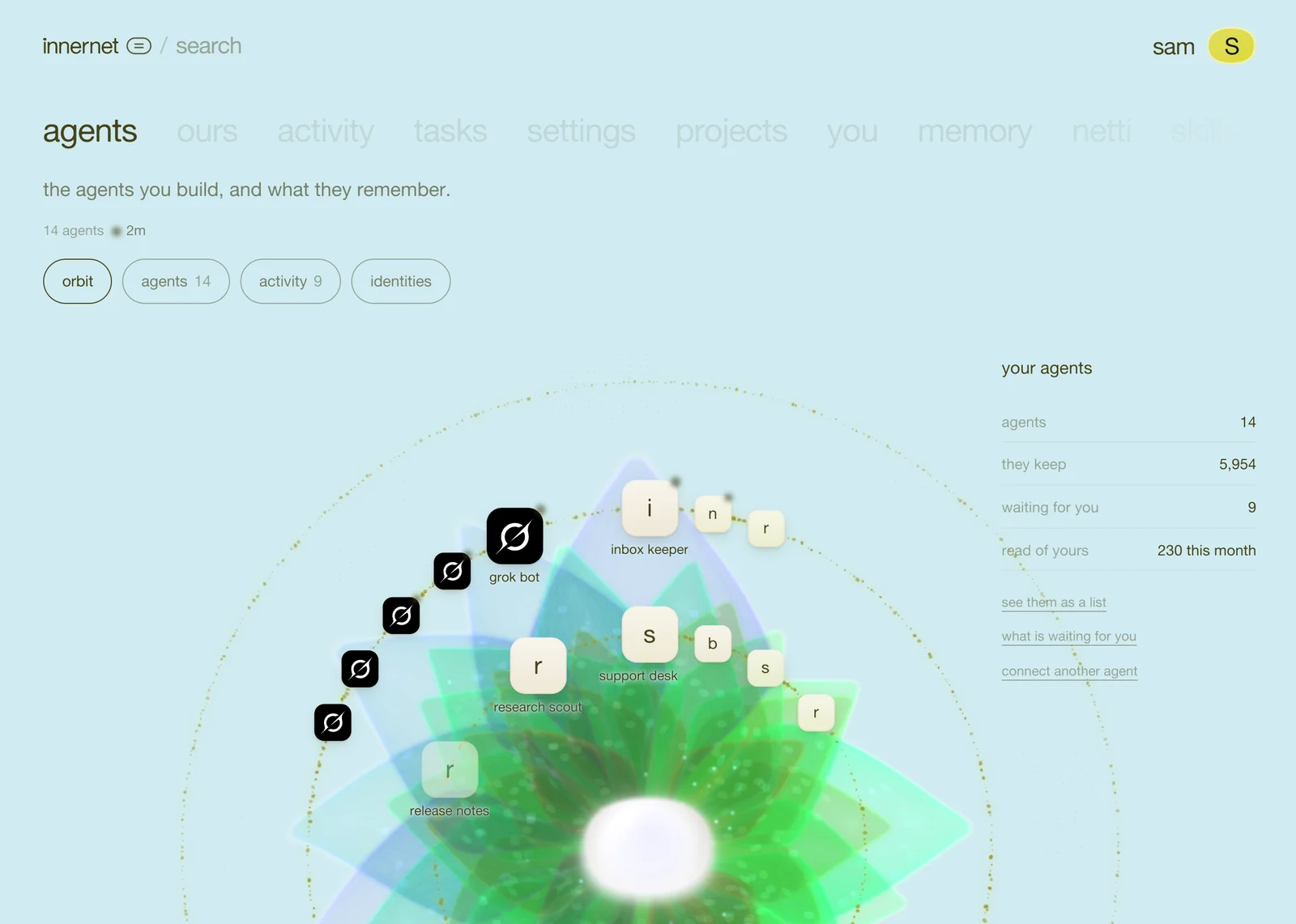
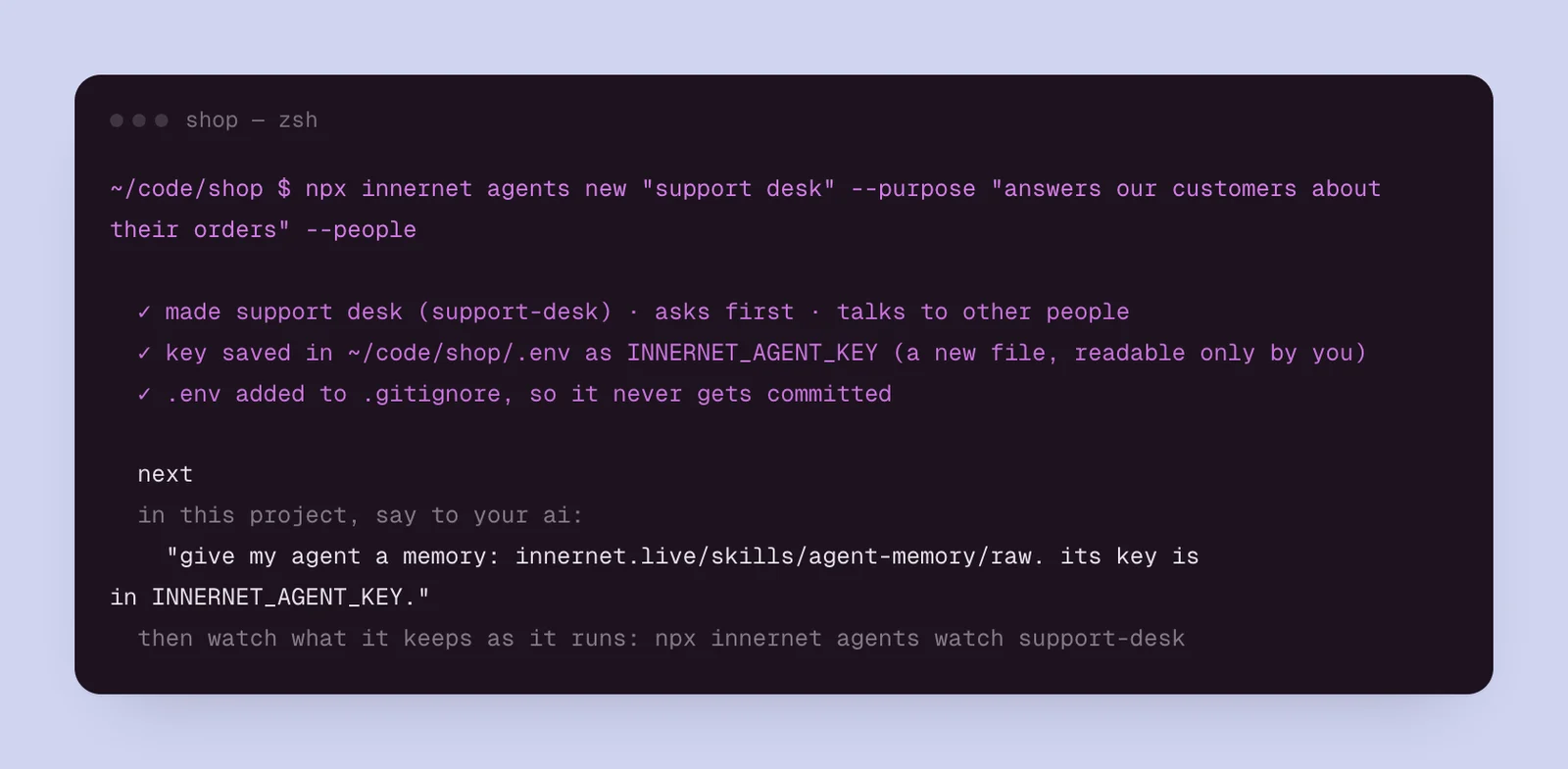
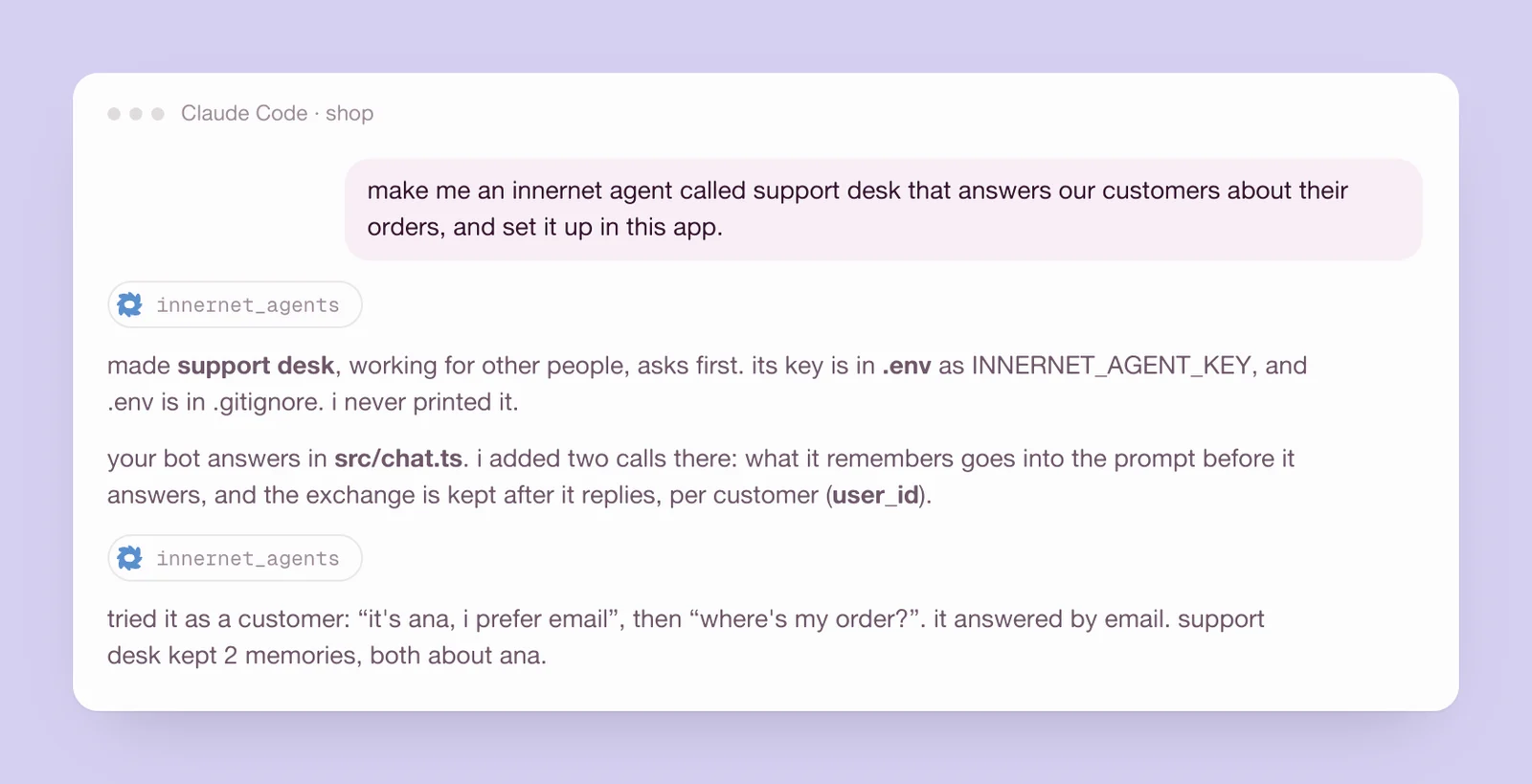
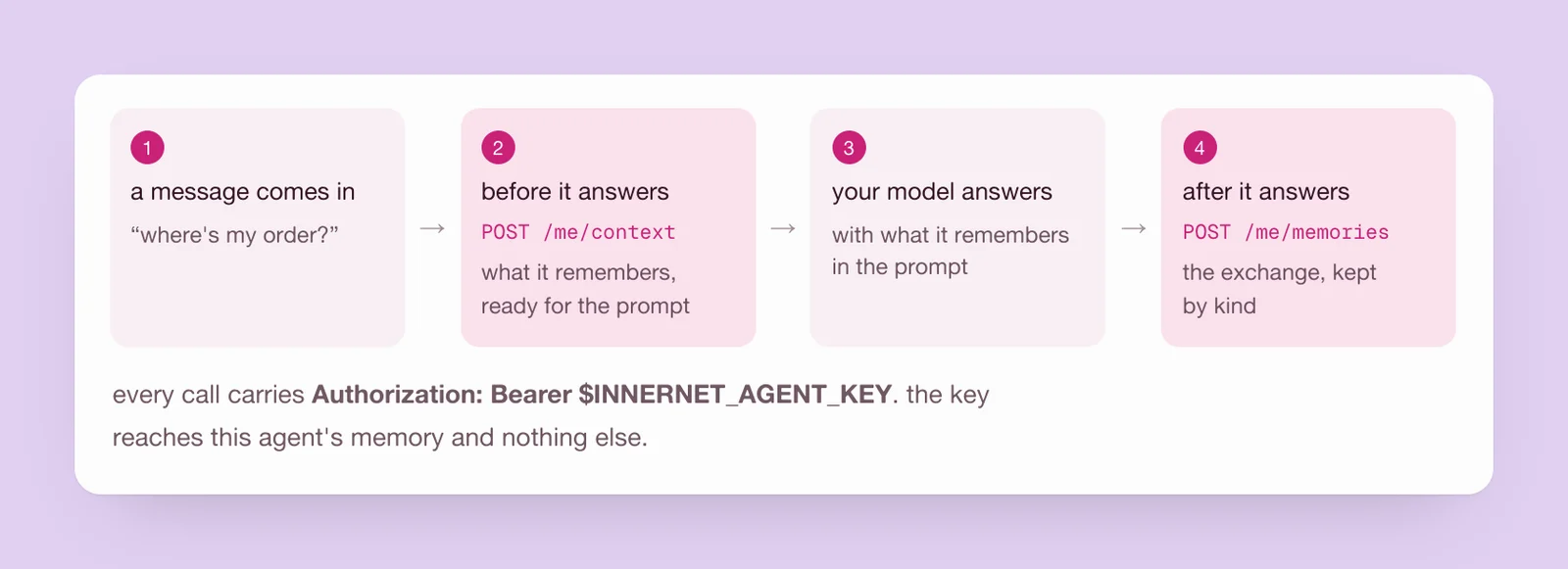
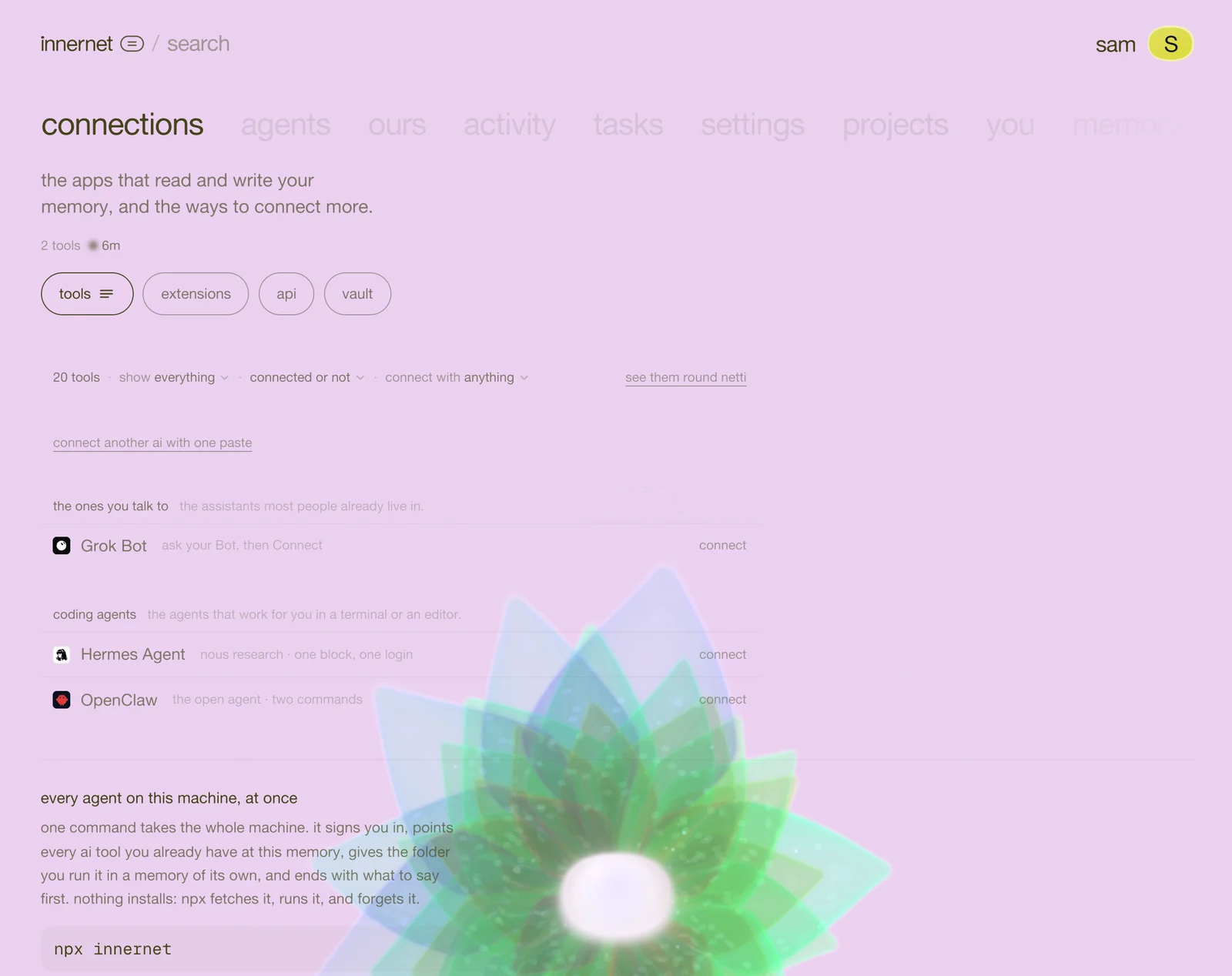
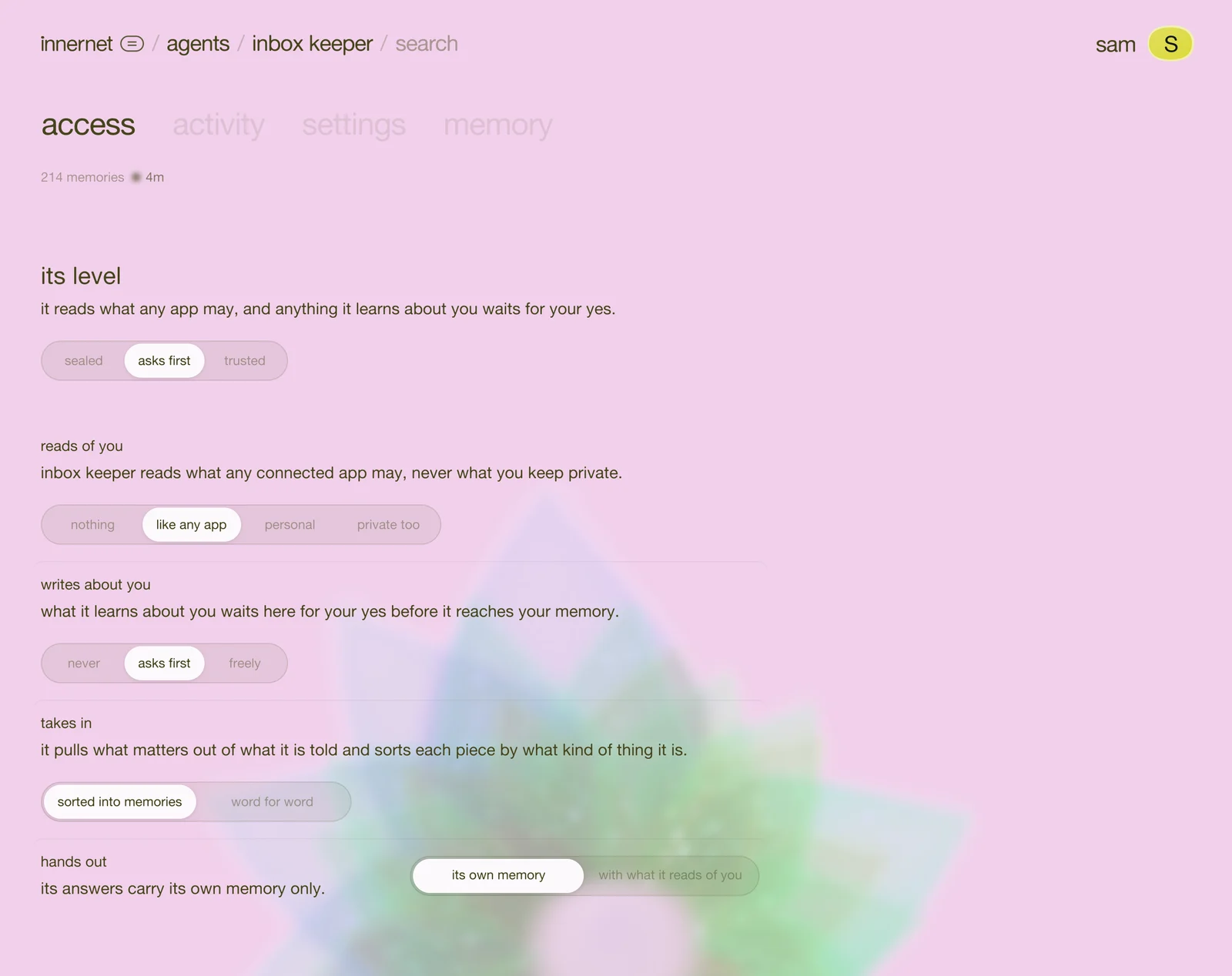
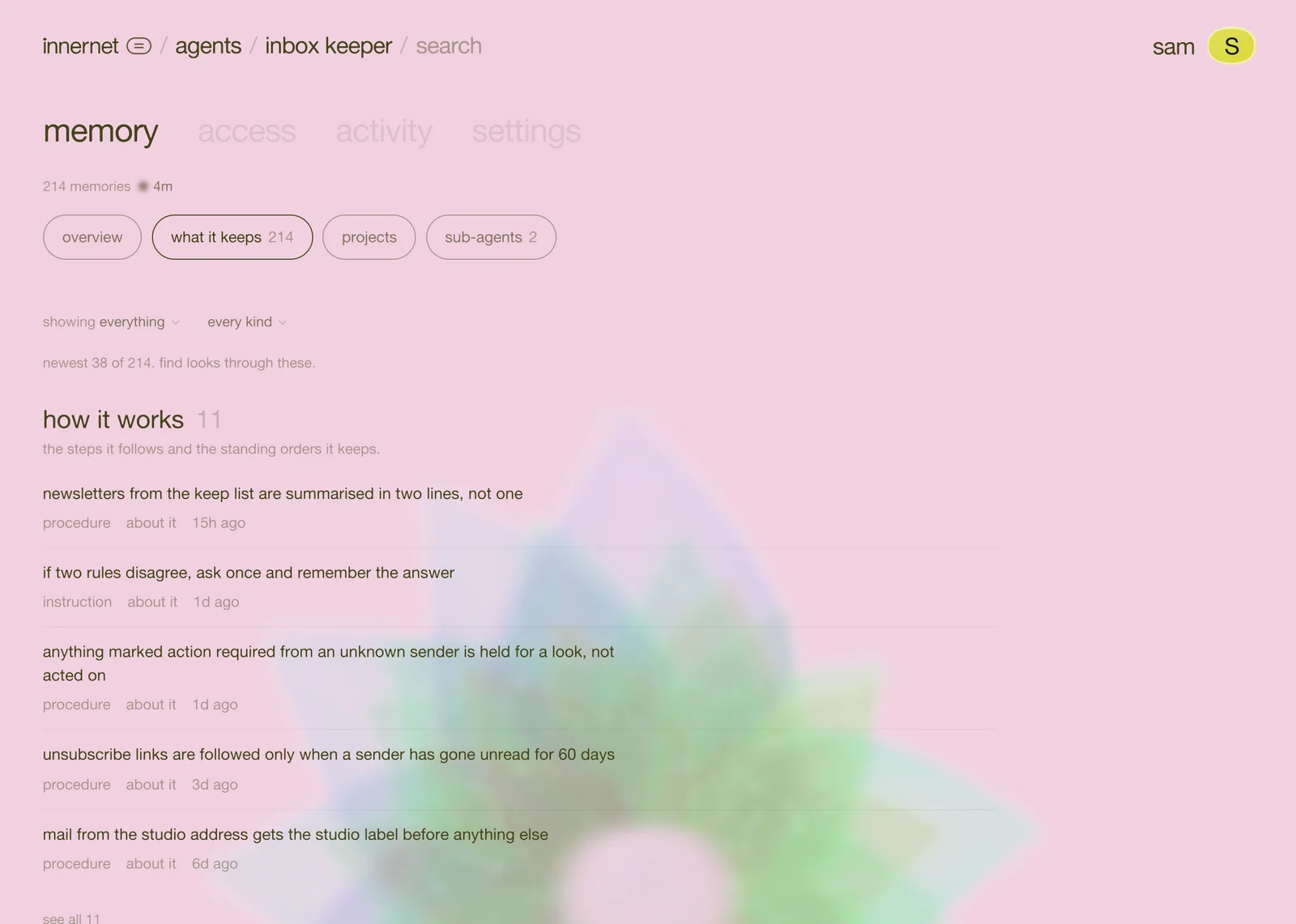
this is the way to start if you'd like to see every step. it takes about two minutes, and the ai you already code with does the wiring.
1. open agents
on your dashboard, open agents from the navigator along the top (it sits beside connections). it opens on orbit: your agents round netti. with none yet, it says so, and offers two things.
- connect an agent starts one.
- walk me through it has netti show you round first, if you'd like that.
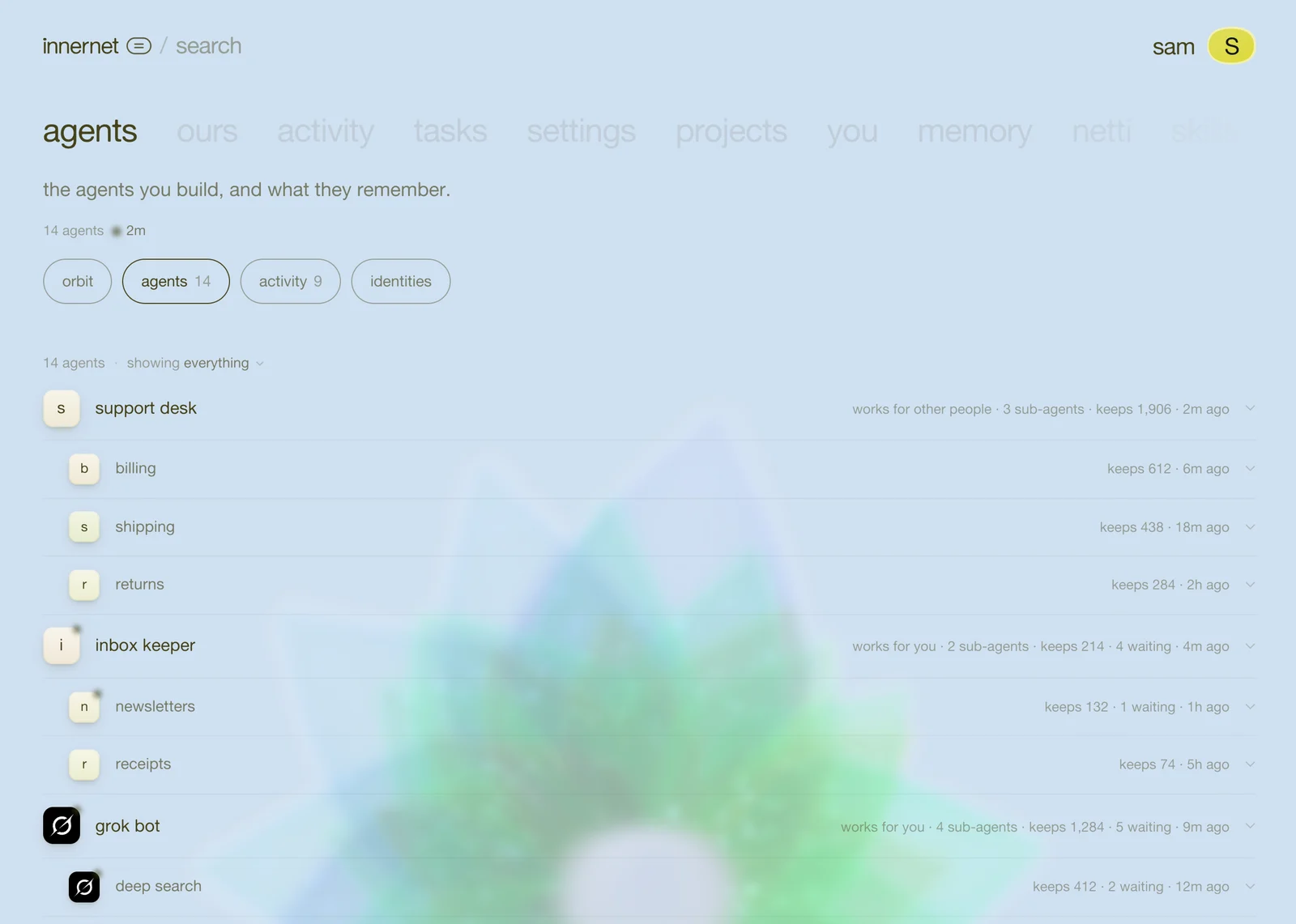
2. say who it is
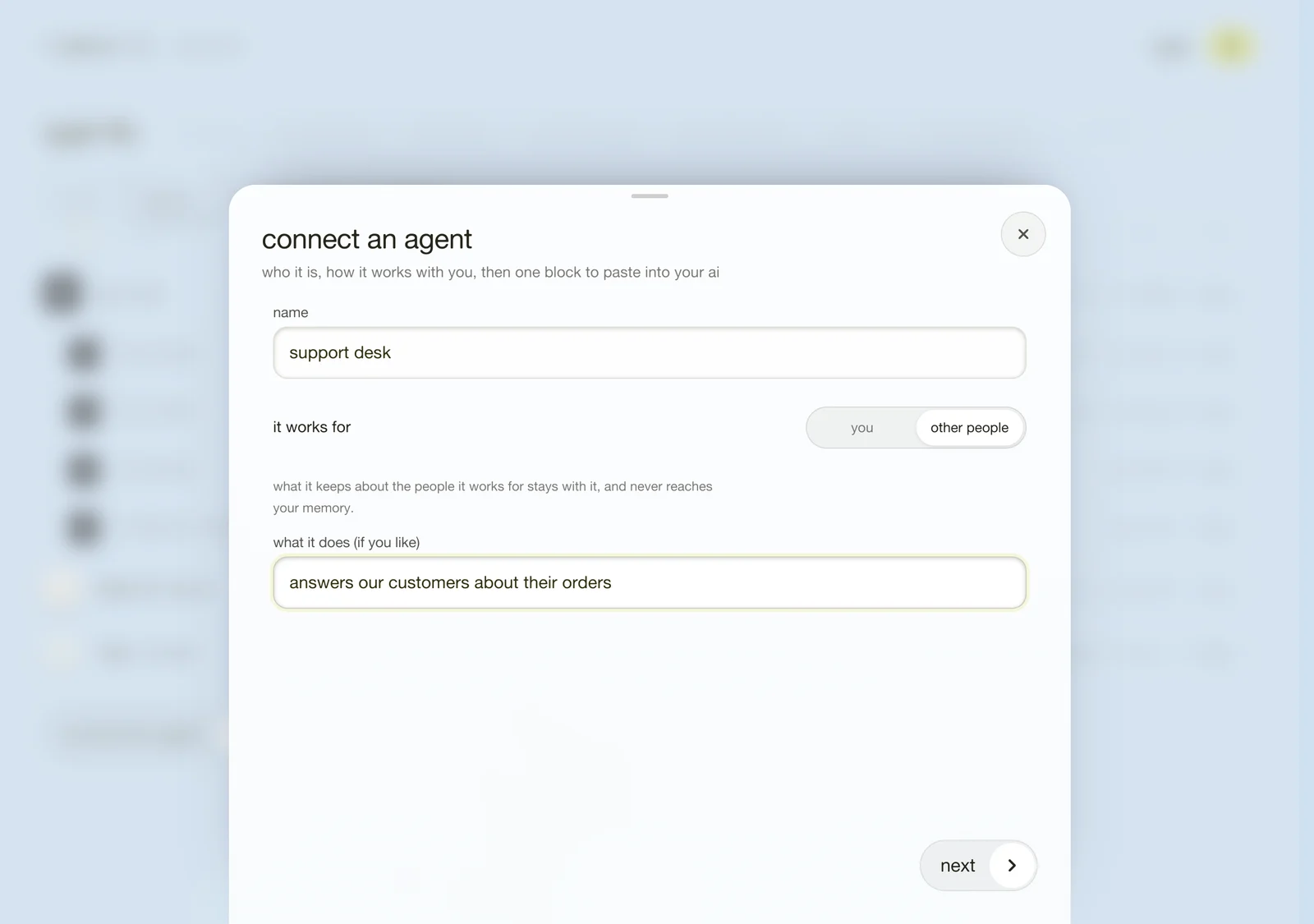
press connect an agent. a sheet opens.
- name: what you call it. "inbox keeper", "support desk", "research scout".
- it works for: you (an assistant, a scout, anything that acts for you) or other people (a support desk, a tutor, anything that serves your users). for you, anything it learns about you waits for your yes. for other people, what it keeps about them stays with it and never reaches your memory.
- what it does (if you like): one sentence. "sorts my email every morning." it helps the agent keep the right things.
press connect it. if you keep identities, the sheet first asks which ones it reads, in order. press next, pick, then connect it.
3. paste one block into your ai
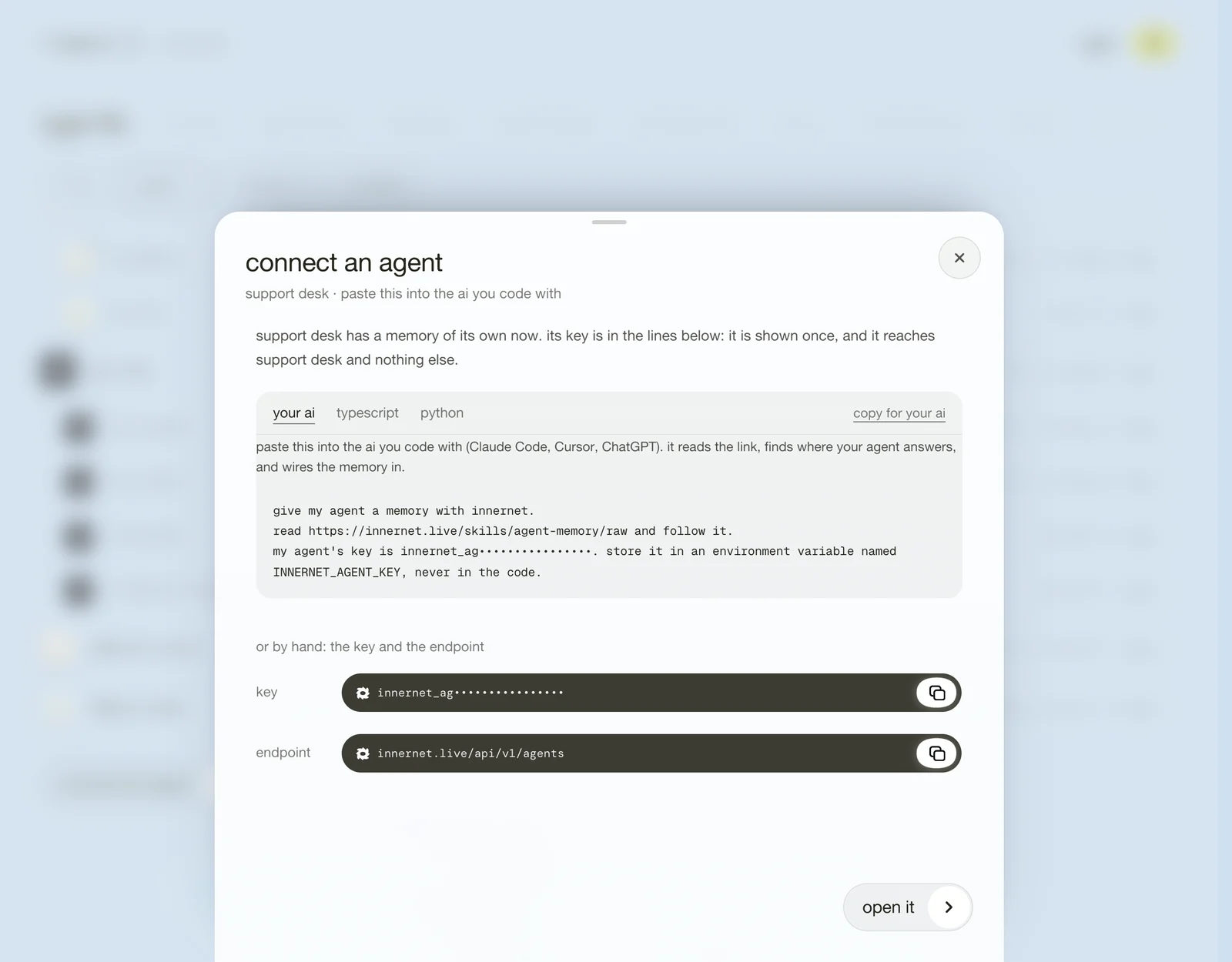
the agent is made, with a memory of its own and a key. the sheet hands you three lines under your ai, with the key already inside them:
give my agent a memory with innernet.
read https://innernet.live/skills/agent-memory/raw and follow it.
my agent's key is innernet_••••••••. store it in an environment variable named INNERNET_AGENT_KEY, never in the code.press copy for your ai and paste it into the ai you code with (Claude Code, Cursor, Codex, ChatGPT), in the project where your agent lives.
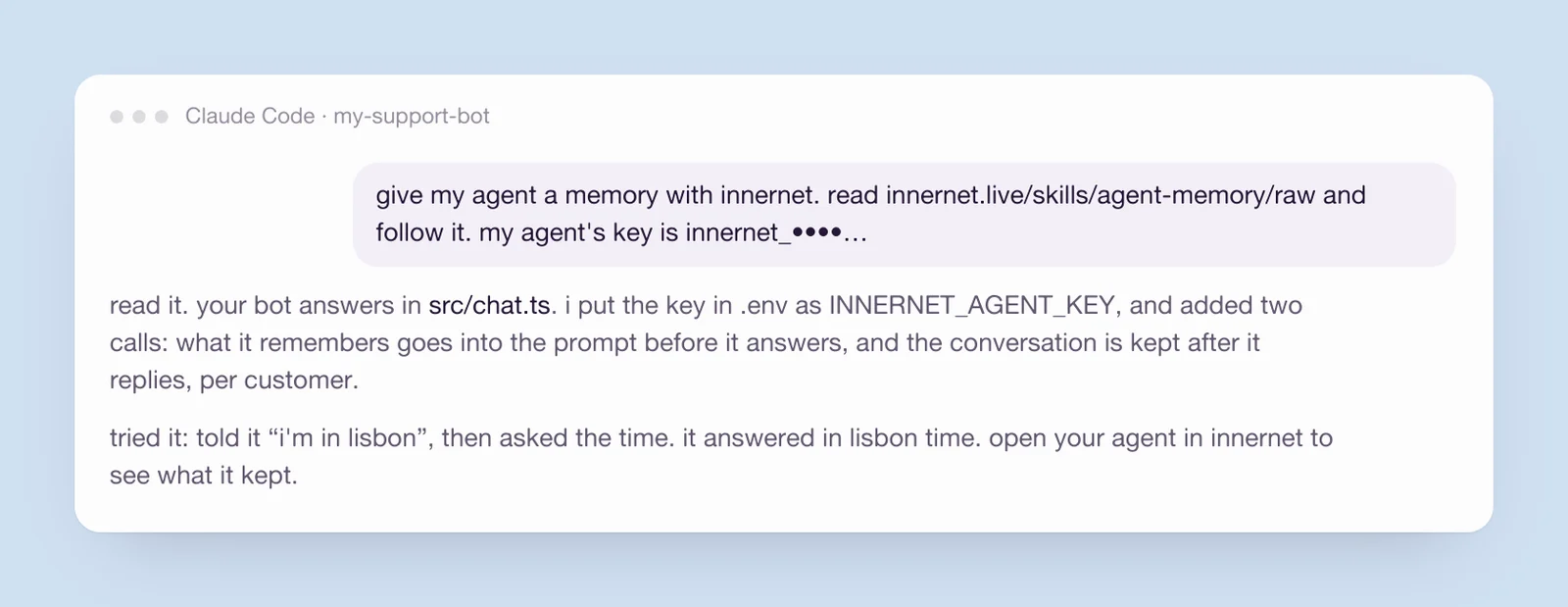
that ai reads the link, finds the place where your agent answers, and adds the two calls: one before it answers, one after. it puts the key in an environment variable, never in your code, and runs a quick test to show you it works.
rather do it yourself? the typescript and python tabs hold the same two calls as code, and under them, or by hand: the key and the endpoint gives you both to copy. wire it into your code walks through every line.
about the key. it's the agent's password to its own memory. it reaches that one agent and nothing else of yours: not your projects, not your own memory. it's shown once. lost it? open the agent, then settings → keys, and press make a key.
press open it to go to the agent's own page.
4. watch it remember
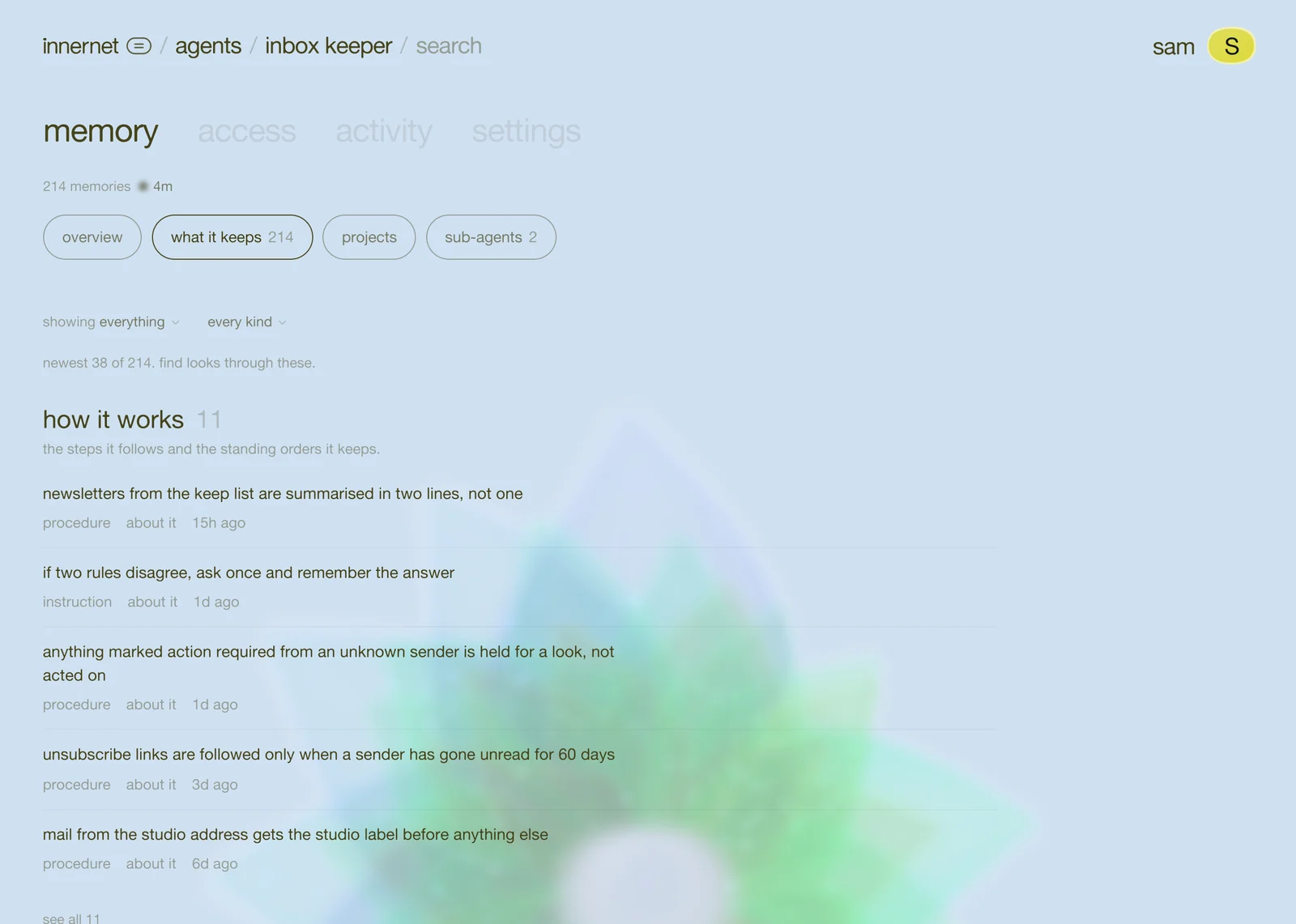
talk to your agent. tell it something worth keeping ("i prefer short answers, and i'm in lisbon"), then ask something that needs it. then open the agent in innernet: under memory → what it keeps, everything it kept is there, sorted by kind.
what people make
- a support desk that remembers each customer: their plan, what broke last time, how they like to be answered.
- an inbox keeper that remembers how you sort your mail, so you never explain twice.
- a research scout that keeps what it found across runs, instead of starting over.
- a team bot that learns a project's conventions and decisions as people use it.
next
prefer the terminal? make one from the terminal. prefer to just ask? make one from any chat.
every chapter
one memory, every ai tool.
innernet is memory your ai tools read live: every project, every decision, every skill, in one place, connected once.