Grok Bot, Muse, Hermes, OpenClaw and Instinct, each on one memory. how to connect every one of them, what each can do once it's in, and how to give a personal agent a memory of its own.
agent memory · step 6 of 8
your personal agents
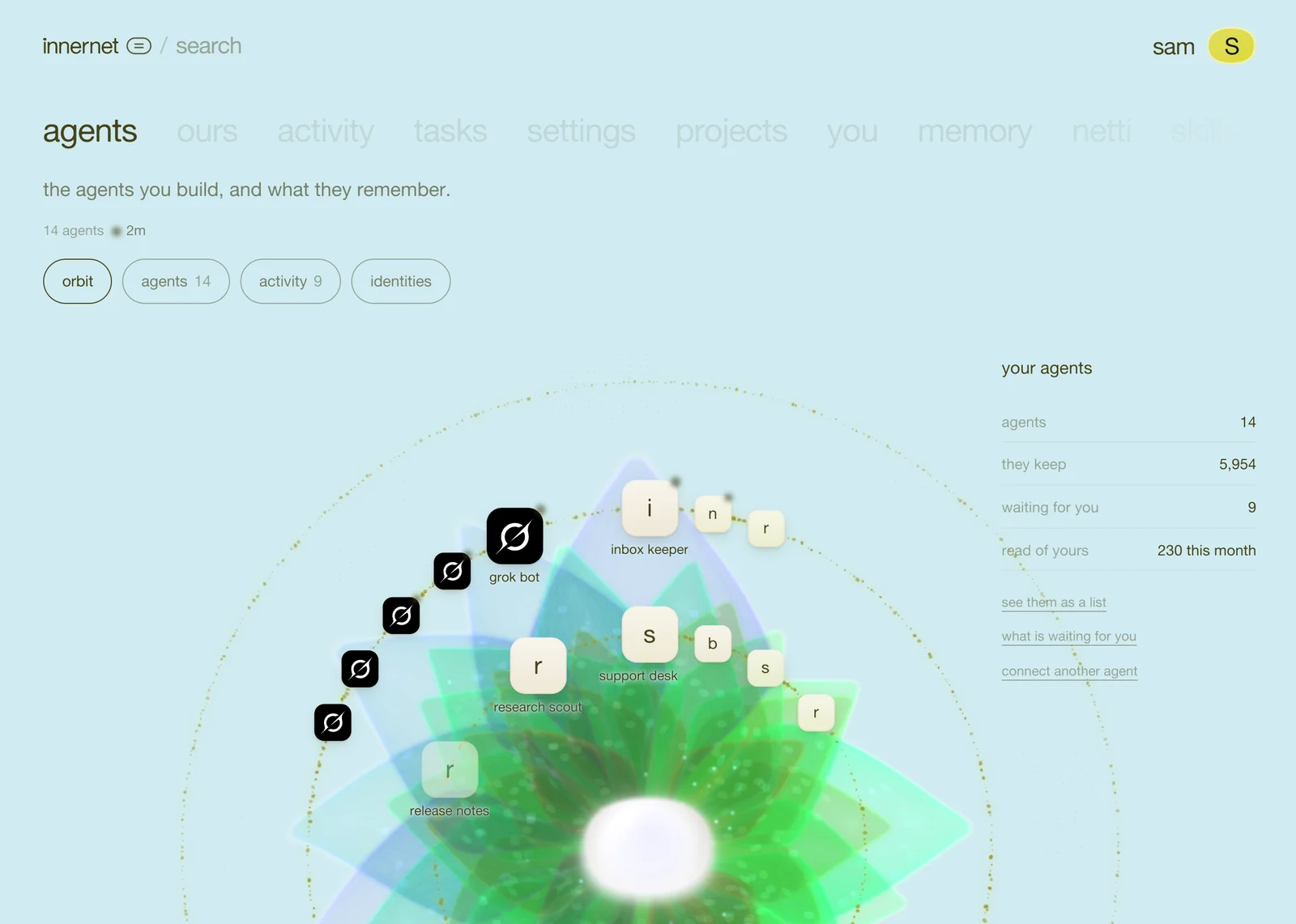

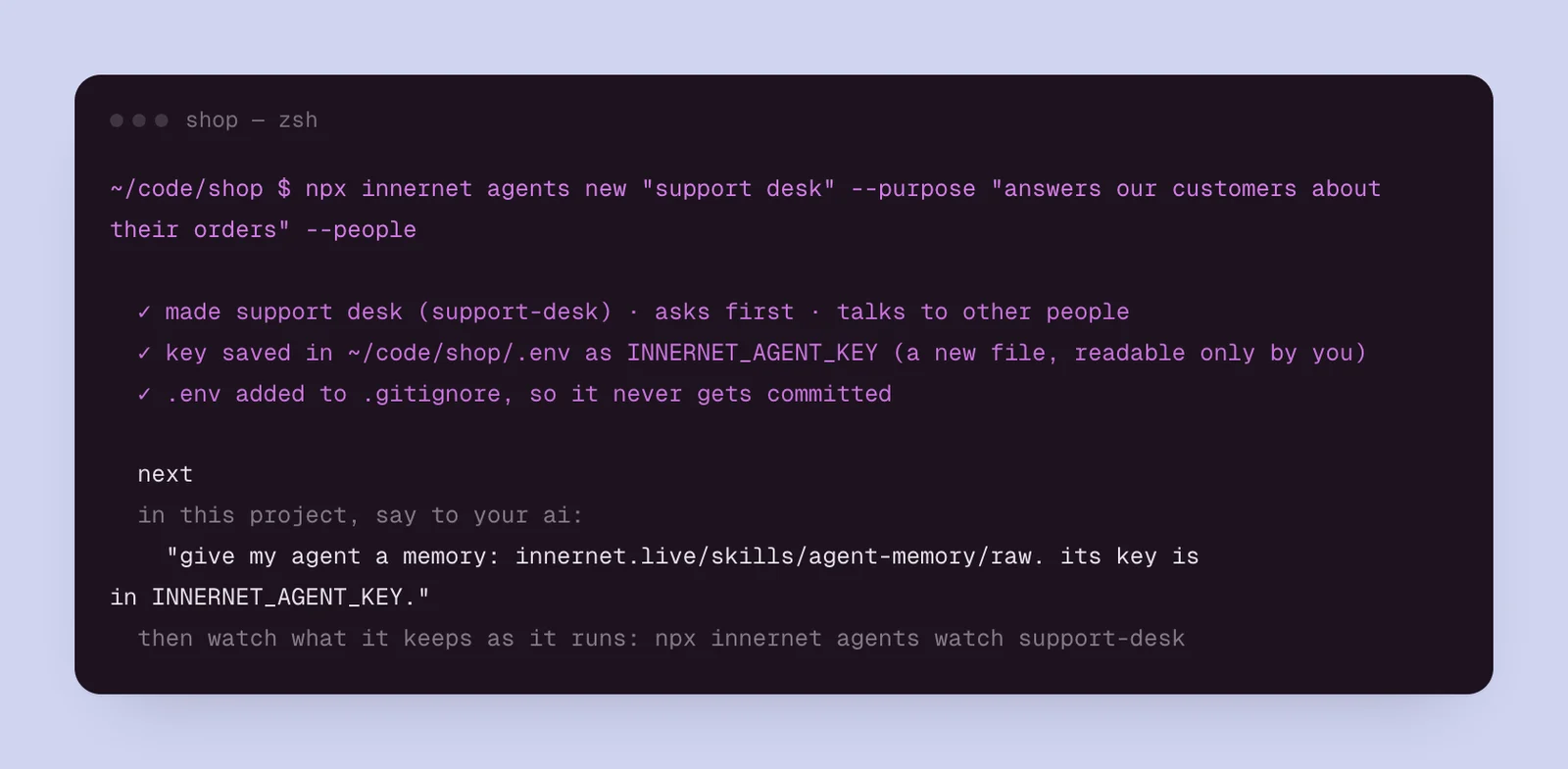
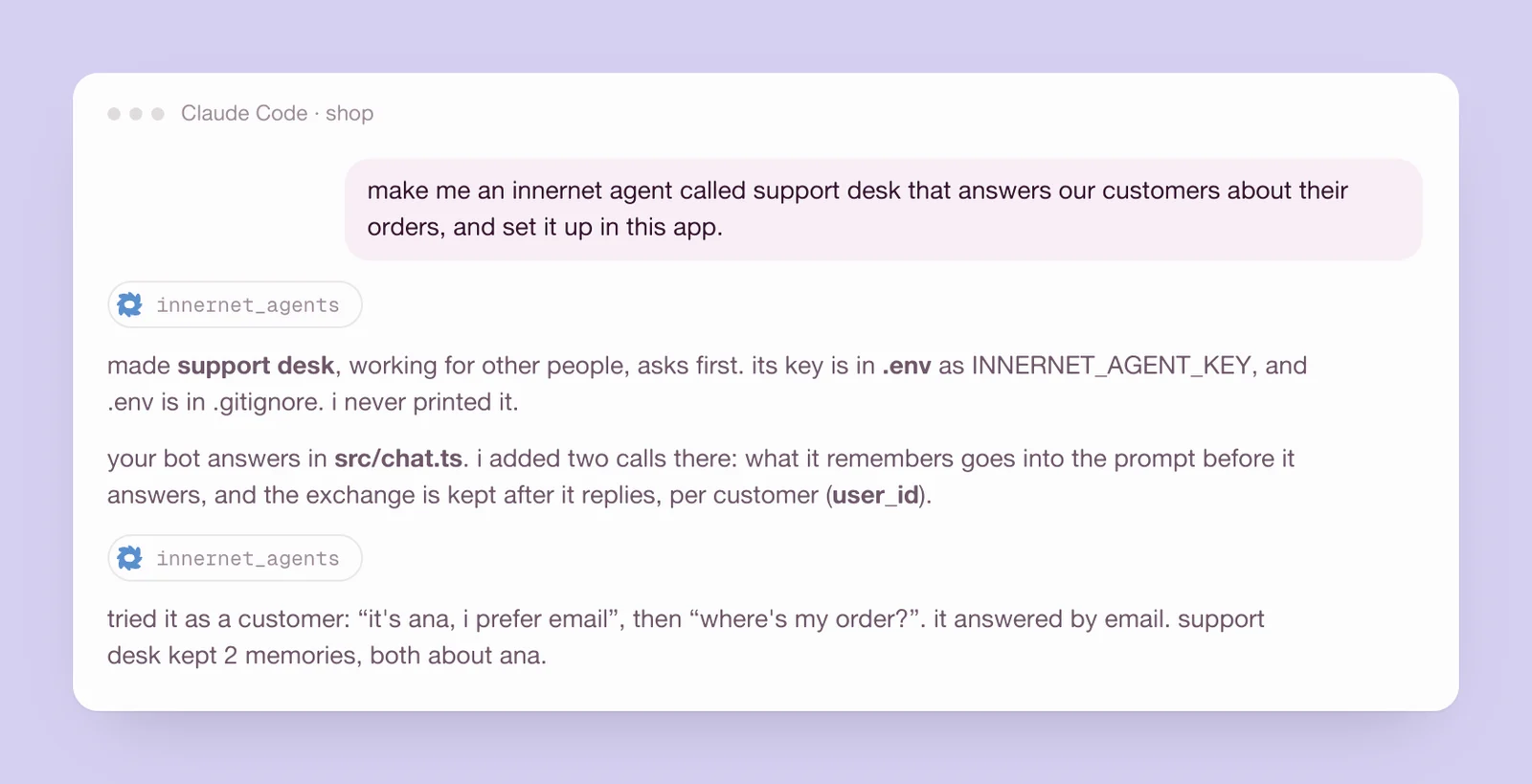
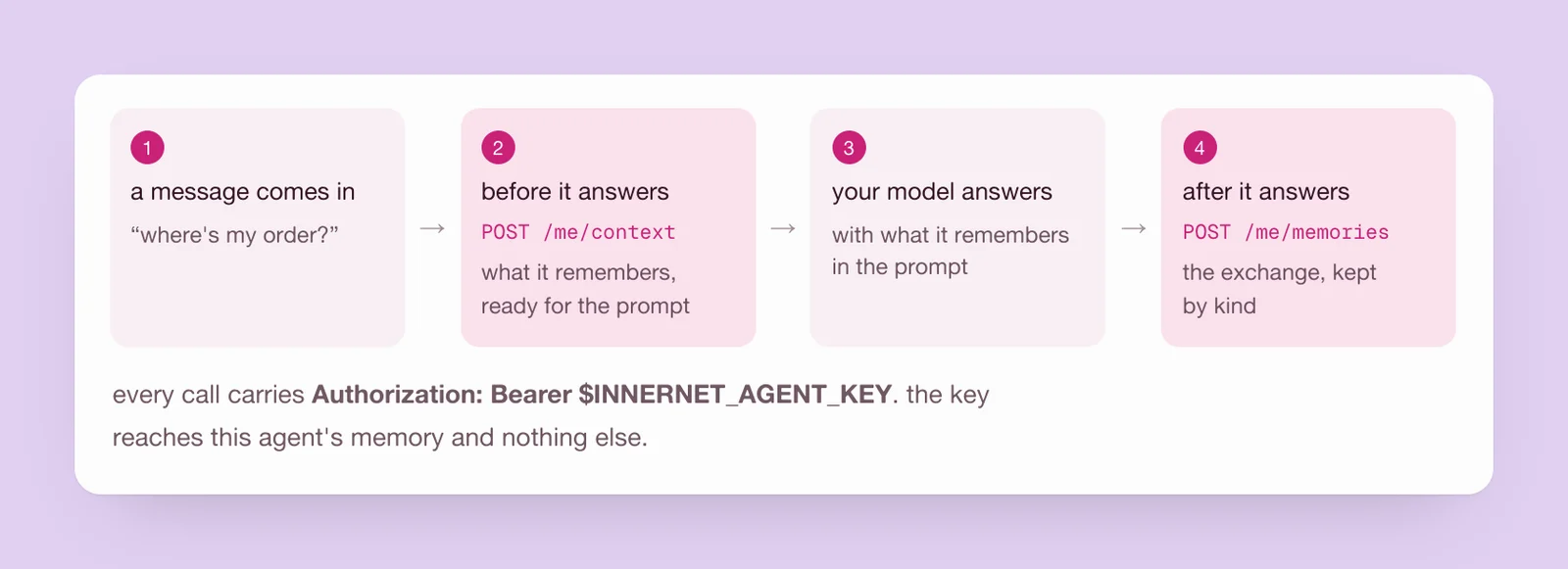
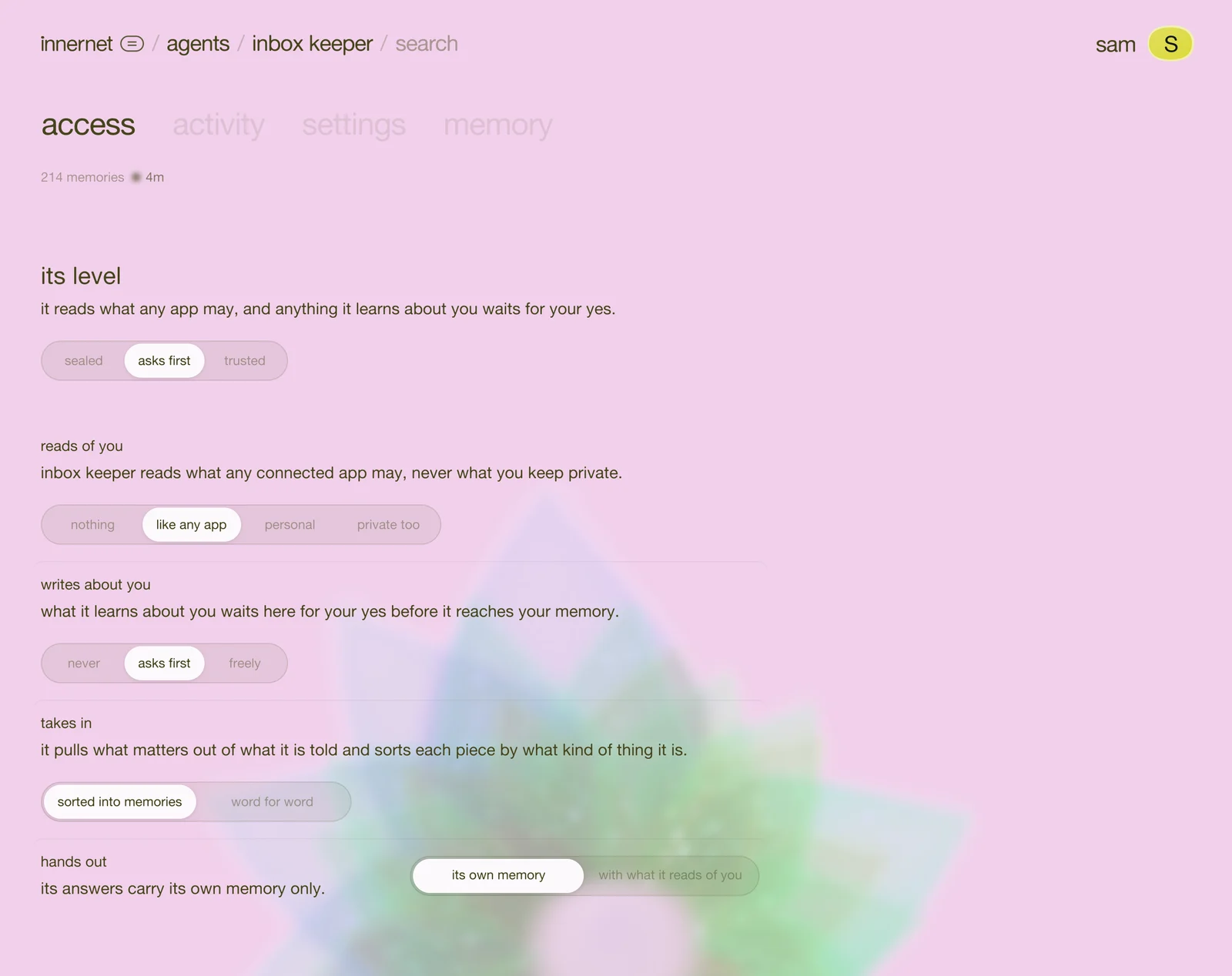
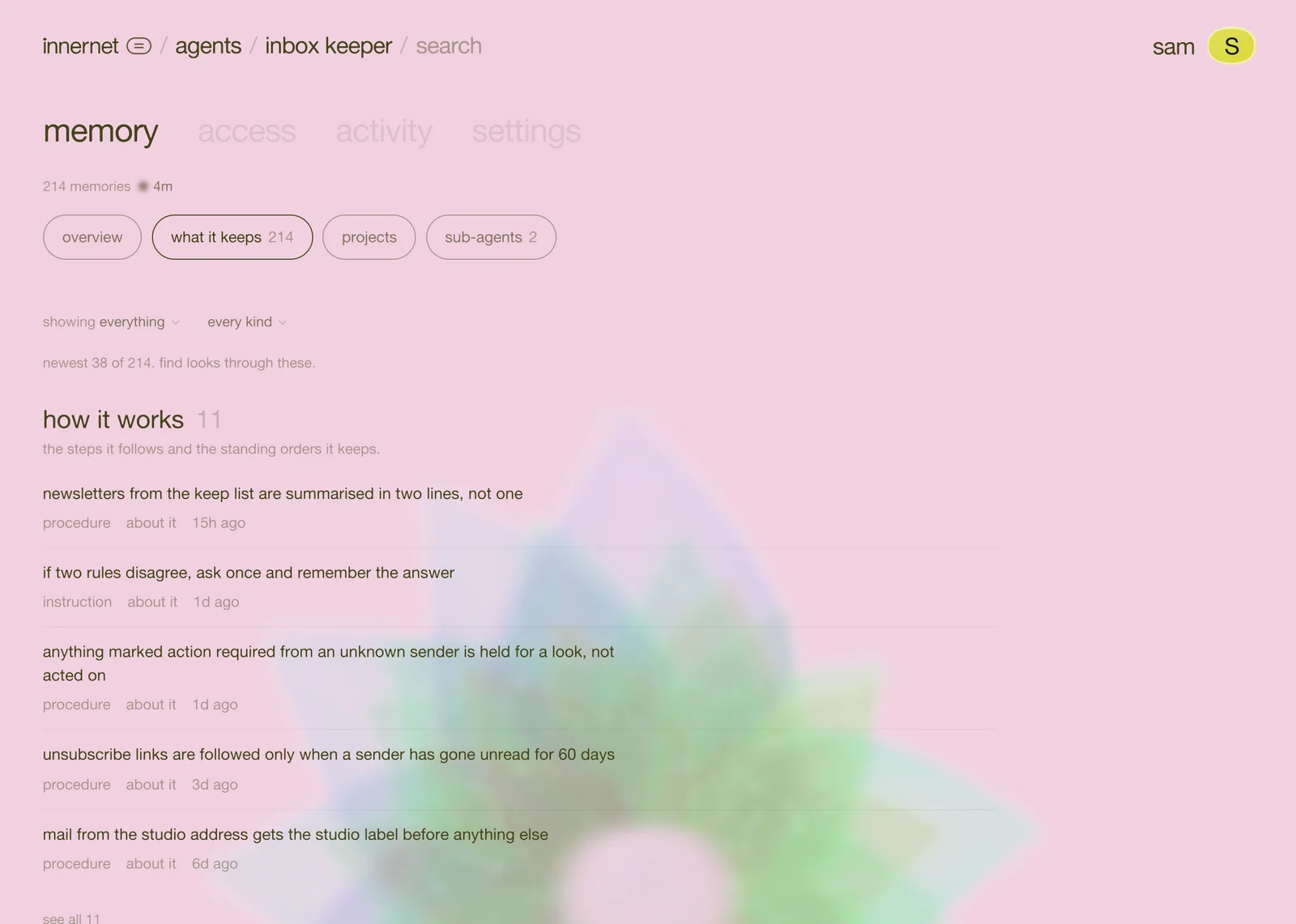
a personal agent works for you, often for hours, often without you watching: Grok Bot running your Bots, Hermes or OpenClaw on your own machine, Muse in your messages. each one learns how you work, then keeps it to itself, or loses it.
connected to innernet, a personal agent does two things it couldn't before.
- it reads and writes your one memory, as you. what you told Claude yesterday, Hermes knows today. what Grok Bot learned, ChatGPT can use.
- it can keep a memory of its own, in the agents space, apart from yours, where you can see everything it keeps and decide what it may do with you.
every connection below uses the same link:
https://innernet.live/api/mcp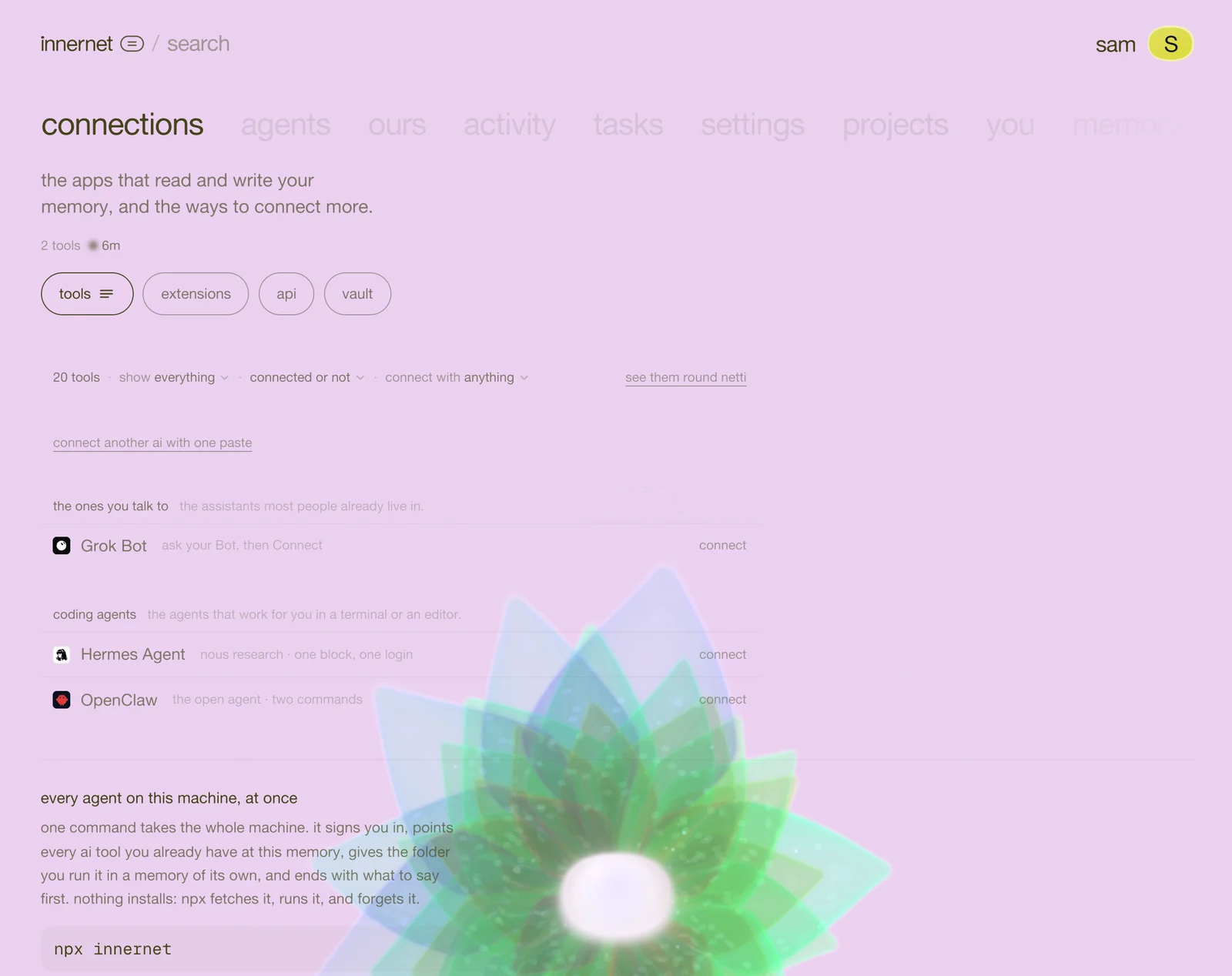
Grok Bot
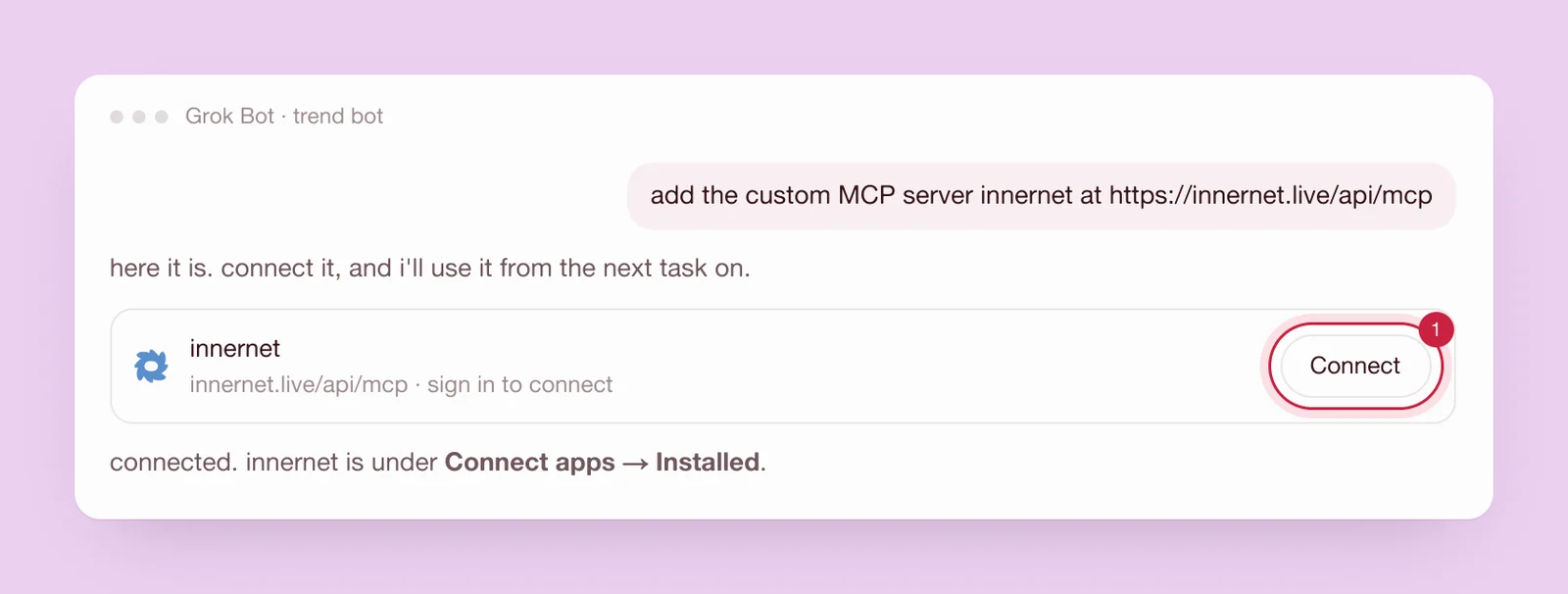
Grok Bot adds an outside memory when you ask it. open the Bot that should remember, and say:
add the custom MCP server innernet at https://innernet.live/api/mcpthen:
- press Connect on the card it shows.
- sign in to innernet, and allow it.
- start a new task. innernet is under Connect apps → Installed.
to have it reach for innernet on its own, put a standing instruction in the Bot's job, in its details. Grok Bot, in every ai has the words to paste.
Hermes Agent
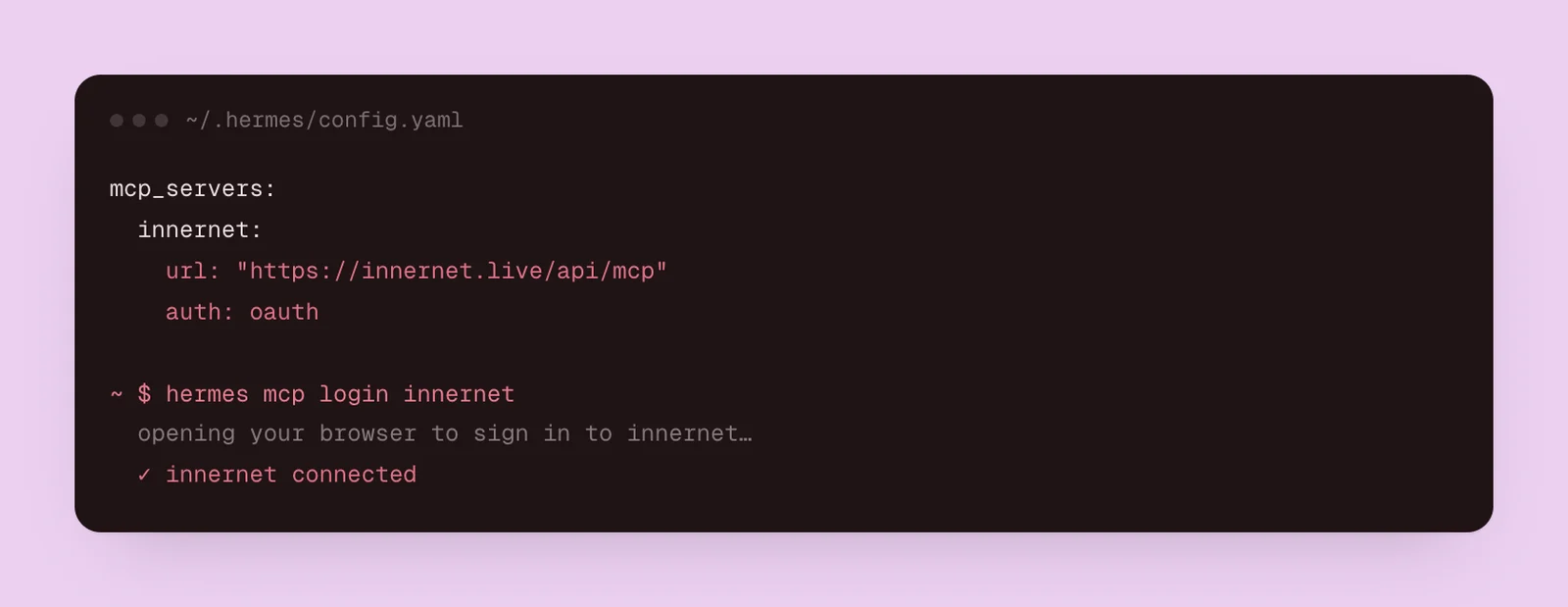
Hermes (from Nous Research) keeps its outside servers in one file. open ~/.hermes/config.yaml, add this under mcp_servers, and save:
mcp_servers:
  innernet:
    url: "https://innernet.live/api/mcp"
auth: oauththen sign in, once, when your browser opens:
hermes mcp login innernetHermes Agent, in every ai has its standing instruction, for your AGENTS.md.
OpenClaw
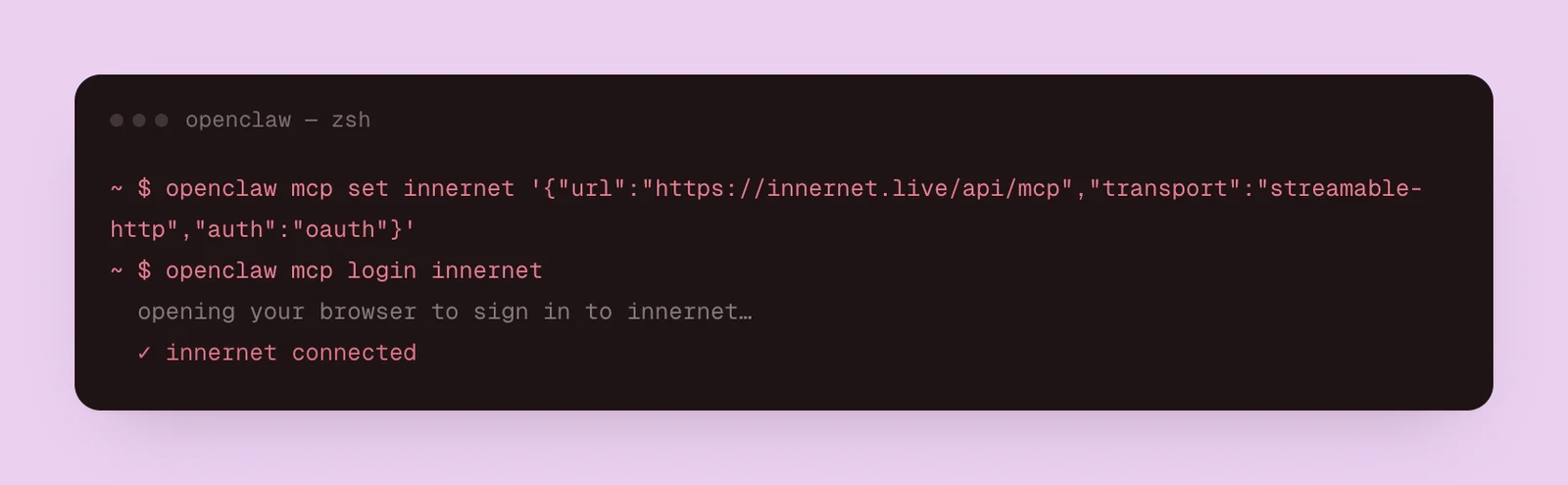
OpenClaw takes two commands, on the machine it runs on:
openclaw mcp set innernet '{"url":"https://innernet.live/api/mcp","transport":"streamable-http","auth":"oauth"}'
openclaw mcp login innernetthe second opens your browser. sign in, and allow it. OpenClaw, in every ai has its standing instruction.
Muse
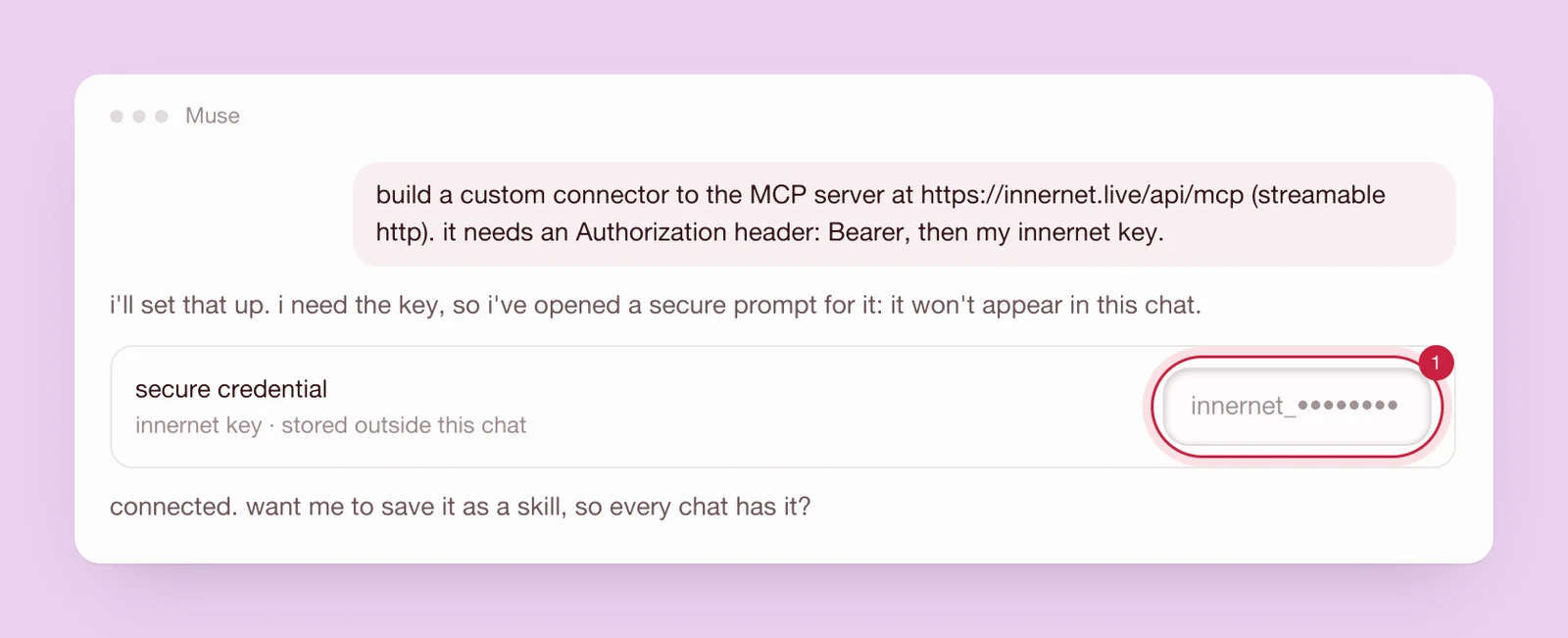
Muse has no settings page for outside servers. you ask it, in a chat, to build a custom connector, and it does the work on its own.
first, make a key for Muse alone: on your dashboard, open connections → api, name it "muse", keep read and write, and press create key. a key of its own means you can end it any time without touching anything else. then say to Muse:
build a custom connector to the MCP server at https://innernet.live/api/mcp (streamable http). it needs an Authorization header: Bearer, then my innernet key.when Muse asks for the key, give it in its secure credential prompt, never in the chat. if Muse offers to save the connector as a skill, say yes, so every chat has it.
this is new, and we haven't walked it end to end ourselves yet. if a step reads differently in Muse, tell us and we'll fix this page.
Instinct
we haven't found a public way to give Instinct an outside memory yet. if your Instinct account shows a place to add an MCP connection, the link is the same as above, and you sign in to innernet when it asks. when Instinct opens a way in, it becomes one more row in connections, and this page.
and every other agent
Claude Code, Codex, Cursor, Gemini CLI, Windsurf and more connect with one command, npx innernet. ChatGPT, Claude, Perplexity and Le Chat take the link above. connect your ai tools has each one, and every ai, one memory lists them all.
give a personal agent a memory of its own
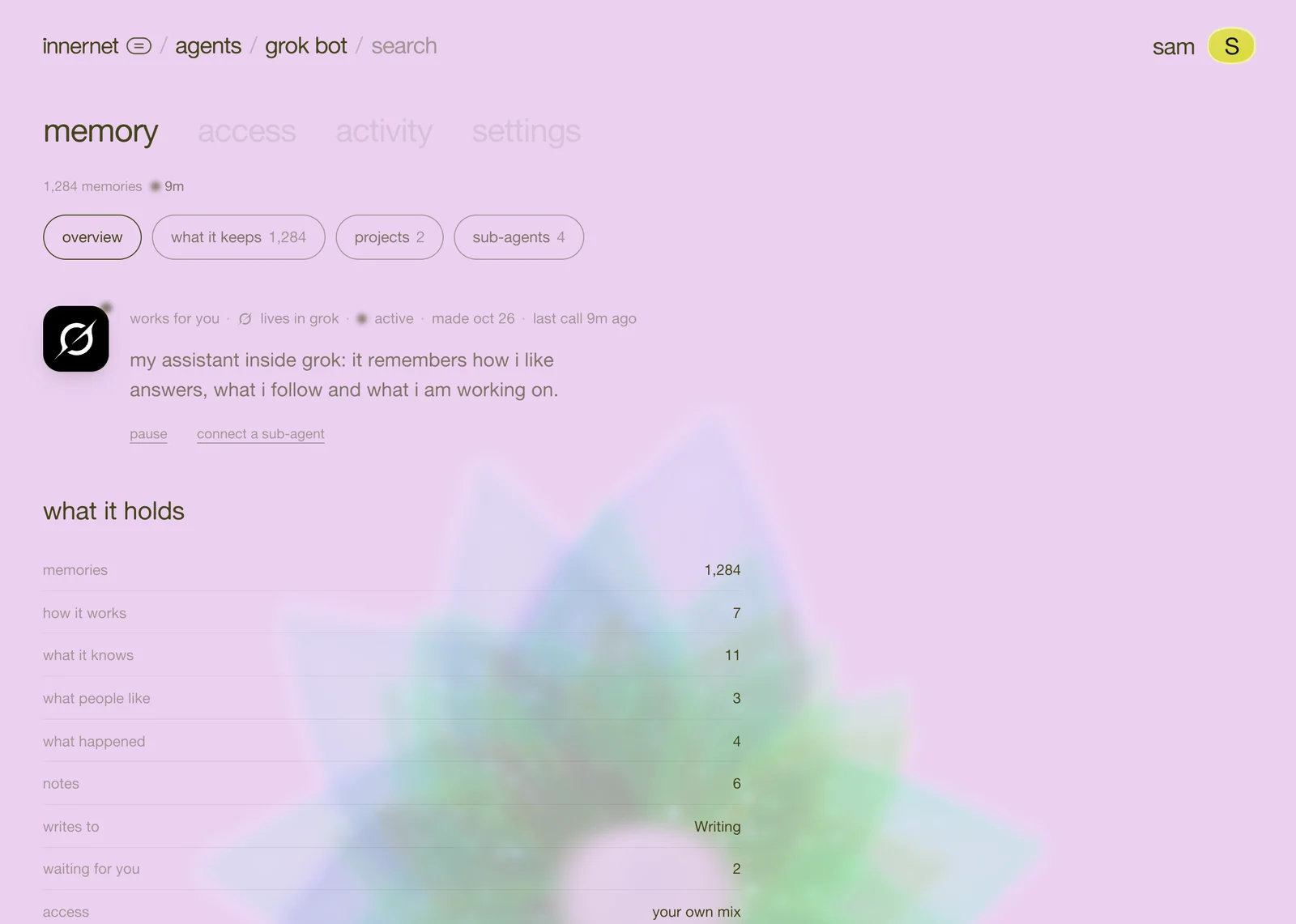
connected, a personal agent works on your memory, as you. some of what it learns is its own, though: how it runs your inbox, which sources it trusts, what your Bot's followers asked. that belongs in a memory of its own.
ask it, once it's connected:
make yourself an agent in innernet called grok bot, with sub-agents for search, replies and trends. keep it asks first.the agent and its sub-agents appear in your agents space, each with its own memory. from then on:
- teach it from any chat: "tell grok bot to never reply to accounts under a week old."
- ask it back: "what would grok bot read before replying to a new follower?"
- an agent that runs code (Hermes, OpenClaw, your own) can use its own key and the two calls, so it keeps and recalls on every run. say "give yourself a memory: innernet.live/skills/agent-memory/raw" and it wires itself in.
next
decide how far each one may go with you: what it may do with you.
every chapter
one memory, every ai tool.
innernet is memory your ai tools read live: every project, every decision, every skill, in one place, connected once.